
traw
Chrome extension that summarizes YouTube videosGet the key points of a video fast
Highlights
What you can do with it
- Summarize a one-hour video and grasp it in minutes
- Share an accurate summary with your team
- Understand long videos quickly on your phone
How to use it
- 1 Install the traw Chrome extension
- 2 Open a YouTube video
- 3 Let traw generate the summary and key points
- 4 Read the summary or share it with one click
Who it is for
Pros
- Saves time on long videos
- Multiple language support and one-click sharing
- Free version available for light use
Limitations
- Free version limits how many videos you can summarize each month
- Longer videos and integrations need the paid plan
- Summary accuracy can vary with audio quality and topic
What traw is
traw is a Chrome extension that uses AI to summarize YouTube videos. It automatically builds a concise summary of a video so you can understand the main content without watching it from start to finish. The tool offers a free version and a paid version. The free version allows a limited number of summaries each month, while the paid version adds a larger summary allowance, support for longer videos, and other features such as integration with other apps. Summaries support multiple languages and can be shared with friends in one click.
What you can do with it
- Summarize a YouTube video and read the key points
- Understand long videos in a fraction of the time
- Share a summary with friends or colleagues in one click
- Save bandwidth by reading instead of streaming
Who it is for
- Viewers who want the key points without full watch time
- People who share video summaries with friends or colleagues
- Mobile users who want to save data and bandwidth
What to watch out for
The free version caps how many videos you can summarize per month, so heavy users will need the paid plan, and pricing can change. Longer videos are limited to the paid version, so very long content may not fit the free tier. Summary accuracy depends on the video audio and topic, so treat the output as a guide and check the source for anything important. Since it runs as a browser extension, it only works where the extension is installed and supported. When quality matters, export a small draft first to confirm the result before producing the final file.
FAQ
Is traw free?
There is a free version with a monthly limit on summaries, plus a paid version for more.
What does it do?
It summarizes YouTube videos and pulls out the key points so you save time.
Can I share the summary?
Yes. Summaries support multiple languages and can be shared with one click.
Why it is free
What the official page says: free version
Free limits, trial length and features are decided by the official site and can change at any time.
Product preview
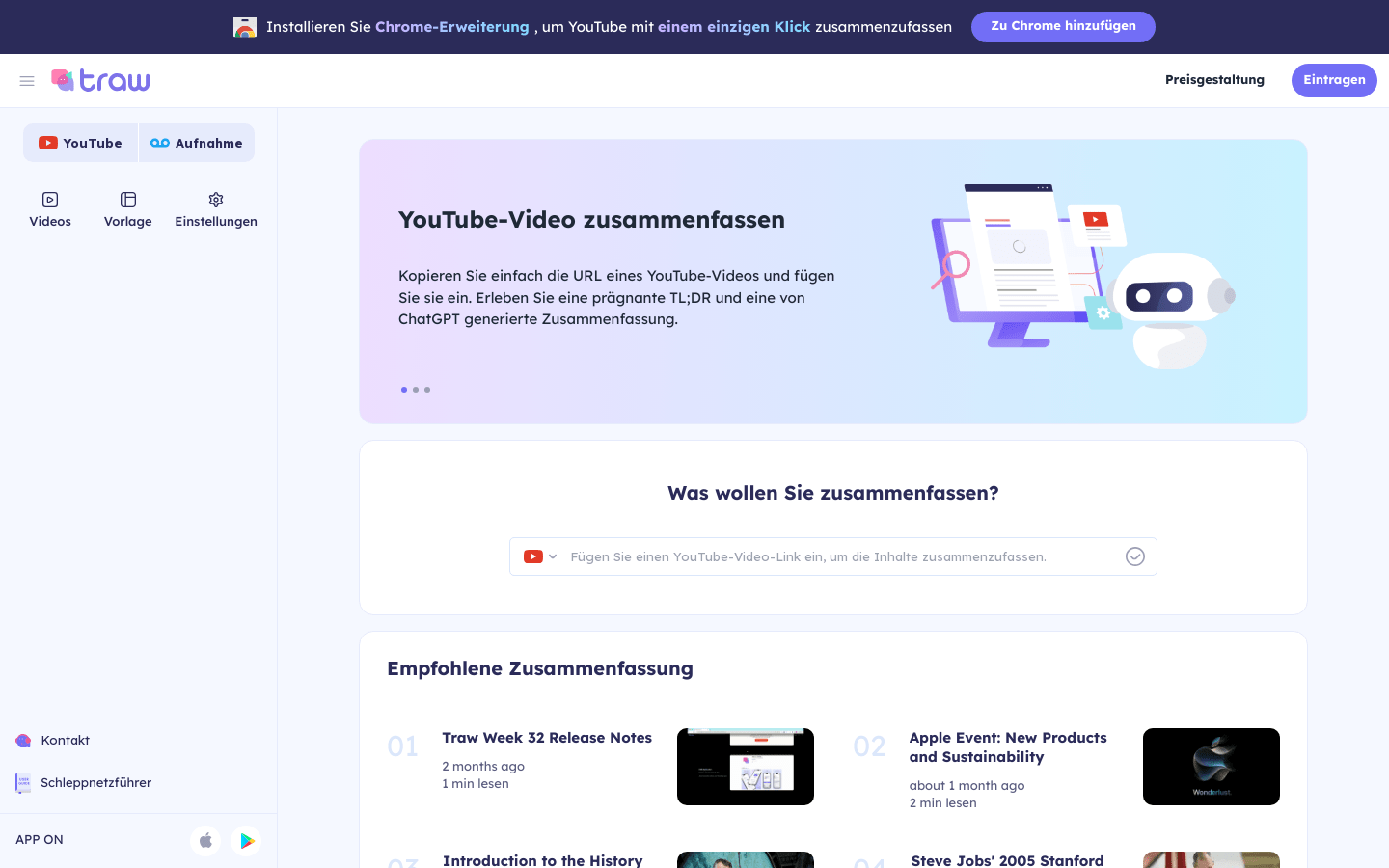
Screenshot archived from the listing page, for preview only.











