
trnscrb
Offline macOS transcriberTranscribe meetings offline on macOS
Highlights
What you can do with it
- Transcribe business meetings and search action items later
- Record and transcribe online classes
- Capture group discussions with a clear record of conclusions
How to use it
- 1 Install Homebrew if it is not already present
- 2 Run brew tap ajayrmk tap and brew install trnscrb
- 3 Run trnscrb install to configure BlackHole, tokens, and models
- 4 Join a meeting; recording starts automatically or via a command
- 5 Stop recording, then search the transcript in Claude Desktop
Who it is for
Pros
- Free to use
- Runs locally, so audio does not leave your machine
- Transcripts are searchable through Claude Desktop
Limitations
- macOS only, so Windows and Linux users are out of luck
- Setup needs Homebrew and comfort with the command line
- Local processing uses your computer's resources
What trnscrb is
trnscrb is an offline meeting transcription tool built for macOS. It monitors microphone activity and detects when meeting applications are in use, then starts recording on its own. You can record only the microphone, or both the microphone and system audio through the BlackHole virtual driver, which matters when you need to capture a remote participant. Transcription happens on your own machine using the Whisper model with Metal acceleration on Apple Silicon, so the audio itself does not need to travel to a server. Afterward, all meeting records are saved as plain text and become searchable inside Claude Desktop through an MCP tool. The product is described as free.
What you can do with it
- Detect meetings automatically and start recording without clicking anything
- Record microphone audio, or microphone plus system audio via BlackHole
- Transcribe on-device with the Whisper model and Metal acceleration
- Search every past transcript from Claude Desktop using MCP
- Use simple commands such as start recording and stop recording
- Keep meeting text in plain files you control
Who it is for
- Business people who need searchable records of what was decided
- Students recording online classes and group discussions
- Freelancers who handle client calls where accurate notes matter
It is a good fit for anyone on a Mac who wants private, offline transcription rather than a cloud service.
What to watch out for
trnscrb is macOS only, so Windows and Linux users cannot run it. Installation runs through Homebrew and a command line, which assumes some technical comfort, and setup also handles a virtual audio driver, HuggingFace tokens, and model downloads. Because transcription runs locally, it uses your computer's processor and memory, so long meetings on an older machine may be slow. Accuracy depends on audio quality and accents, and recording meetings still requires consent from participants and compliance with local rules. As a free tool, its availability and setup steps can change over time.
FAQ
Is trnscrb free?
Yes. The page describes the product as free.
Does it send audio to the cloud?
No. Transcription runs locally on Apple Silicon using the Whisper model with Metal acceleration.
Where do I find the transcripts?
They are saved as plain text and can be searched in Claude Desktop through the MCP tool.
Why it is free
What the official page says: 免费
Free limits, trial length and features are decided by the official site and can change at any time.
Product preview
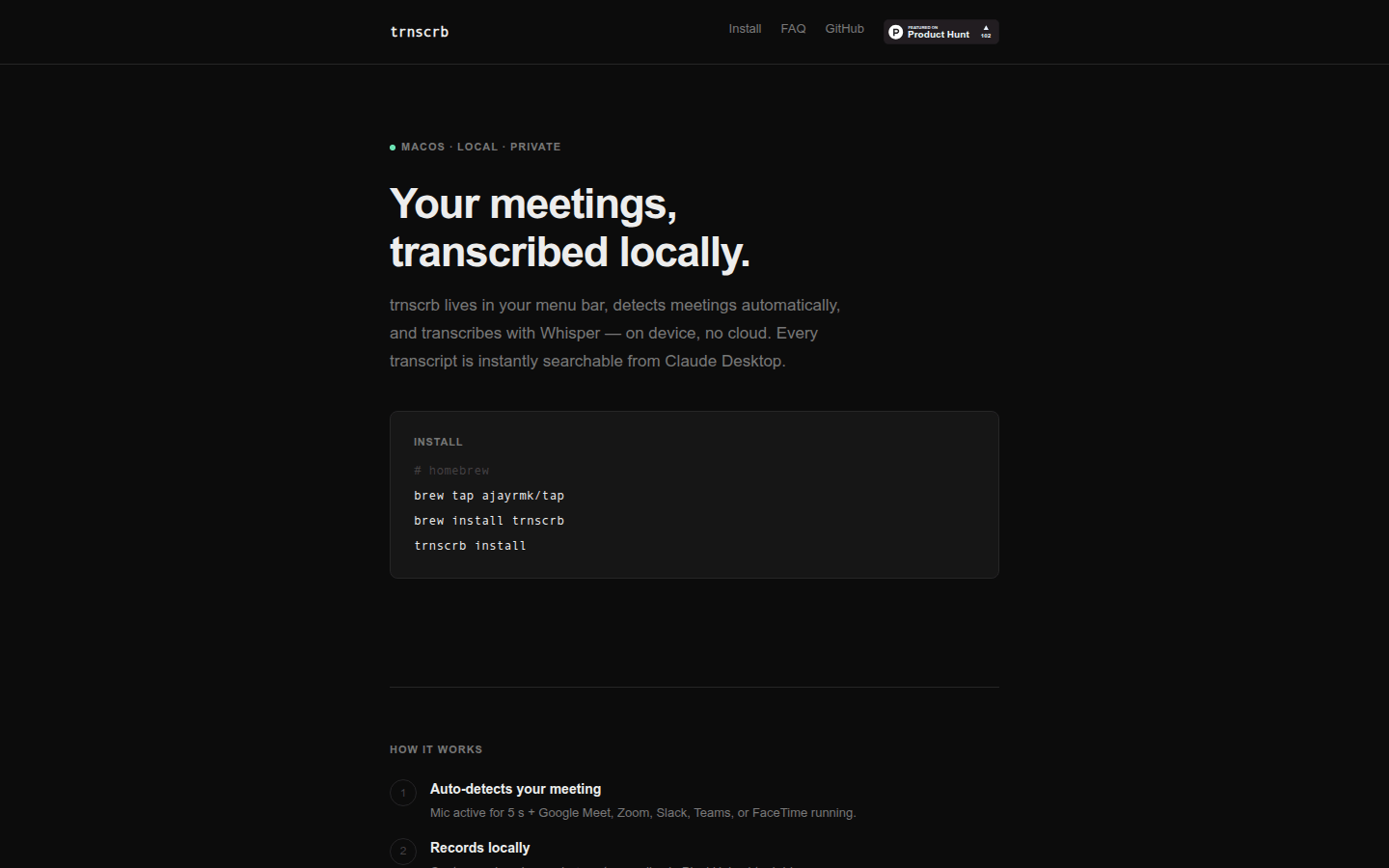
Screenshot archived from the listing page, for preview only.











