Trunk
AI DevOps platform for keeping CI stableFind and kill flaky tests before they slow you down
Highlights
What you can do with it
- A team sees which pull requests are blocked by flaky tests and fixes them
- A DevOps team finds why a pipeline became slow and acts on the analysis
- An engineer cuts merge time using the advanced merge queue
How to use it
- 1 Sign up at trunk.io
- 2 Connect your development tools such as GitHub, Linear and Jira
- 3 Integrate Trunk into your project, for example the AI Agent in pull requests
- 4 Configure flaky test rules and ticketing integration
- 5 Let Trunk monitor CI and use its debugging tools when something fails
- 6 Review the dashboards regularly and tune from the data
Who it is for
Pros
- Free trial available
- Works across many languages, test runners and CI providers
- Debugging help lands inside the tools you already use
Limitations
- Enterprise features sit behind a separate pricing plan
- Requires integration work before the analysis is useful
- AI root cause analysis is a hint, not always the fix
What Trunk is
Trunk is an AI DevOps platform built for development, DevOps and DevEx teams. It focuses on the parts of continuous integration that quietly eat hours: flaky tests, slow pipelines and failures that are hard to pin down. It watches test runs continuously, detects flaky cases, isolates them automatically and helps eliminate them, and it reads test data and runtime logs to explain why CI has become slow. When something fails, root cause explanations show up as inline comments in GitHub pull requests, Linear, Slack and VSCode, so the context arrives where you are already working. A free trial is available, with an enterprise plan that adds SAML, SSO and custom management configuration.
What you can do with it
- Detect, isolate and eliminate flaky tests automatically
- Analyse test data and logs to find what is slowing CI
- Read root cause explanations as inline comments in your tools
- Connect failures to Linear or Jira tickets automatically
- Track CI performance trends on a health dashboard
- Protect the main branch with an advanced merge queue
Who it is for
- DevOps teams accountable for pipeline stability
- DevEx teams keeping CI fast enough that developers trust it
- Development teams tired of rerunning the same failed build
- Organisations where merge queues are a bottleneck
What to watch out for
The free trial covers the entry point, and enterprise features such as SAML, SSO and custom management sit behind a separate plan. There is integration work up front: you need to connect GitHub, Linear, Jira and your test runners before the analysis means much. The AI fault analysis is a well informed hint rather than a guaranteed fix, so treat its explanations as a starting point for your own investigation. One reported case had a senior engineer at Faire cut a merge process from 30 minutes to 2 minutes, but results like that depend on your own setup and workflow.
FAQ
What problem does Trunk solve?
It targets flaky tests, slow CI and hard to debug failures so teams can keep continuous integration stable.
Where do the explanations appear?
Inline comments are used in GitHub pull requests, Linear, Slack and VSCode to explain root causes.
Is there a free trial?
Yes. There is a free trial, plus an enterprise plan with SAML, SSO and custom management configuration.
Why it is free
What the official page says: free trial
Free limits, trial length and features are decided by the official site and can change at any time.
Product preview
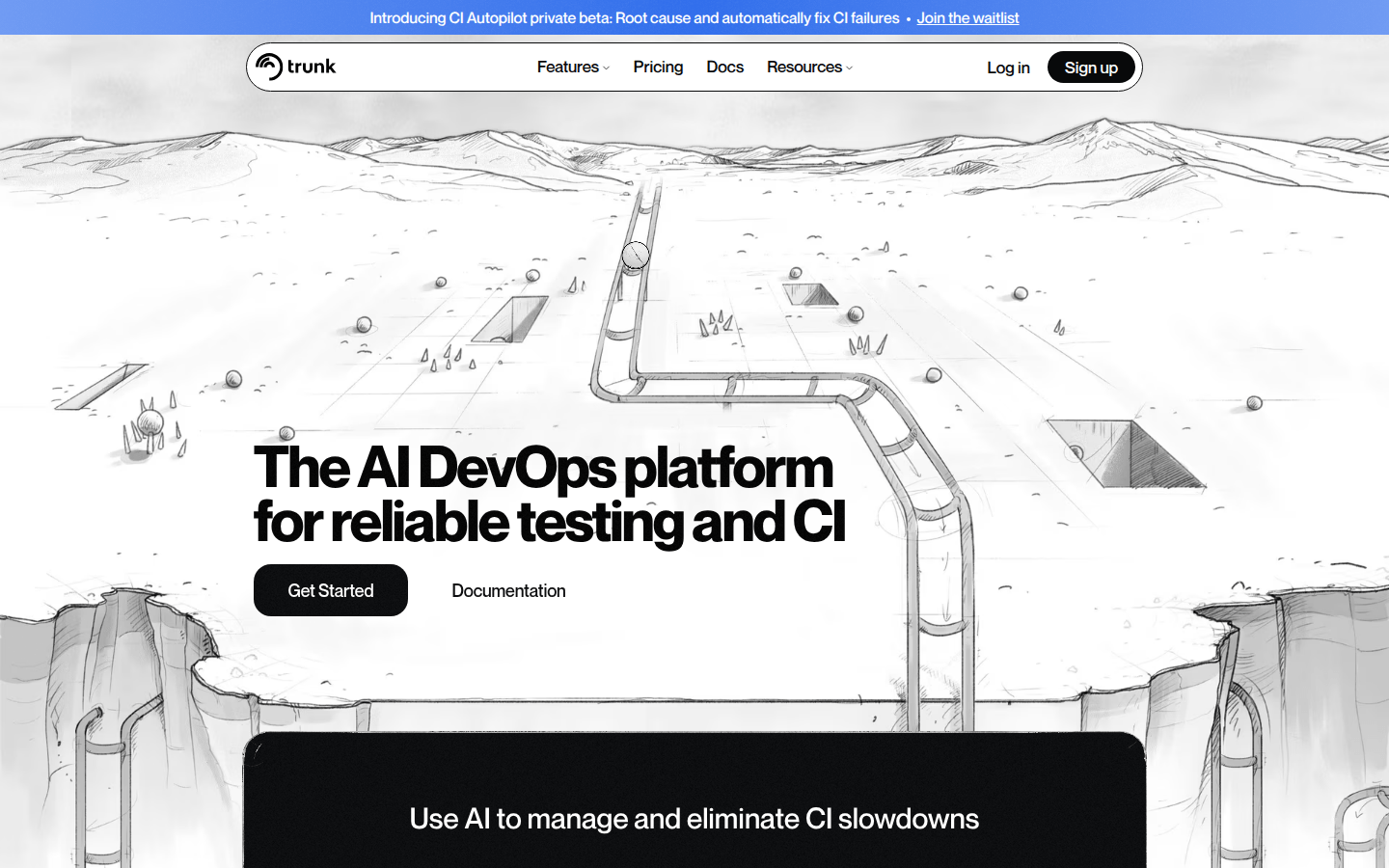
Screenshot archived from the listing page, for preview only.