
TubeSum
Chrome extension for YouTube summariesSummarize YouTube videos while you watch
Highlights
What you can do with it
- Students grasping long lecture videos
- Tech fans reading quick takes on detailed reviews
- Listeners sampling long podcast episodes
How to use it
- 1 Install the TubeSum extension from the Chrome store
- 2 Open a YouTube video
- 3 Activate TubeSum to generate the summary
- 4 Read the summary and decide what to watch
Who it is for
Pros
- Free basic functionality
- Summaries appear right on the YouTube page
- Saves time on long videos
Limitations
- Advanced features require a paid plan
- Summary accuracy varies with the video
- It works on YouTube only
What TubeSum is
TubeSum is a Chrome extension that summarizes YouTube videos. Long videos eat time, so the extension condenses them into a short summary right on the page. You can use that summary to decide whether the full video is worth watching, or to grasp the key points without sitting through the whole thing. The tool is aimed at learning, keeping up with technology reviews, and sampling long podcast style content.
What you can do with it
- Summarize a YouTube video directly in the browser
- Get concise key points instead of watching in full
- Decide faster which videos deserve your time
- Use summaries for study, review, and podcast content
Who it is for
- Students who learn from video lectures
- Professionals tracking detailed reviews and updates
- Listeners and viewers who want digests of long content
What to watch out for
Basic functionality is free, but advanced features sit behind paid subscription plans, and those terms can change. Summary quality depends on the video: clear speech summarizes well, while noisy audio, heavy slang, or fast visual demonstrations can produce thinner results. It only works on YouTube, so other platforms are out of scope, and important details should always be confirmed against the source video. Free tiers and usage limits can change, so check the current rules on the official page before relying on it long term. Processing speed depends on file size and network conditions, so retry later if a task stalls during peak hours. When quality matters, export a small draft first to confirm the result before producing the final file. Generated suggestions are for reference only, so verify anything that affects professional judgment or important data.
FAQ
What is TubeSum?
It is a Chrome extension that summarizes YouTube videos with AI.
Is it free?
Basic functionality is free, and paid plans unlock advanced features.
What is it good for?
It helps with lectures, detailed reviews, and long podcast style content.
Why it is free
What the official page says: for free
Free limits, trial length and features are decided by the official site and can change at any time.
Product preview
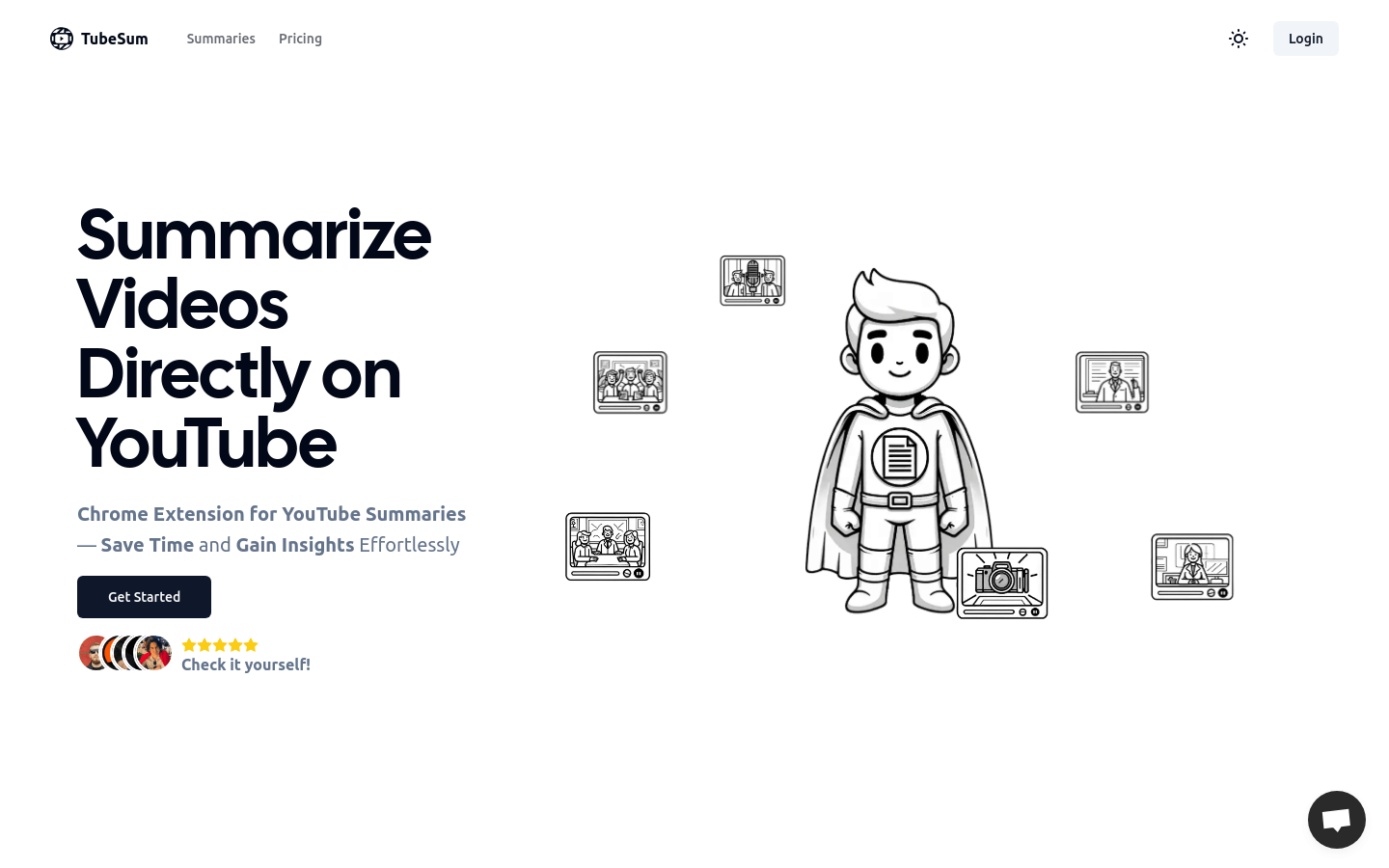
Screenshot archived from the listing page, for preview only.











