
TurboLens
One-stop OCR platformTurn images into text, data, and insights
Highlights
What you can do with it
- Extract data from paper images
- Convert contract scans to Excel
- Digitize handwritten notes
How to use it
- 1 Register an account
- 2 Pick a free or paid plan
- 3 Create a workflow for your documents
- 4 Upload images and extract the text
Who it is for
Pros
- Handles print and handwriting
- Converts tables and formulas
- Workflows save repeat work
Limitations
- An account is required to start
- Advanced features sit on paid plans
- Scans should be checked before use
- Quality depends on image clarity
What TurboLens is
TurboLens is an OCR platform that combines optical character recognition, computer vision, and generative AI. It reads printed and handwritten documents, extracts insights, translates images while keeping the layout, and converts formulas to LaTeX and tables to Excel. The pitch is structured output instead of manual retyping. You can build, save, and reuse workflows for repeat jobs. Use cases include researchers pulling data from paper images, companies turning contract scans into spreadsheets, and educators digitizing handwritten notes. Both free and paid plans are available, and you register an account to start.
What you can do with it
- Run OCR on printed and handwritten documents
- Translate images while preserving the original layout
- Convert formulas to LaTeX and tables to Excel
- Create and reuse workflows for repeat tasks
- Pull insights out of scans instead of retyping them
Who it is for
- Researchers working with papers and scans
- Business users processing document images
- Educators and students digitizing notes
What to watch out for
You need an account to use the platform, and advanced features and volume sit on the paid plans. Scans and handwriting should be checked before you rely on them, since output quality depends on image clarity. It is strong on structured extraction, but treat the results as a first pass that you verify, especially for anything numeric or contractual where a small error matters. Keep the original images so you can compare the extracted text against the source. For team use, agree on naming and editing conventions in advance to avoid version conflicts or duplicated work. Name and archive exported files consistently so you can find and reuse them, and keep a backup copy of key data.
FAQ
What does TurboLens do?
OCR, translation, and formula and table conversion.
Is there a free plan?
Yes, both free and paid plans exist.
What can it output?
Editable text, LaTeX formulas, and Excel tables.
Why it is free
What the official page says: 免费
Free limits, trial length and features are decided by the official site and can change at any time.
Product preview
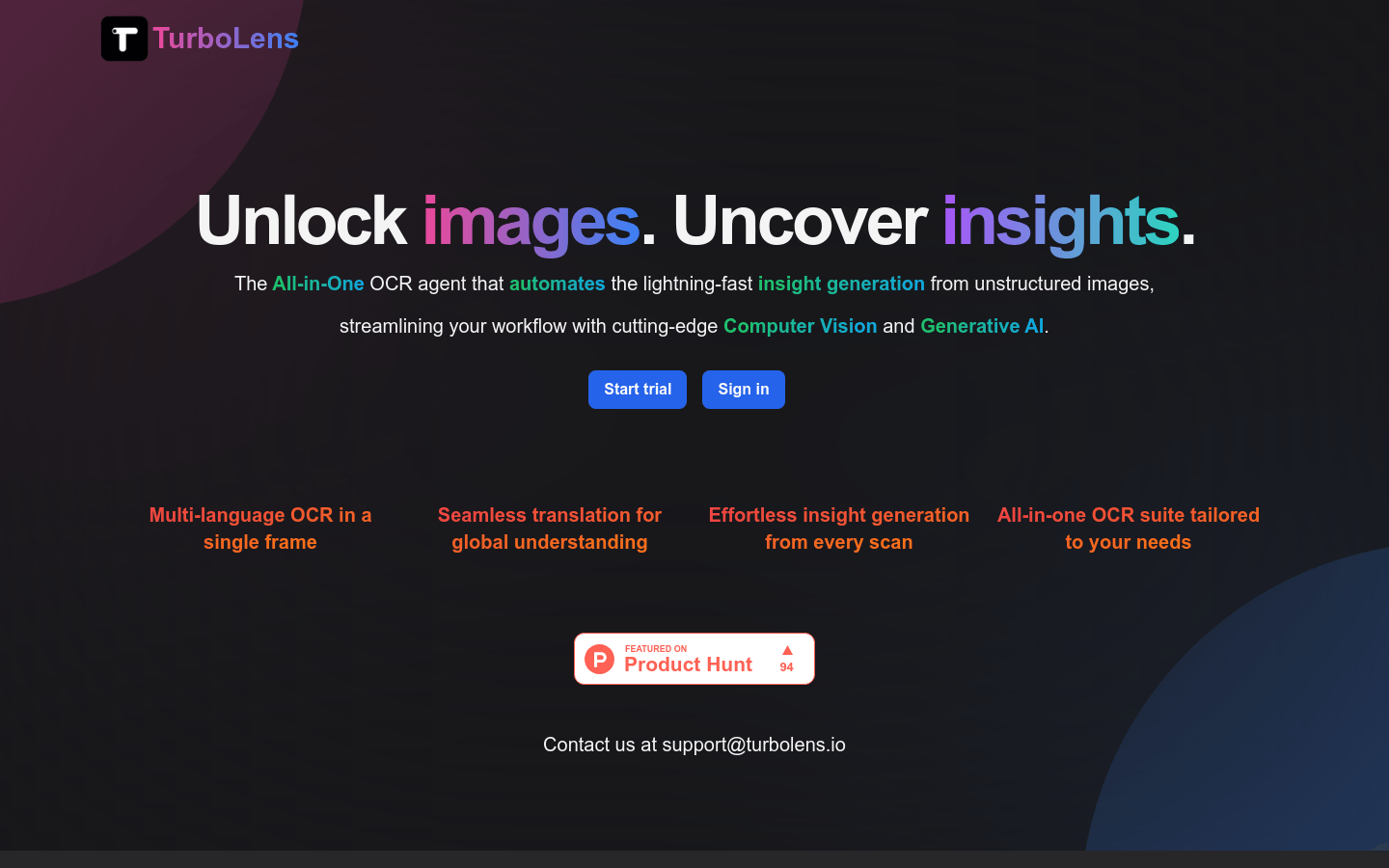
Screenshot archived from the listing page, for preview only.











