
TweetAssist.AI
AI assistant for tweets and repliesTweet ideas and instant fan replies
Highlights
What you can do with it
- Coming up with post ideas when you are stuck
- Replying to followers quickly
- Keeping a consistent voice across posts
How to use it
- 1 Install the Chrome extension
- 2 Open Twitter and pick a topic or post
- 3 Let the AI suggest tweets or replies
- 4 Edit the draft
- 5 Publish when you are happy
Who it is for
Pros
- Free version available
- You review everything before posting
- Tone can be customized
- Works inside the browser
Limitations
- Paid subscription needed for heavier use
- Free version limits are not specified
- Depends on Twitter's interface staying stable
- AI suggestions still need your judgment
What TweetAssist.AI is
TweetAssist.AI is an AI-powered Chrome extension for Twitter. Its job is to take the friction out of posting: you give it a topic or point it at a post, and it generates tweet ideas or replies you can then review and edit before anything goes live. The listing is clear that you stay in control, since every suggestion passes through you first. Alongside idea generation, it offers instant replies to fans, and you can customize the style and tone so the output sounds like you rather than a generic bot. There is a free version to try and a paid subscription for people who need more.
What you can do with it
- Generate tweet ideas from a topic you choose
- Draft replies to fan messages quickly
- Adjust style and tone to match your voice
- Review and edit every suggestion before posting
- Use it inside the browser while you work in Twitter
Who it is for
- Creators who post daily and run out of ideas
- Community managers answering a steady stream of replies
- Marketers testing different angles and hooks
- Anyone who wants a drafting partner rather than an autoposter
What to watch out for
Because it runs as a browser extension on Twitter, any change to Twitter's interface can break parts of it until the developer catches up. The free version is a trial tier, and the listing does not say how many generations it includes, so check limits before you plan a posting schedule around it. Suggestions are drafts, not finished posts: tone can drift, and a reply that reads as automated can do more harm than no reply at all. Finally, treat it as a writing aid, and make sure anything you publish still sounds like something you would actually say.
FAQ
What is TweetAssist.AI?
It is an AI-powered Chrome extension that helps you write tweets and replies on Twitter.
Is there a free version?
Yes, the listing mentions a free version alongside a paid subscription.
Can I edit what it writes?
Yes. You can review and edit the AI-generated content before publishing.
Why it is free
What the official page says: free version
Free limits, trial length and features are decided by the official site and can change at any time.
Product preview
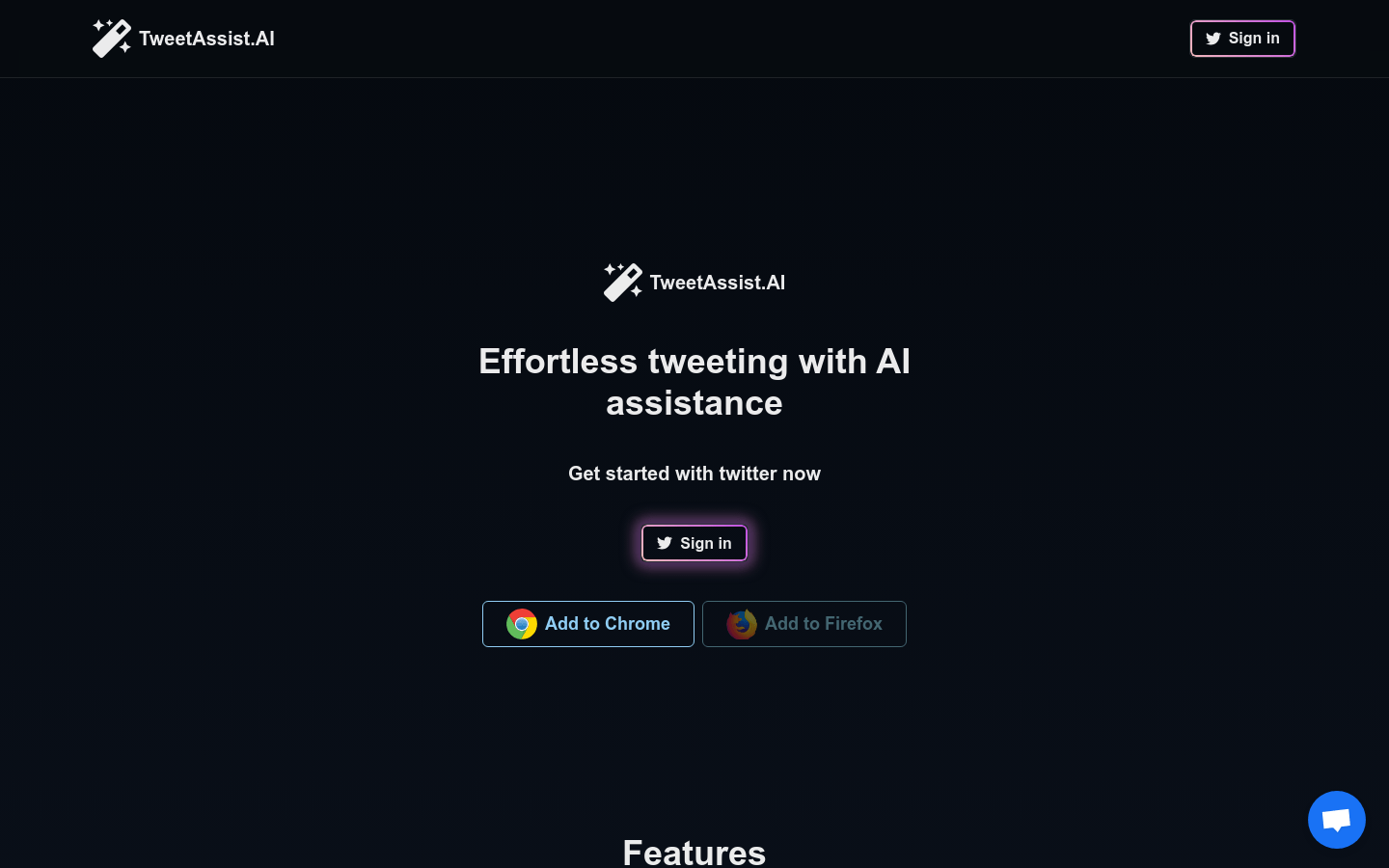
Screenshot archived from the listing page, for preview only.











