
Tweeteasy
AI tool for building a personal brand on XCreate captivating posts with AI
Highlights
What you can do with it
- Generate interesting posts to attract more followers
- Improve the tone of a post to look more professional
- Translate existing tweets into English to reach a wider audience
How to use it
- 1 Open Tweeteasy in your browser.
- 2 Choose the task you want, such as writing a post or a reply.
- 3 Enter your idea or select the content to improve.
- 4 Let the AI generate or refine the text.
- 5 Adjust tone, emojis, or translation as needed, then post.
Who it is for
Pros
- Covers writing, replies, tone, emojis, and translation in one place
- A free option plus a free trial lowers the barrier to trying it
- Helps non-native English speakers post in clear English
Limitations
- Full features sit behind paid plans after the free trial
- Generated posts still need your own voice and review
- It depends on X and Twitter, whose rules and access can change
What Tweeteasy is
Tweeteasy is an AI tool for building a personal brand on X and Twitter. It helps you write posts and replies, adjust tone, add emojis, correct spelling and grammar, and translate tweets into English. The aim is to let you show wit, humor, and professionalism while connecting with a community. It suits individuals, creators, and professionals who want a stronger presence, and it offers a free option, paid plans, and a free trial.
What you can do with it
- Generate engaging posts and reply ideas to keep your feed active
- Adjust the tone of your writing and add emojis to shape your voice
- Fix spelling and grammar before you post
- Translate tweets into English to reach a wider audience
Who it is for
- Individuals building a personal brand on X or Twitter
- Creators who post often and need a steady stream of ideas
- Professionals who want a polished, consistent online presence
What to watch out for
Some features sit behind paid plans, so the free trial only shows part of what it can do. Generated posts still need your own review to sound authentic, since AI text can feel generic. The tool also depends on X and Twitter, and those platforms can change their rules, access, or APIs at any time, which may affect how the tool works. For team use, agree on naming and editing conventions in advance to avoid version conflicts or duplicated work. Name and archive exported files consistently so you can find and reuse them, and keep a backup copy of key data. When quality matters, export a small draft first to confirm the result before producing the final file.
FAQ
What does Tweeteasy do?
It helps you write posts and replies, adjust tone, add emojis, fix grammar, and translate tweets into English.
Is there a free version?
Yes. Pricing includes a free option, paid plans, and a free trial.
Can it help me grow my audience?
It gives you post and reply ideas, but growth still depends on your content and consistency.
Why it is free
What the official page says: free trial
Free limits, trial length and features are decided by the official site and can change at any time.
Product preview
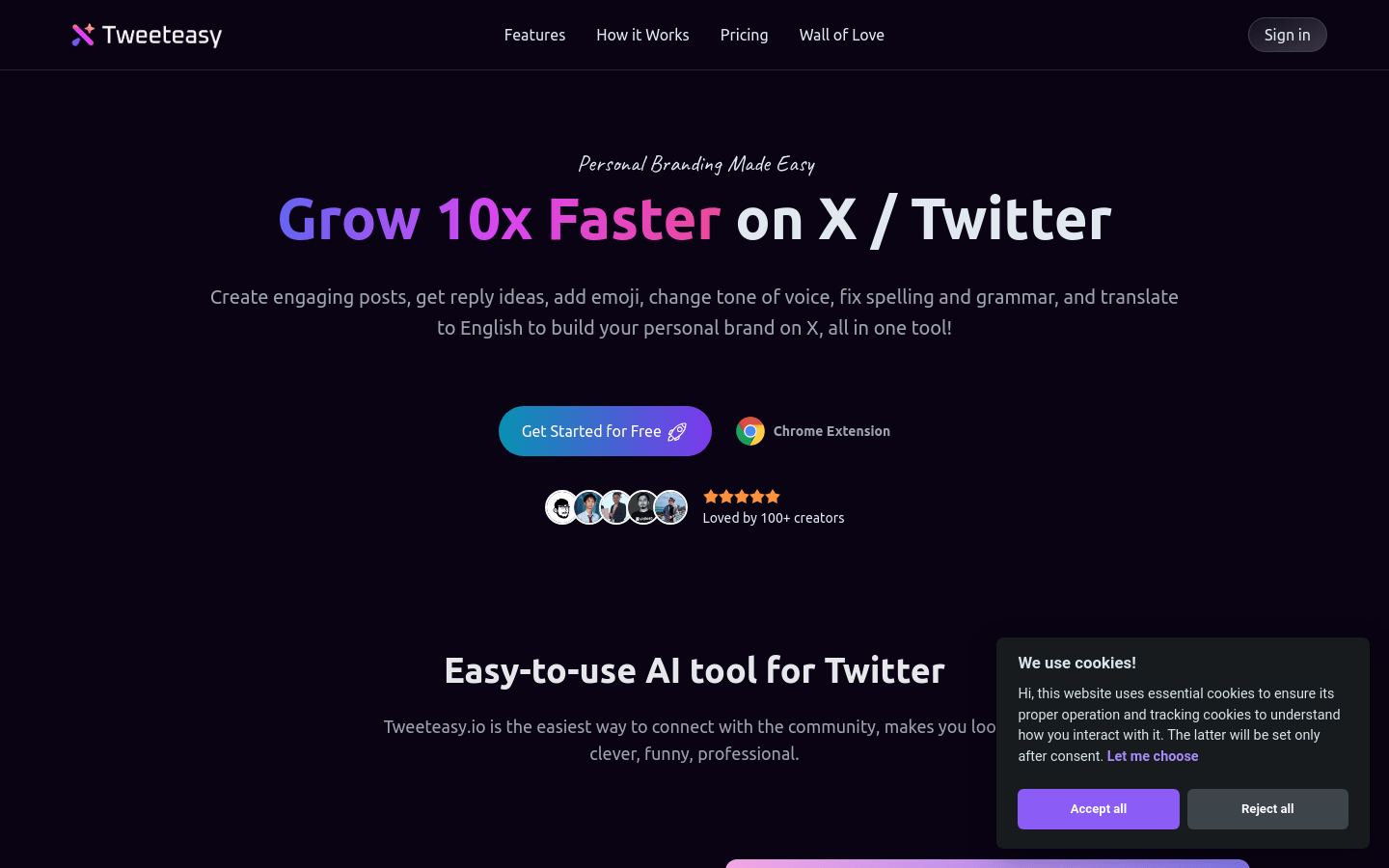
Screenshot archived from the listing page, for preview only.











