
TwitterBio
Scheduler for Twitter threads and media postsPlan tweets and threads, publish them automatically
Highlights
What you can do with it
- Queue a week of tweets and threads in one sitting
- Schedule image and video posts for consistent publishing
- Manage social content without manual posting
How to use it
- 1 Open twitterbio.com and create an account.
- 2 Write the thread, tweet, or media post you want to schedule.
- 3 Choose the date and time for it to go live.
- 4 Save the schedule and let the tool publish automatically.
Who it is for
Pros
- Handles threads plus image and video posts in one place
- Auto-publishing removes manual posting
- Free tier available before any premium upgrade
Limitations
- Advanced scheduling sits behind premium plans
- Free features are limited compared with paid tiers
- Free rules and pricing may change over time
What TwitterBio is
TwitterBio is a scheduling tool for Twitter. It handles threads, tweets, images, and videos, letting you plan content in advance and have it publish automatically at the times you choose. Instead of posting each item by hand, you set the schedule once and the tool runs it in the background. Multi-part threads can be planned as one unit so a long post goes out in order. The service is free to use, and premium features and plans are offered for users who need more than the basic tier. It is aimed at people who manage Twitter accounts and want a steadier posting rhythm without watching the clock or staying online to publish. The tool works as a simple scheduling layer for social media management, suited to creators and managers who post on a regular cadence.
What you can do with it
- Schedule threads and tweets ahead of time
- Queue image and video posts for automatic publishing
- Keep a consistent posting schedule without manual timing
- Plan a batch of content in one sitting instead of posting daily
Who it is for
- Social media managers who post on a regular cadence
- Creators who batch-write threads and tweets
- Anyone who wants content to go live without being online
What to watch out for
The free version covers basic scheduling, while premium features sit behind paid plans, so heavy users should expect to upgrade. The public product description is brief, so check the site for the current feature list before you depend on it. Scheduling relies on the service running smoothly, and free terms or pricing can change. If an account connection drops, posts can be delayed, so keep a manual backup for time-sensitive announcements. Twitter's own platform rules also affect what you can post and how often, so keep automation within those limits and review anything that publishes automatically.
FAQ
What does TwitterBio do?
It schedules Twitter threads, tweets, images, and videos so they publish automatically at set times.
Is it free?
The tool offers free use, with premium features and plans for more advanced needs.
What content types can I schedule?
You can schedule threads, tweets, images, and videos.
Why it is free
What the official page says: 免费使用免费
Free limits, trial length and features are decided by the official site and can change at any time.
Product preview
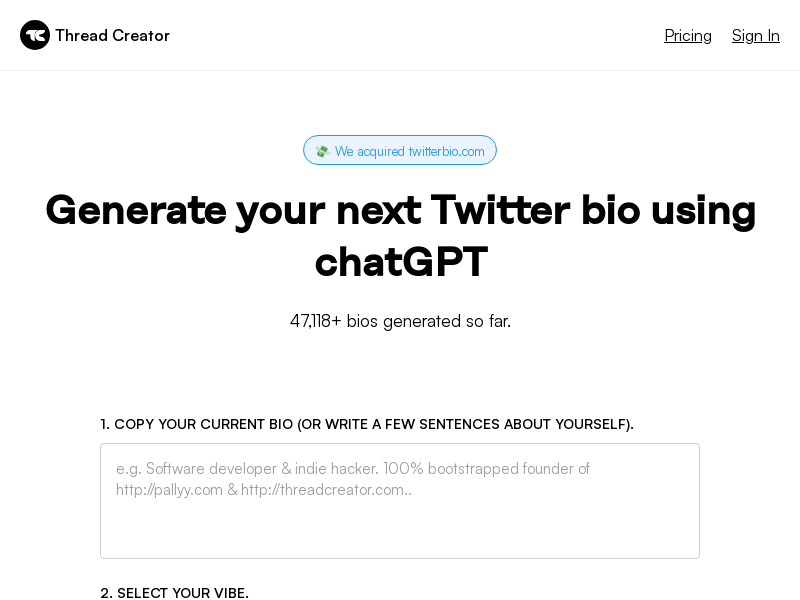
Screenshot archived from the listing page, for preview only.











