
Typegrow
AI tool to grow on LinkedInCreate, schedule, and publish better posts
Highlights
What you can do with it
- Generate and schedule LinkedIn posts
- Create carousels and hooks for engagement
- Grow followers with consistent publishing
How to use it
- 1 Sign up on Typegrow and pick a plan
- 2 Use the AI assistant to draft a post or carousel
- 3 Schedule it for the best time and publish
Who it is for
Pros
- AI writing plus scheduling in one tool
- Extras like carousel and hook generators
- Free plan to start
Limitations
- More features need a paid plan
- Plan terms and pricing can change
- Built for LinkedIn, not other platforms
What Typegrow is
Typegrow is an AI tool made for LinkedIn. It helps you craft, generate, and publish better content so you can grow your audience more quickly. You can create and schedule posts, then publish them at times chosen to get more exposure, engagement, and followers. Beyond plain posts, it includes growth tools such as a carousel generator, a hook generator, and a post preview so you can see how a post will look before it goes live. The aim is to save time and energy while improving results. Typegrow offers both free and paid plans.
What you can do with it
- Draft and generate LinkedIn posts with an AI assistant
- Schedule content to publish at better times
- Create carousels for more engaging posts
- Generate hooks to grab attention in the feed
- Preview a post before publishing it
- Save time while aiming to grow followers
Who it is for
- Professionals building a presence on LinkedIn
- Creators who post on LinkedIn regularly
- Marketers trying to grow an audience and engagement
- Busy users who want scheduling plus writing in one tool
What to watch out for
More features and higher limits sit behind paid plans, and those plans and prices can change, so confirm current details before you commit. The tool is built only for LinkedIn, so it will not help if your main platform is elsewhere. AI-drafted posts still need your own voice and review, since generic content tends to perform poorly. Processing speed depends on file size and network conditions, so retry later if a task stalls during peak hours. Run one full task end to end first, then expand once you are comfortable with the workflow and the result quality.
FAQ
What is Typegrow for?
It helps you create, schedule, and publish better LinkedIn content to grow your audience.
What tools are included?
An AI assistant, scheduled posting, a carousel generator, a hook generator, and post preview.
Is there a free plan?
Yes, Typegrow offers free and paid plans.
Why it is free
What the official page says: 免费
Free limits, trial length and features are decided by the official site and can change at any time.
Product preview
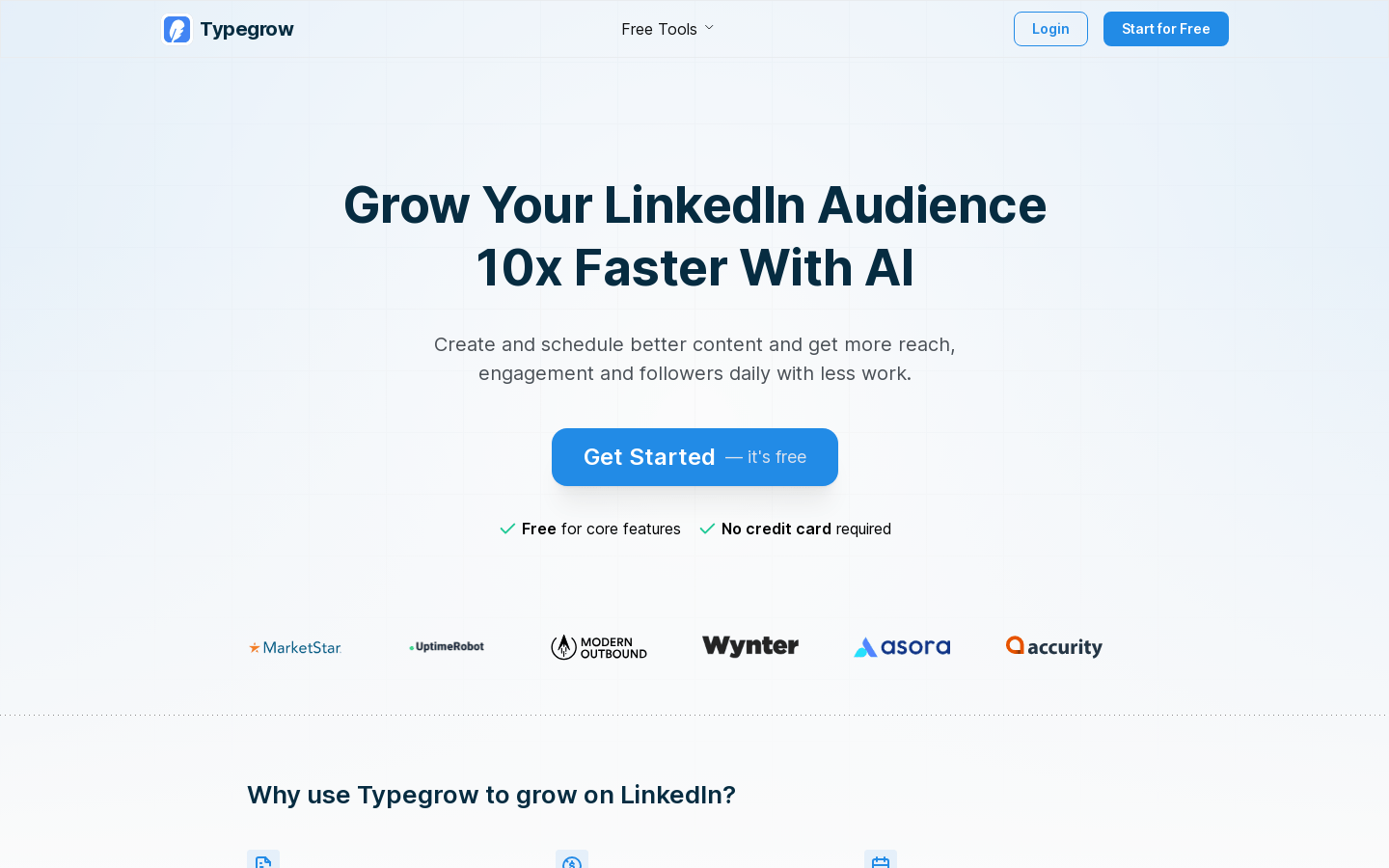
Screenshot archived from the listing page, for preview only.











