
Typesetterr
Automated formatting for daily writingSimplify the writing workflow with automation
Highlights
What you can do with it
- Publish a formatted blog post on Blogger
- Draft and publish a news article quickly
- Format a manuscript and export it as an ebook
How to use it
- 1 Open Typesetterr and start a document
- 2 Write or paste your draft
- 3 Apply instant formatting
- 4 Use AI prompt guidance when you need direction
- 5 Publish or export, upgrading to the professional version for unlimited documents and AI editing
Who it is for
Pros
- Free version available
- Formatting happens instantly
- Multilingual support
- Professional tier covers unlimited publishing and AI editing
Limitations
- AI-assisted editing and unlimited publishing sit behind the paid version
- Automation still needs review before publishing
- Free limits can change
- Best results assume you already have a draft to work with
What Typesetterr is
Typesetterr is a writing tool that automates the formatting part of a writer's daily workflow. Writers often spend as much time fixing spacing, headings, and export settings as they do drafting. This tool takes over that layer: you write or paste a draft, it applies formatting instantly, and you move toward publishing. Multilingual support and AI prompt guidance help when the words themselves are the problem. A free version covers the basics, while the professional version adds AI-assisted editing, unlimited documents and publishing, and priority support.
What you can do with it
- Format drafts instantly instead of cleaning them by hand.
- Write and publish blog posts directly.
- Draft news articles against a deadline.
- Format a manuscript and export it as an ebook.
- Use AI prompt guidance when you are stuck.
Who it is for
- Bloggers who publish on a fixed schedule.
- News editors who need clean copy fast.
- Authors preparing longer manuscripts for export.
What to watch out for
The strongest features, including AI-assisted editing and unlimited publishing, belong to the professional version, so the free tier is a trial rather than a full workspace. Automation does not replace editing, and formatted output still needs a read-through before it goes live. The tool assumes you arrive with a draft, and both the free limits and pricing can change. For team use, agree on naming and editing conventions in advance to avoid version conflicts or duplicated work. Name and archive exported files consistently so you can find and reuse them, and keep a backup copy of key data. Save a backup of the original file before large batch jobs, and keep an exported copy of key results in case the page or service becomes temporarily unavailable.
FAQ
Is there a free version?
Yes, Typesetterr offers a free version, and the professional version adds more.
What does the professional version add?
AI-assisted editing, unlimited documents and publishing, and priority support.
What can I format?
Blog posts, news articles, copywriting, and documents that can be exported as ebooks.
Why it is free
What the official page says: free version
Free limits, trial length and features are decided by the official site and can change at any time.
Product preview
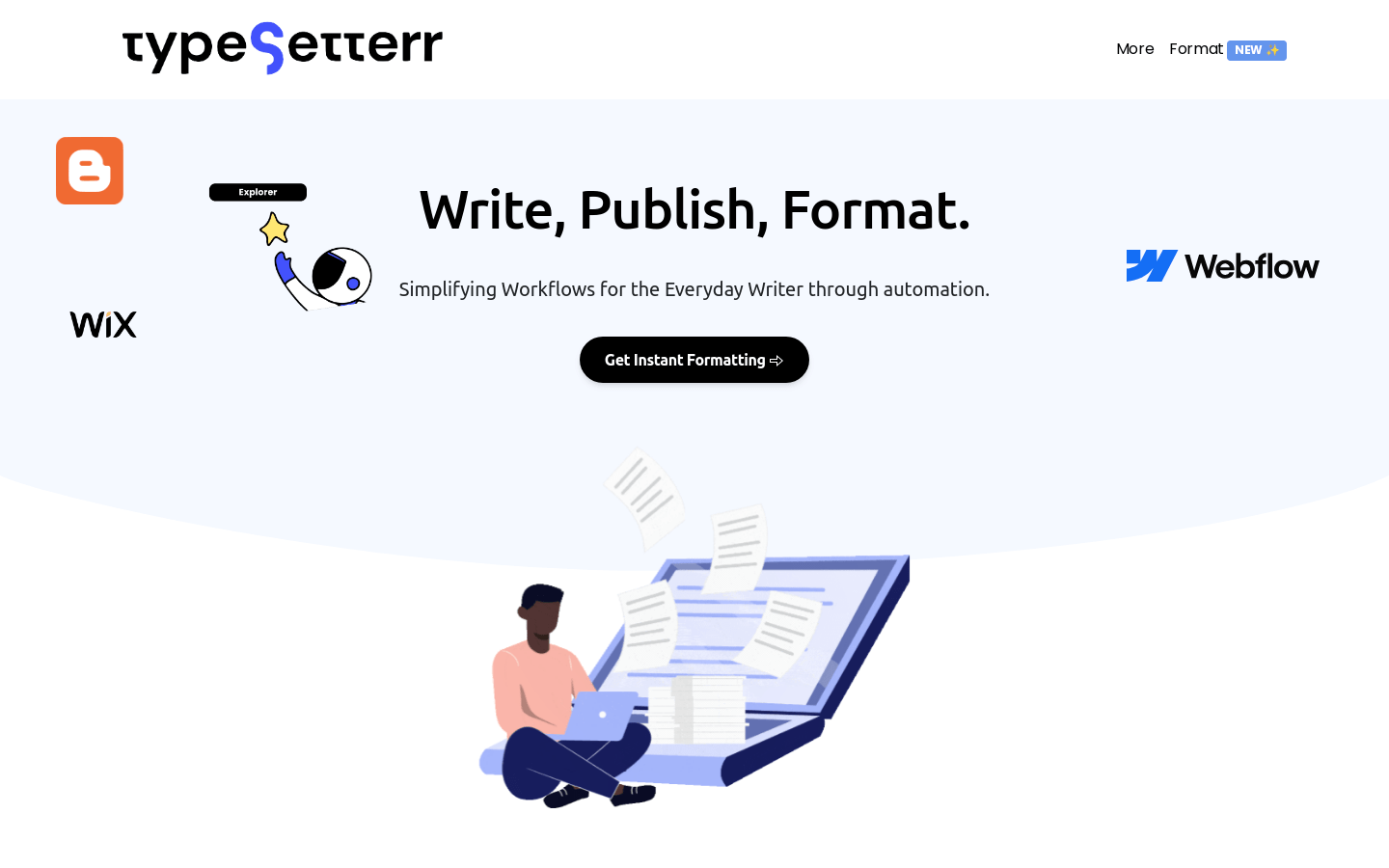
Screenshot archived from the listing page, for preview only.











