Ultra AI
AI gateway for developersOne gateway for many AI models
Highlights
What you can do with it
- Connect a chatbot to several AI providers at once
- Monitor and optimise AI usage inside an app
- Add personalised prompts to an education product
How to use it
- 1 Register on the Ultra AI website.
- 2 Choose the AI providers your product needs.
- 3 Point your API calls at the Ultra AI gateway.
- 4 Turn on semantic caching to cut repeat calls.
- 5 Set rate limits and watch usage in the logs.
Who it is for
Pros
- A single interface covers several providers
- Caching is described as cutting API costs significantly
- Logging, analytics, and rate limiting are included
Limitations
- Free trial only; paid plans follow
- It adds a layer between you and the model providers
- Cost savings depend on how repetitive your requests are
What Ultra AI is
Ultra AI is an AI command centre for product developers. The core piece is a multi vendor AI gateway: instead of integrating each provider separately, you point your application at Ultra AI and it routes calls to OpenAI, Anthropic, Azure, and others through a unified interface that is compatible with the OpenAI package. Around that it adds semantic caching, which stores answers to similar requests and is claimed to save up to ten times API costs. Logging and analytics show what your product is actually using, dynamic prompt management keeps prompts maintainable, and rate limiting stops abuse from hurting your service. A free trial is offered alongside paid plans.
What you can do with it
- Call several AI providers through one unified interface.
- Cut repeat API calls with semantic caching.
- Monitor usage through logging and analytics.
- Manage dynamic prompts without redeploying code.
- Set rate limits to protect your product.
- Integrate the gateway into an existing product quickly.
Who it is for
- Developers adding AI features to a product.
- Teams that need to control and forecast API spend.
- Product managers who want visibility into how AI is used.
- Companies that want to switch providers without rewriting integrations.
What to watch out for
The free trial is the entry point, so ongoing use requires a paid plan. A gateway adds a dependency: if Ultra AI has an outage or changes its interface, your product feels it, so plan fallbacks accordingly. The caching savings depend on how repetitive your traffic is, and a workload of unique requests will see much less benefit than the headline figure suggests. You are also sending request data through a third party, so review their logging and data handling against your own privacy obligations before routing production traffic through it.
FAQ
Which providers are supported?
OpenAI, Anthropic, and Azure are listed, among others.
What does semantic caching do?
It caches similar requests so repeated questions do not hit the provider API again, reducing cost.
Is there a free trial?
Yes, along with various paid plans.
Why it is free
What the official page says: free trial
Free limits, trial length and features are decided by the official site and can change at any time.
Product preview
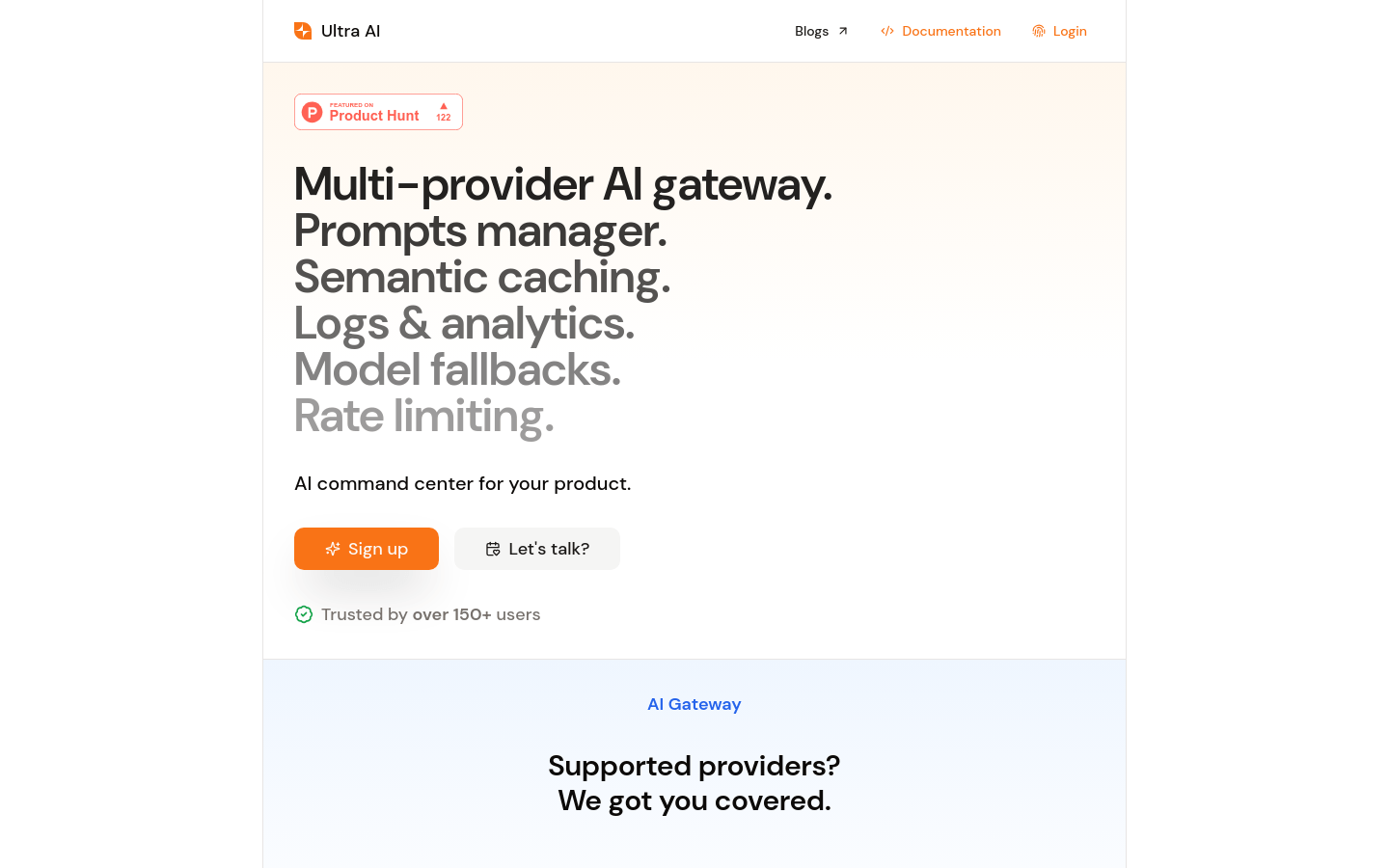
Screenshot archived from the listing page, for preview only.