UniDeck
No-code dashboard for daily toolsConnect your tools, see everything at once
Highlights
What you can do with it
- Manage personal projects and tasks in one view
- Share data across departments in a small business
- Give leadership a single dashboard for business insight
How to use it
- 1 Register at unideck.app
- 2 Create a new dashboard
- 3 Connect the tools you use from the integration list
- 4 Use AI assistance to arrange widgets and automate tasks
- 5 Upgrade to Plus or Teams if you need advanced widgets
Who it is for
Pros
- Free core widgets to start with
- Broad integration list
- AI help with layout and automation
Limitations
- Advanced widgets sit behind paid plans
- Dashboard value depends on how many tools you connect
- Enterprise features require the top tier
What UniDeck is
UniDeck is a no-code dashboard platform that connects the tools you already use and puts them on one screen. It integrates with Jira, Google Workspace, Microsoft Teams, Trello, and GitHub, so work that normally lives in five tabs can be reviewed in one place. AI assistance helps you design the layout, automate tasks, and surface insights without building anything yourself, which is the point of a no-code tool. The free tier includes core widgets such as timers and to-do lists, while the Plus plan unlocks advanced widgets like charts and trackers, the Teams plan adds real-time collaboration for small businesses, and the Enterprise plan adds custom widgets, internal AI models, and enterprise-grade security. The vendor positions it as suitable for freelancers and large organisations alike.
What you can do with it
- Connect tools such as Jira, Teams, Trello, and GitHub to one dashboard
- Use AI help to arrange widgets and automate tasks
- Start free with core widgets like timers and to-do lists
- Scale up to collaboration and enterprise features when needed
Who it is for
- Freelancers managing their own projects and tasks
- Small businesses sharing data across departments
- Large organisations that want a single operational view
What to watch out for
Advanced widgets sit behind paid plans, so the free tier covers basics rather than the full platform. The value of a dashboard depends on how many tools you actually connect, and a thin setup gives a thin result. Enterprise features require the top tier, so check plan details against your security and compliance needs. Plan names and features can change, so confirm the current pricing page before you commit.
FAQ
Which tools does UniDeck connect to?
Jira, Google Workspace, Microsoft Teams, Trello, and GitHub among others.
Is there a free version?
Yes, core widgets such as timers and to-do lists are free.
What do paid plans add?
Plus adds advanced widgets, Teams adds real-time collaboration, and Enterprise adds custom widgets and security.
Why it is free
What the official page says: for free
Free limits, trial length and features are decided by the official site and can change at any time.
Product preview
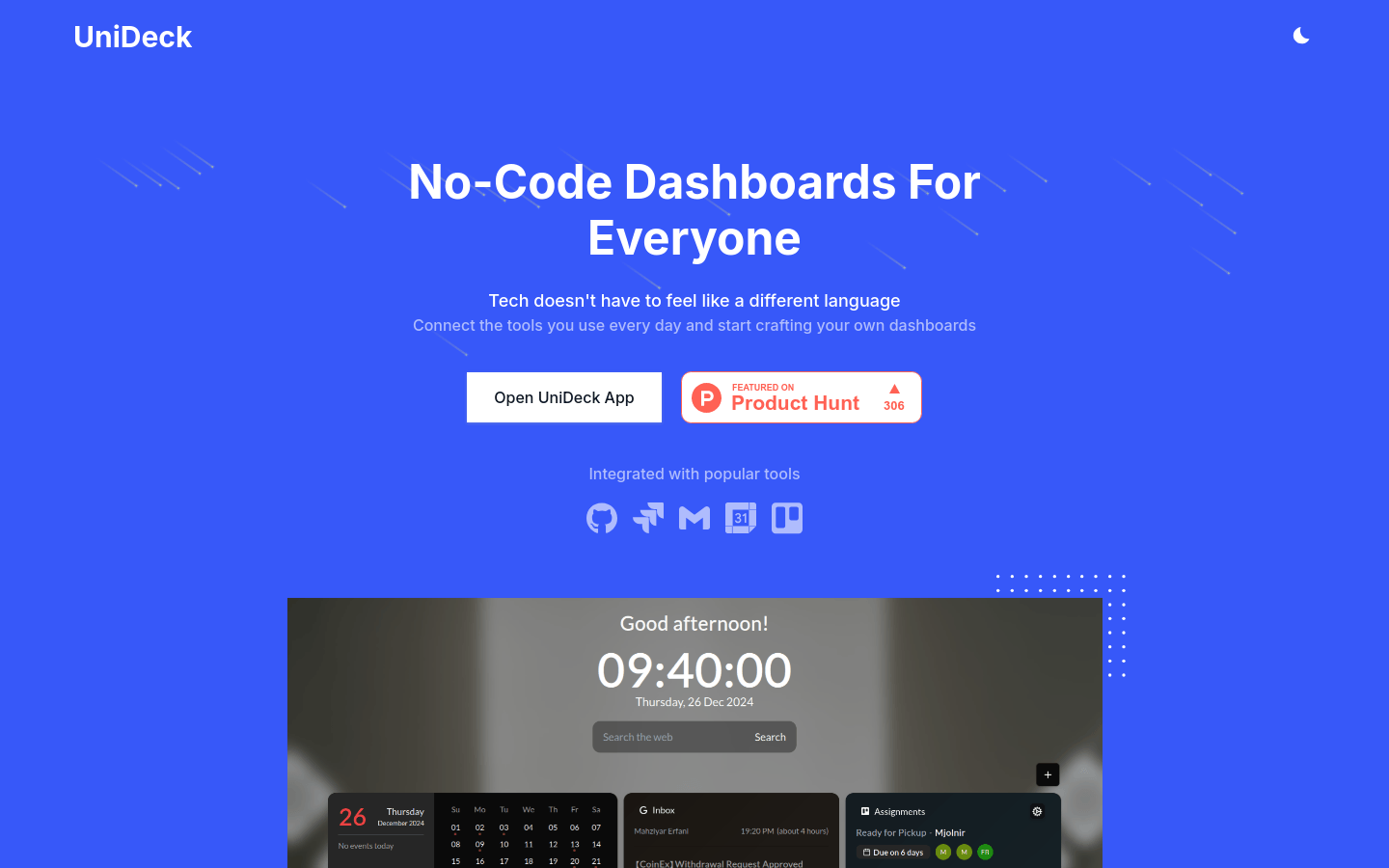
Screenshot archived from the listing page, for preview only.











