
UniqMail
Free AI personalized email senderTailored emails with your own OpenAI key
Highlights
What you can do with it
- Send tailored outreach messages that read individually written
- Keep separate projects for different campaigns or clients
- Draft and send personalized messages without a bulk mail platform
How to use it
- 1 Download UniqMail on macOS or Windows
- 2 Add your own OpenAI API key
- 3 Create a project and set up the email content
- 4 Let the AI personalize each message
- 5 Send with one click and review the results
Who it is for
Pros
- Described as completely free with no subscription
- Unlimited projects for different campaigns
- Uses your own OpenAI key, so you control model spend
Limitations
- You need your own OpenAI API key and account for the AI features
- Free terms and availability can change without notice
- Bulk or unsolicited email may break anti-spam rules or platform terms, and consequences rest with the user
- Desktop only, with no mobile or web version mentioned
What UniqMail is
UniqMail is a desktop application for AI-powered personalized email sending. It runs on macOS and Windows, and it organizes work into projects, so each campaign or client can keep its own email setup. The AI model writes the message content while the app sends it directly from your own setup, which the developer says helps avoid spam filters. You bring your own OpenAI API key, which means the model usage sits on your account rather than being bundled into a subscription. The developer describes the tool as completely free to use, with no subscriptions and no hidden fees, and says it is designed to be friendly for non-technical users.
What you can do with it
- Generate personalized email copy per project instead of one generic blast
- Manage unlimited projects for different campaigns or clients
- Send directly from your own setup rather than through a bulk platform
- Keep model costs on your own OpenAI key
Who it is for
- Freelancers and small teams doing personalized outreach
- Marketers who want a separate setup for each campaign
- Anyone who wants AI-written email without paying a subscription
What to watch out for
The free price is appealing, but free terms can change and the developer can adjust them at any time. You still need your own OpenAI API key and account for the AI features to work, so there is a cost sitting outside the app. Bulk or unsolicited email may break anti-spam rules or the terms of the services you send through, and any consequences rest with you, so stick to permission-based lists. Finally, it is a desktop tool, so there is no mobile or web version to fall back on.
FAQ
Does UniqMail cost anything?
The developer describes it as completely free with no subscriptions or hidden fees, but you supply your own OpenAI API key.
Which systems does it support?
macOS and Windows are both listed.
How many projects can I run?
The tool states unlimited project creation and management.
Why it is free
What the official page says: completely freefree to use
Free limits, trial length and features are decided by the official site and can change at any time.
Product preview
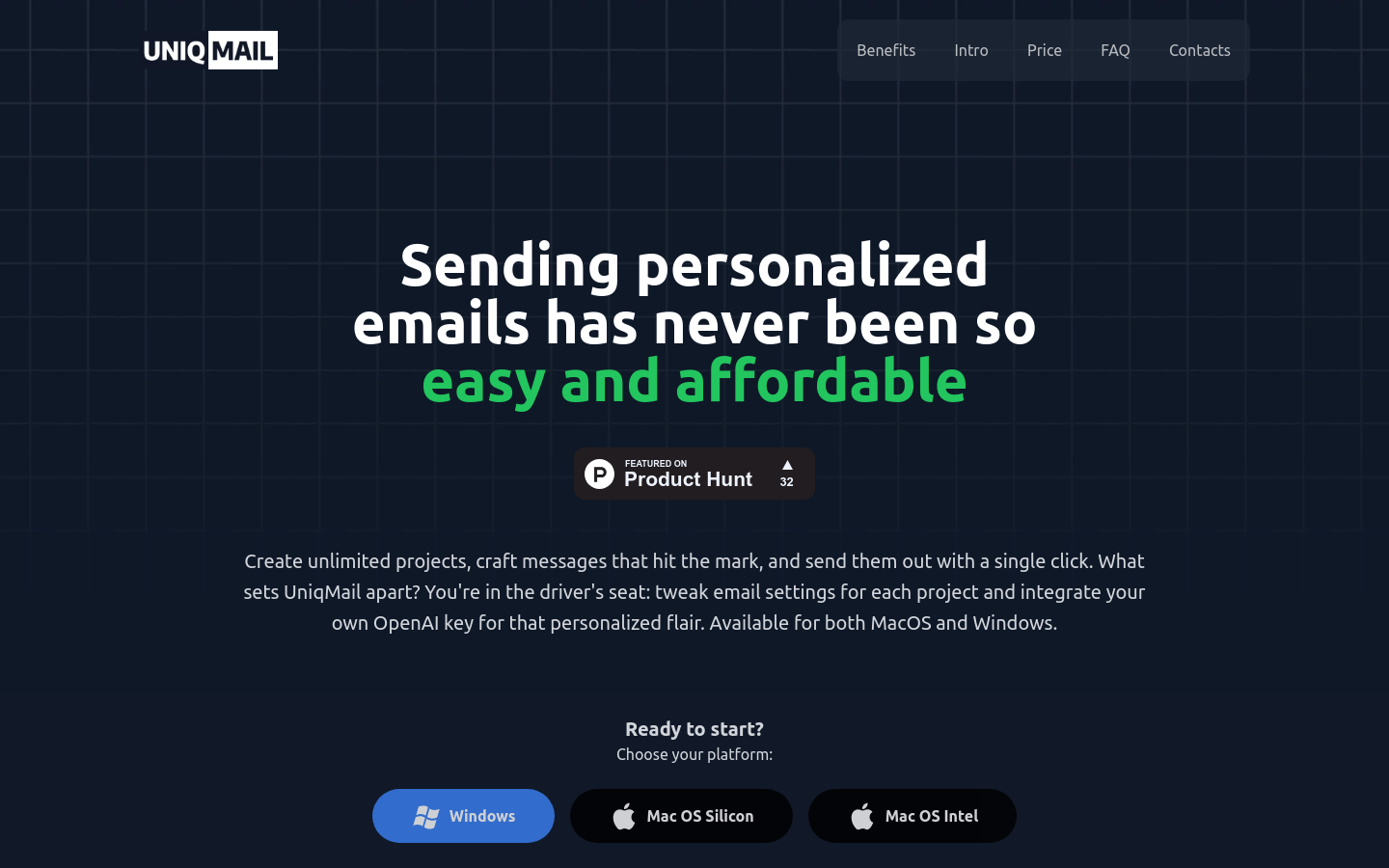
Screenshot archived from the listing page, for preview only.











