
Unity Asset Store
Unity game development resource marketplace3D models, tools, and code for Unity
Highlights
What you can do with it
- Find 3D models and animations for a project
- Speed up development with ready-made tools
- Publish and sell your own Unity resources
How to use it
- 1 Browse or search the Unity Asset Store
- 2 Open a resource page and check its license
- 3 Download the free or paid asset
- 4 Import it into your Unity project
Who it is for
Pros
- Large resource collection
- Unity review for quality
- Many free resources available
- Partner program for income
Limitations
- Not everything is free; many assets are paid
- Prices and licensing are set per asset
- Asset quality varies even after review
- Import and compatibility depend on your Unity version
What Unity Asset Store is
The Unity Asset Store is an online marketplace that aggregates a wide range of resources for Unity game development. Users can find high-quality resources supported by the Unity engine, including 3D models, animations, sound effects, code plugins, and shaders. All resources go through Unity's review process, which is meant to ensure quality. Users can download and use these resources for free or for a fee, and the extensive collection covers diverse game development needs to boost development efficiency. A Partner program offers better profitability opportunities for publishers.
What you can do with it
- Search for 3D models, animations, and materials
- Find sound effects, code plugins, and shaders
- Download free or paid assets for your project
- Speed up development with ready-made resources
- Publish and sell your own Unity resources
Who it is for
- Unity developers looking for art and code assets
- Teams that want to speed up game production
- Publishers who want to sell Unity resources for income
- Indie developers building on a tight budget
What to watch out for
Not everything on the store is free; many assets are paid, and prices and licensing are set per asset. Even after Unity's review, quality varies between packages, so read ratings and documentation before you buy. Import and compatibility depend on your Unity version, and an older asset may need updates. Treat free assets as a starting point that may still need work to fit your project. Start with a small sample to confirm the output meets your expectations before processing the full batch. Free tiers and usage limits can change, so check the current rules on the official page before relying on it long term.
FAQ
Is everything free?
No. Resources are available for free or for a fee.
What can I find?
3D models, animations, sound effects, code plugins, and shaders.
Is quality checked?
Yes, all resources go through Unity's review process.
Can I sell my own assets?
Yes, there is a Partner program for profitability opportunities.
Why it is free
What the official page says: for free
Free limits, trial length and features are decided by the official site and can change at any time.
Product preview
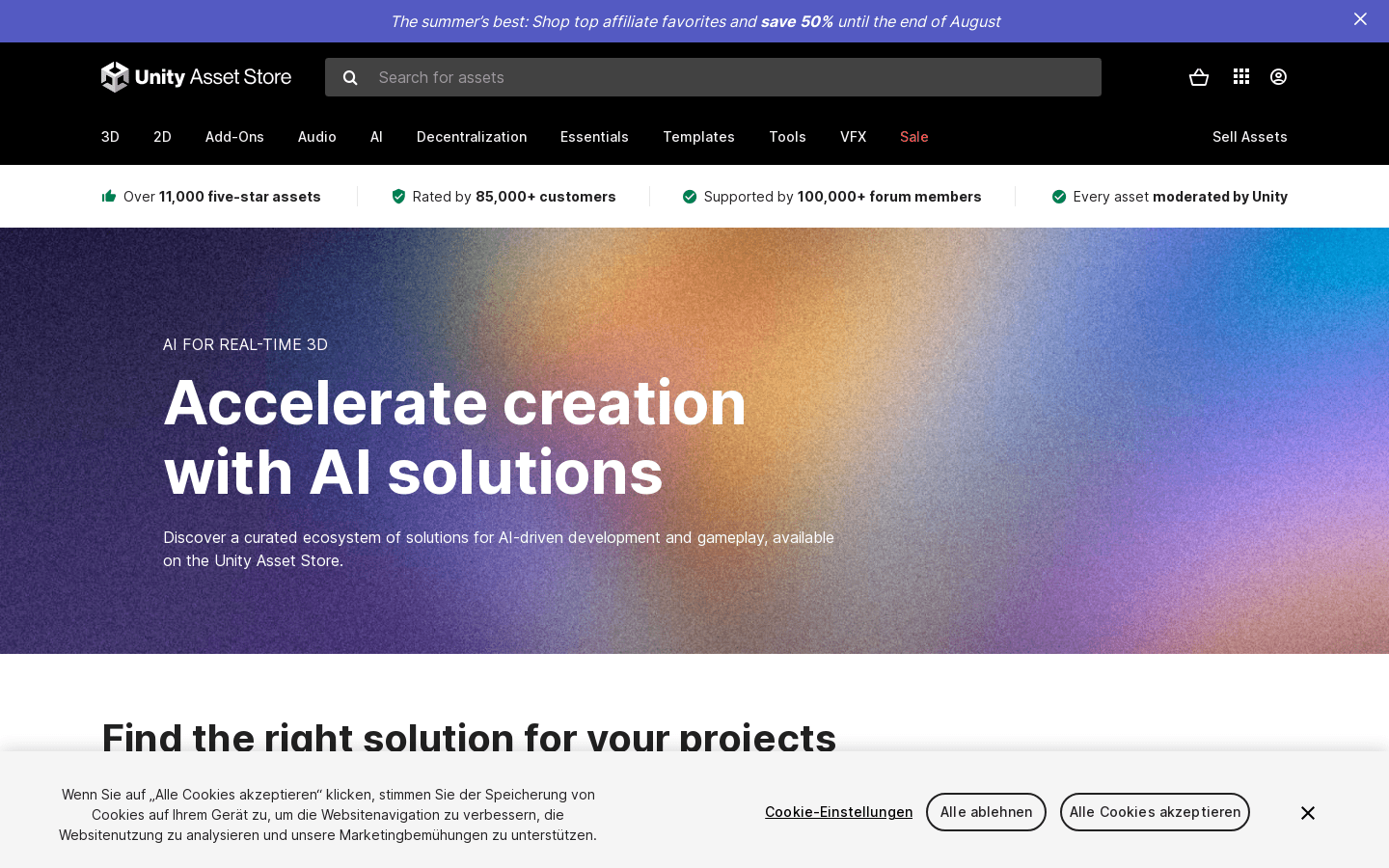
Screenshot archived from the listing page, for preview only.











