
URL to Any
Free one-stop tool that converts any URL to many formatsTurn any web page into Markdown, PDF, text, image, JSON, and more
Highlights
What you can do with it
- Convert web pages to Markdown for papers
- Save pages as PDF for reports
- Turn content into JSON for data work
How to use it
- 1 Copy the web address you want to convert
- 2 Open the site and paste the address into the tool
- 3 Choose the output format such as Markdown, PDF, or text
- 4 Click Convert to get the result
- 5 Download the file or copy the content
Who it is for
Pros
- Many output formats in one tool
- No install, runs in the cloud
- Completely free of charge
Limitations
- Some pages may not convert cleanly or may block it
- Free rules and limits may change
- Complex pages can lose layout or elements
What URL to Any is
URL to Any is a one-stop, cloud-based tool for converting web content into other formats. From a single link, you can produce Markdown, clean HTML, a formatted PDF, a PNG, JPEG, or WebP image, a QR code, plain text, JSON, or XML. The site highlights a simple interface, fast processing, and clean, standardized output, and it says the tool is completely free of charge. Because processing happens in the cloud, you do not need to install any software. It is meant to cover daily URL conversion needs and lower the barrier to useful tools.
What you can do with it
- Convert a page to Markdown, HTML, or plain text
- Save a page as a formatted PDF or an image
- Turn content into structured JSON or XML
- Generate a QR code from any link
Who it is for
- Students saving and organizing research
- Professionals archiving pages as PDF for reports
- Developers pulling structured data for analysis
- Anyone who needs a quick format conversion
What to watch out for
Conversion quality depends on the page. Some sites use scripts, logins, or paywalls that block or limit what the tool can grab, so complex pages can lose layout, images, or elements, and PDFs may not match the original exactly. Saved copies can go out of date, so note the capture date for anything important. Because it is a free service, its rules, limits, and supported formats may change over time. Respect copyright and the terms of the sites you convert, and do not republish content you do not have the right to use. For best results, start with a small test file and review the output carefully before working on anything important.
FAQ
Is URL to Any free?
Yes, the site says it is completely free of charge, though terms can change.
What formats does it support?
It converts a URL into Markdown, HTML, PDF, image (PNG, JPEG, WebP), QR code, text, JSON, and XML.
Do I need to install anything?
No. It is cloud-based, so you paste a URL in the browser and download or copy the result.
Why it is free
What the official page says: completely freefree of charge
Free limits, trial length and features are decided by the official site and can change at any time.
Product preview
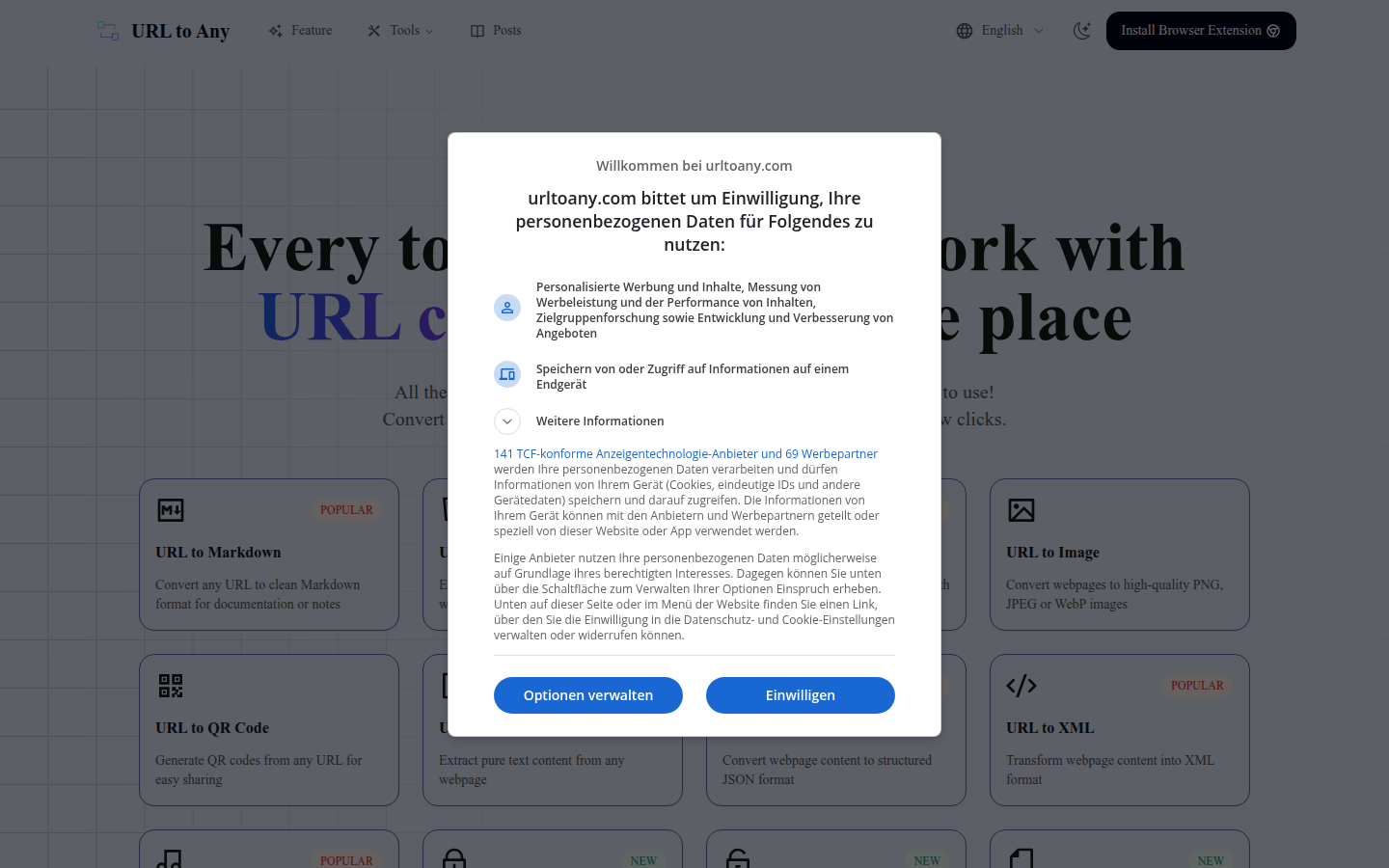
Screenshot archived from the listing page, for preview only.











