
Userflow
AI user onboarding and adoption platformBuild in-app experiences with AI
Highlights
What you can do with it
- Software companies onboard new users faster
- E-commerce platforms collect feedback with surveys
- SaaS teams reduce tickets with in-app AI support
How to use it
- 1 Register and start the free trial
- 2 Choose what to create, such as onboarding or surveys
- 3 Use AI to build the in-app experience
- 4 Personalize the generated flow
- 5 Integrate with your analytics and CRM tools
- 6 Publish and monitor the results
Who it is for
Pros
- Fast AI-built onboarding flows
- Many in-app content types
- Fits existing analytics and CRM stacks
Limitations
- Free trial only; pricing on the website
- Requires integration to be useful
- Flow quality depends on your setup
What Userflow is
Userflow is an AI-driven product adoption and user onboarding platform. It helps product teams build in-app experiences that guide users, collect feedback, and answer questions without leaving the product. The AI can turn an idea into a working flow in minutes, including onboarding sequences, checklists, surveys, resource centers, banners, and announcements. A newer Smartflow feature creates onboarding, adoption, and engagement flows automatically. Content can be optimized and localized in one click, and the platform integrates natively with analytics, CRM, and automation tools. A free trial is available, with pricing details on the official website.
What you can do with it
- Build product onboarding flows with AI in minutes
- Create checklists, surveys, and announcements
- Provide instant in-app support through conversational answers
- Optimize and localize copy for different regions
- Integrate with your analytics, CRM, and automation stack
For a software company, onboarding is the difference between an activated user and a churned one, and Userflow builds that path quickly. For an e-commerce platform, surveys collect feedback where the customer already is. For a SaaS team, in-app AI answers reduce support tickets by solving common questions at the moment they appear. The integrations mean data flows between Userflow and the tools you already use.
Who it is for
- Product managers building and improving onboarding
- Marketers running surveys, banners, and announcements
- Customer success teams supporting users inside the product
- Developers connecting Userflow to existing systems
Any customer-centric team that wants users to reach value faster can use it, though it is most valuable when activation is a measured metric.
What to watch out for
The free trial is limited, and pricing is not published in the documentation, so confirm costs on the official website. The platform needs to be integrated with your product and analytics to be useful, which is developer work. Flow quality depends on your setup and content, so AI generation is a starting point that needs review. In-app experiences affect real users, so test flows before publishing them to everyone.
FAQ
What is Userflow?
An AI-driven platform for product adoption and user onboarding.
What can I create with it?
Product onboarding, checklists, surveys, resource centers, banners, and announcements.
Is there a free trial?
Yes. Userflow offers a free trial, with pricing on the official website.
Why it is free
What the official page says: free trial
Free limits, trial length and features are decided by the official site and can change at any time.
Product preview
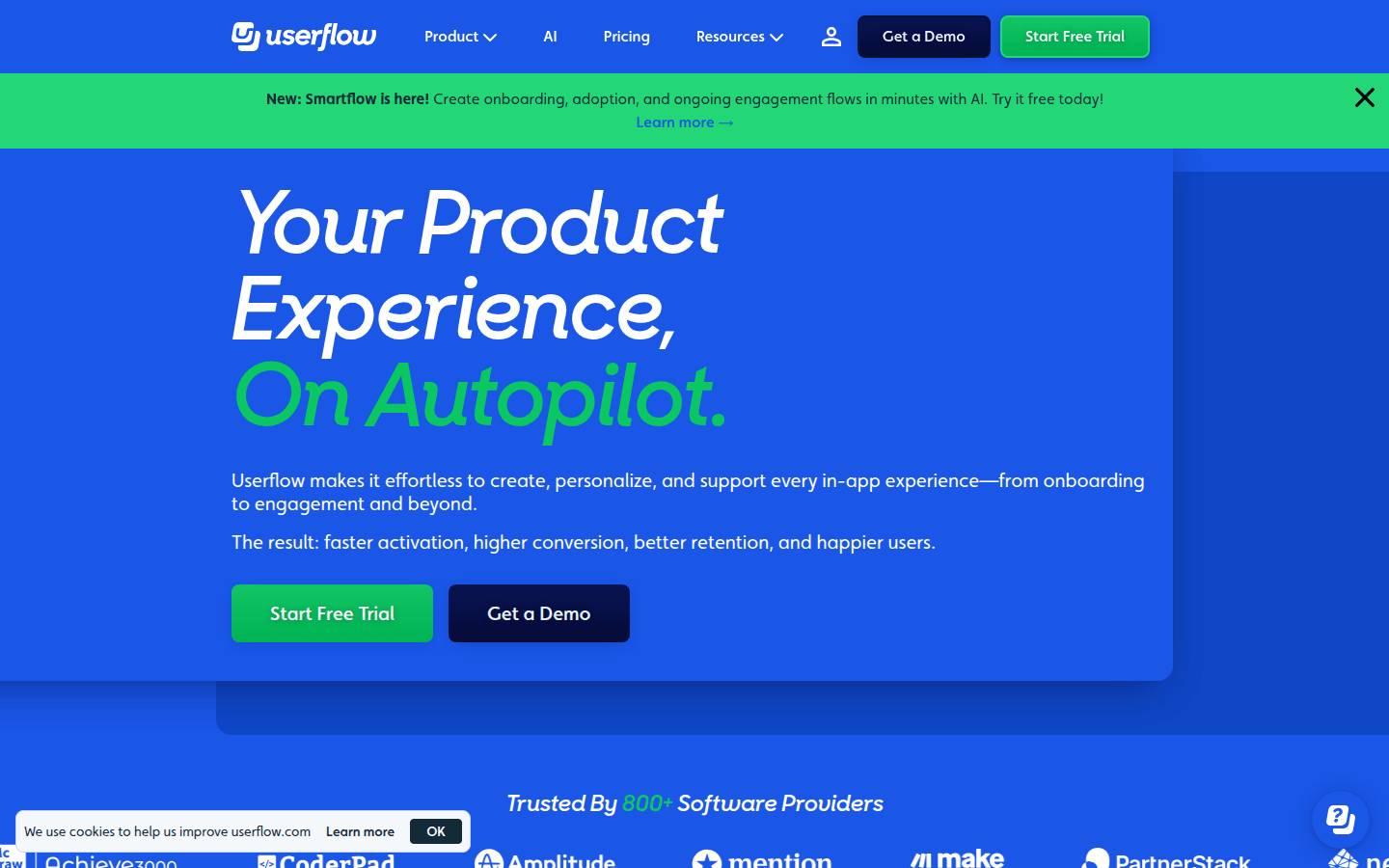
Screenshot archived from the listing page, for preview only.











