
VCFConverter
Free online VCF converterConvert Excel and text to VCF free
Highlights
What you can do with it
- Turn an exported contact list into a VCF file and import it into a phone address book
- Convert a sales lead list in one pass and sync it to a mobile phone
- Move contacts between iCloud, Google Contacts, and Outlook without manual entry
How to use it
- 1 Paste your contact list from Excel or CSV into the input box, or upload a file
- 2 Click generate and let the tool build the standard VCF format locally
- 3 Download the file, send it to your phone, and import it into the address book
Who it is for
Pros
- Completely free with no installation and no account
- Data stays on your device because conversion runs in the browser
- Handles large lists and multiple target device formats
Limitations
- Free access can change, and extra tools such as VCF repair, splitting, and merging are listed as upcoming
- Very large files depend on your browser and machine rather than a server
- Contact data is personal, so check the output before you share or import it anywhere
What VCFConverter is
VCFConverter is a free online tool for converting contact files. It turns VCF files into vCard, and also converts Excel, Text, or TXT contact lists into VCF or vCard files you can import into a phone address book. Conversion runs entirely in the browser, so your contact data is not uploaded to a server and nothing is stored. It supports the standard formats used by iCloud, Google Contacts, and Outlook, and can turn a large table into a single VCF file in one pass. The tool is completely free and needs no software installation.
What you can do with it
- Convert Excel, CSV, Text, or TXT lists into a VCF or vCard file
- Choose export settings for iPhone, Android, Samsung, or a general format
- Handle large contact lists and produce one file for batch import
- Work with raw data using advanced text options for reverse conversion
Who it is for
- Salespeople who move lead lists into a phone address book
- Operations and customer service staff handling exported contact data
- Anyone who needs contacts on a phone without manual entry
What to watch out for
The free access may change, and the site has also listed extra tools such as VCF repair, splitting, and merging as upcoming, so not everything is available yet. Since conversion happens locally, a very large file can tax your browser. Contact data is personal, so check the output carefully before you share or import it anywhere. For best results, start with a small test file and review the output carefully before working on anything important. Free tiers can change over time, so it is worth checking the current limits on the official page before you rely on the tool daily.
FAQ
Is my contact data uploaded anywhere?
No. The tool runs in the browser and states that data is not uploaded to a server and is not stored.
Which input formats are supported?
VCF and vCard files, plus Excel, Text, and TXT contact lists.
Can I convert a list with thousands of rows?
Yes, the tool is designed for batch conversion of large tables into a single VCF file.
Why it is free
What the official page says: for freecompletely free
Free limits, trial length and features are decided by the official site and can change at any time.
Product preview
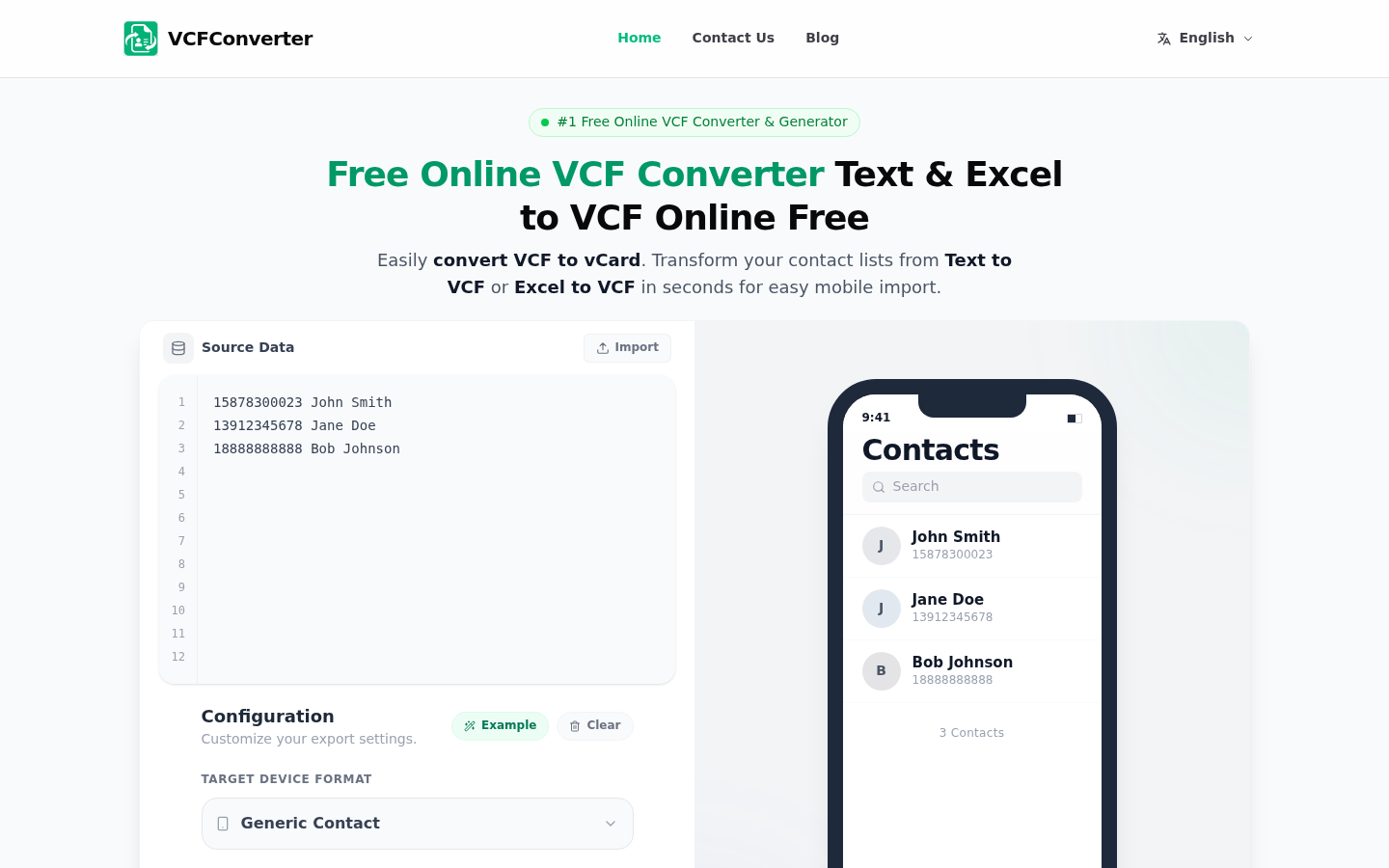
Screenshot archived from the listing page, for preview only.











