Verse
Build autonomous AI employees from a single prompt, working around the clock.Describe a role. Get an AI employee.
Highlights
What you can do with it
- Sales teams create AI sales employees that follow up on leads and send personalized emails
- Marketing teams use AI employees for social media posting and fan interaction
- Customer support teams respond to inquiries in real time and resolve common problems
How to use it
- 1 Visit the Verse website and register an account
- 2 Describe the role you want in natural language, such as a sales or marketing employee
- 3 Select the tools and systems to connect, such as Gmail or Slack
- 4 Set permissions and work processes, then start the AI employee
- 5 Monitor the work and adjust as needed
Who it is for
Pros
- No code required to build AI employees
- Independent identities make handoffs and communication feel natural
- More than 100 tool integrations cover common business stacks
Limitations
- The free trial is limited, and ongoing use requires a paid plan
- AI employees need permission setup and monitoring before you can trust them fully
- Free trial terms and plan limits can change over time
What Verse is
Verse is a business application that converts roles described in natural language into autonomous AI employees. Each AI employee gets an independent identity, with its own inbox, phone, computer, and browser, so it can work and communicate much like a real team member. The AI employees maintain context, run work processes, and operate around the clock. Verse connects to more than 100 common tools, including Gmail, Slack, HubSpot, Notion, and Shopify, and it offers a free trial, with paid Solo, Professional, and Scale plans available afterward. The product was founded in 2024 by Thomas Guthrie and is aimed at enterprises that want automation without writing code.
What you can do with it
- Create AI sales employees that follow up on leads and send personalized emails to improve conversion rates
- Run AI marketing employees for social media management, content posting, and fan interaction
- Set up AI customer support employees that answer inquiries in real time and resolve common questions
- Generate AI work processes from prompts or records, with permission controls and full activity records for oversight
Who it is for
- Enterprise managers who want to reduce labor costs and build automated work processes quickly
- Sales teams that need continuous lead follow-up and outreach without adding headcount
- Marketing teams handling research, content creation, and social media at scale
- Customer support departments that want real-time responses outside office hours
What to watch out for
Verse is powerful, but it is not a plug-and-play magic solution. You still need to define roles, connect the right tools, and set permissions carefully before letting AI employees act on their behalf. Persistent memory helps them improve, but early output may require correction, and manual intervention features exist precisely because oversight matters. The free trial has limits, and continued use depends on paid plans whose terms and pricing can change over time. Treat Verse as a way to extend your team, not to replace judgment: review activity records regularly and adjust processes as your business evolves.
FAQ
Is Verse free to use?
Verse offers a free trial. After the trial, paid plans include Solo, Professional, and Scale tiers at different price points.
Do I need coding skills?
No. You describe the role in natural language and Verse generates the AI employee and work processes automatically.
Can I control what the AI employee does?
Yes. Verse provides permission settings for manual intervention and complete activity records so you can monitor and manage every action.
Why it is free
What the official page says: free trial
Free limits, trial length and features are decided by the official site and can change at any time.
Product preview
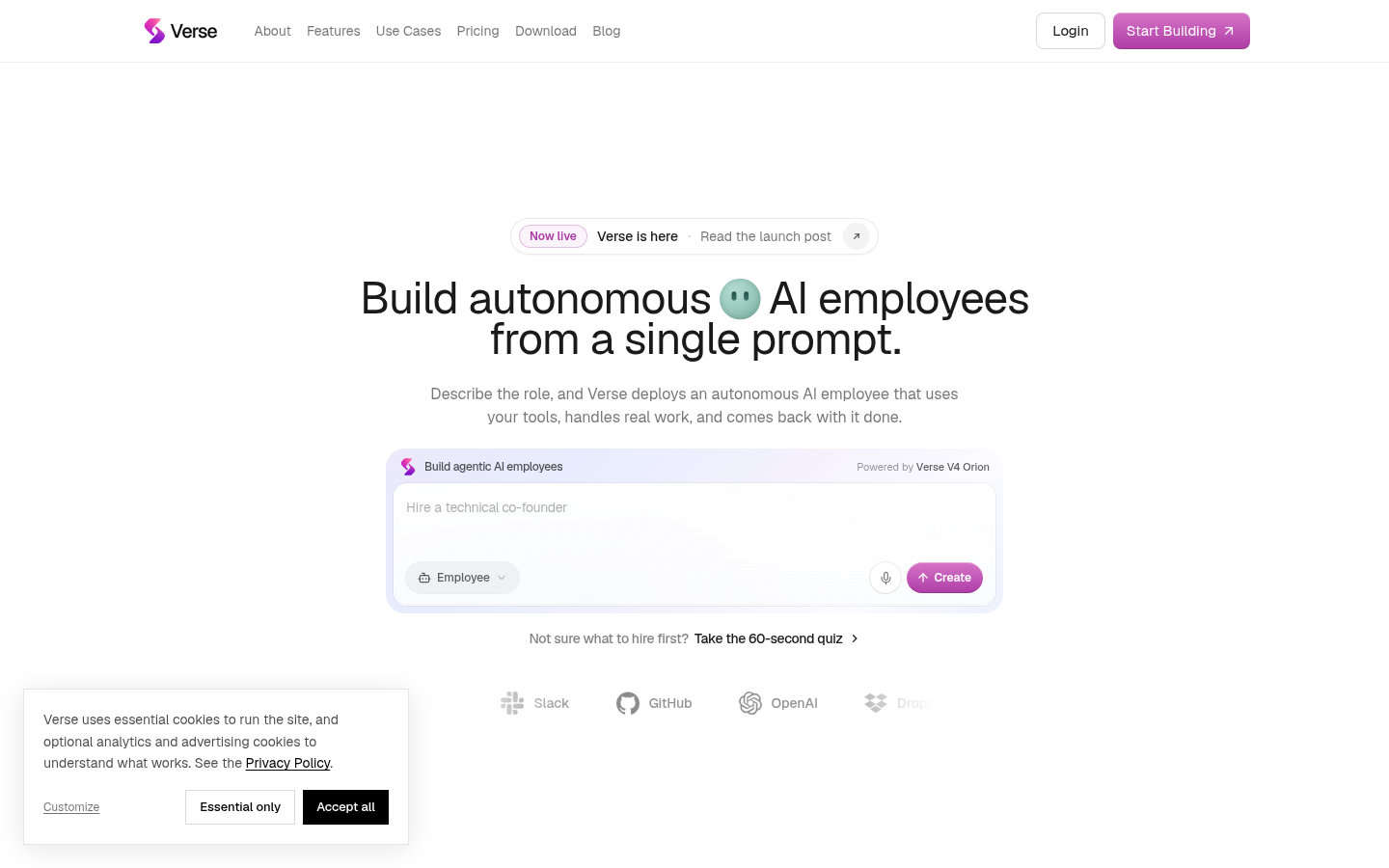
Screenshot archived from the listing page, for preview only.