
VibeKnow Studio
Turn documents into videosTurn docs and URLs into teachable videos
Highlights
What you can do with it
- Convert onboarding documents into a training video
- Turn a product explainer into a customer-facing video
- Build course videos from textbook material
How to use it
- 1 Open https://vibeknow.ai and register if needed.
- 2 Upload a document or paste a web page URL.
- 3 Wait for the platform to extract the content and build a draft.
- 4 Review the draft and adjust content and style.
- 5 Publish the finished video to your audience.
Who it is for
Pros
- Reuses existing documents instead of starting from scratch
- Handles complex, technical subject matter
- Free to start
Limitations
- Draft quality depends on how clear the source document is
- Free terms and limits can change
- Complex topics still need expert review before publishing
What VibeKnow Studio is
VibeKnow Studio is an AI knowledge video platform. You give it a document, an article, or a web page URL, and it extracts the key information and turns it into a structured video draft. Supported inputs include PDF, Word, PPT, TXT, and e-book files, as well as blog articles and web page links. The draft is meant as a starting point: you review it, adjust content and style, then publish. It is aimed at onboarding training, presentations, and teaching, and the site calls out complex fields such as finance, healthcare, artificial intelligence, and enterprise software. Free use is listed as part of the offering.
What you can do with it
- Convert a document, article, or URL into a video draft
- Turn dense material into a structured sequence that is easier to follow
- Reuse the same source when the material changes instead of rebuilding
- Produce onboarding, training, or teaching videos from existing files
Who it is for
- Knowledge creators who want their expertise in video form
- Enterprise teams producing onboarding and internal training material
- Educators turning course content into video lessons
What to watch out for
The draft is only as good as the source. A messy or jargon heavy document will produce a messy video, so clean up the input first. Complex subjects still need an expert review before you publish, because an error in a training or customer-facing video is worse than no video at all. The site lists free use, but free terms and generation limits can change. Confirm the current rules and the output quality on your own material before you plan a full content pipeline around it.
FAQ
What inputs are supported?
Documents such as PDF, Word, and PPT, plus web page URLs, articles, TXT, and e-books.
Is it free?
The site lists free use as part of its offering.
What is it used for?
Onboarding training, presentations, teaching, and knowledge video production.
Why it is free
What the official page says: 免费使用免费
Free limits, trial length and features are decided by the official site and can change at any time.
Product preview
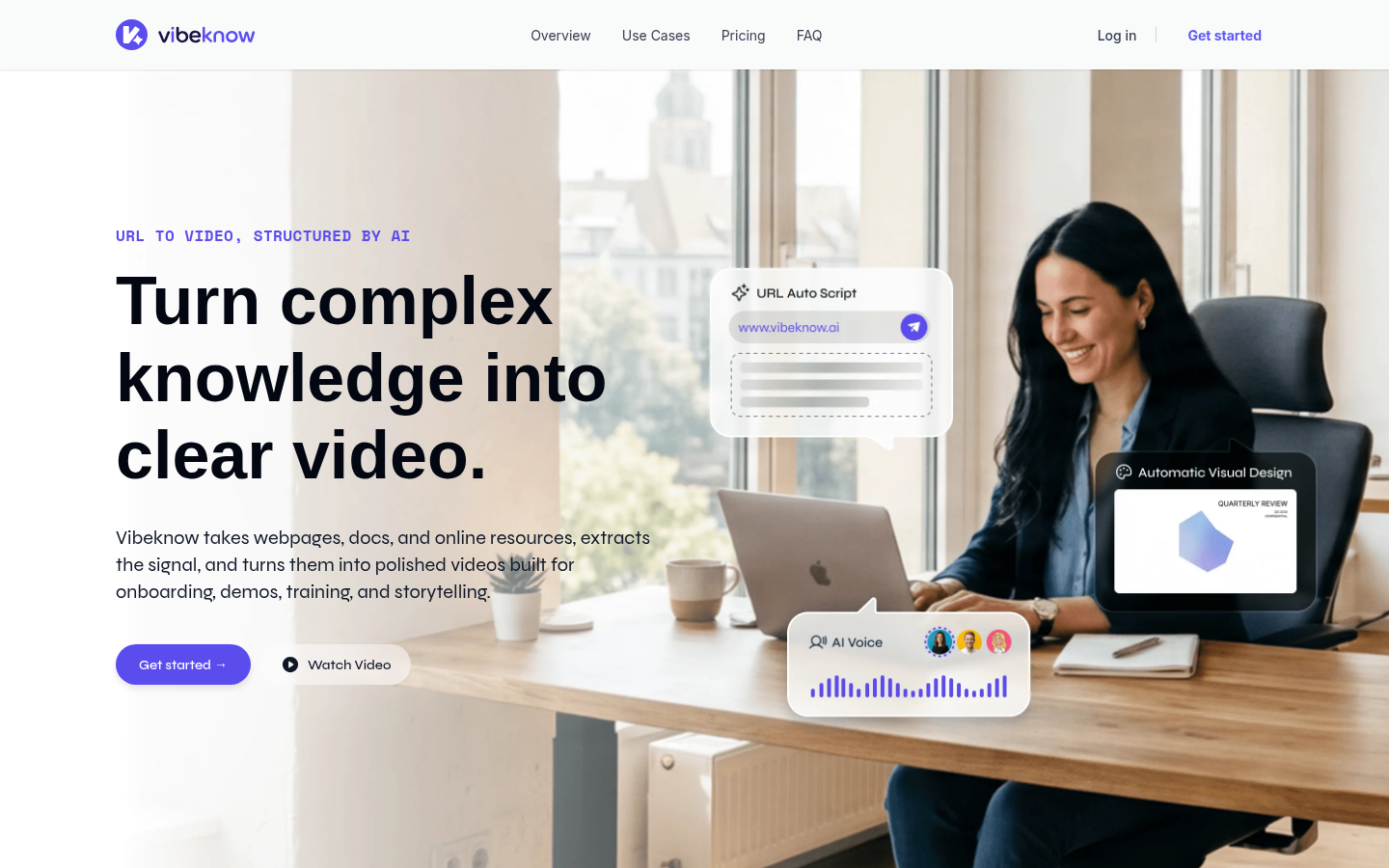
Screenshot archived from the listing page, for preview only.











