
Video Cutter AI
Long video to short clipsFree short clips from long video
Highlights
What you can do with it
- YouTubers turn long videos into weekly Shorts
- Podcasters pull highlight clips from long recordings
- Marketers double short video output without more staff
How to use it
- 1 Upload a long video file such as a podcast or webinar.
- 2 Let the AI find hooks, highlights, and emotions.
- 3 Review the auto-generated edits, subtitles, and layout.
- 4 Publish the short videos to TikTok, Shorts, or Reels.
Who it is for
Pros
- Completely free with unlimited exports
- No watermark on the output
- Auto subtitles, reframing, and B-roll
Limitations
- Free terms and features may change over time
- AI picks may not fit your taste every time
- Made for repurposing, not full creative editing
What Video Cutter AI is
Video Cutter AI is a free online tool that turns long videos into short videos for social media. It needs no registration, adds no watermark, and allows unlimited exports. The AI finds highlight moments, scores how engaging a clip is, makes animated subtitles, and reframes horizontal video into vertical for TikTok, YouTube Shorts, and Instagram Reels. It also removes pauses and filler words and can add AI B-roll to fill the frame. The tool is built for podcasters, YouTubers, educators, and marketers who need more short content fast. Upload a long file and the system handles hooks, edits, captions, and layout, then you publish straight to your platforms. Pricing is completely free, so you can produce more clips without added cost and save hours of manual editing each week.
What you can do with it
- Upload a long podcast, webinar, or interview for analysis
- Let AI detect hooks, highlights, and emotional moments
- Get auto subtitles, captions, and vertical reframing for Reels and Shorts
- Remove pauses and filler words to keep clips tight
Who it is for
- Podcast creators who need clips from long recordings
- YouTube creators who want a steady stream of Shorts
- Educators and marketers who reuse webinar and course video
What to watch out for
The tool is free now, but free terms and features can change over time. AI picks may not fit your taste every time, so review each clip before you post. It is made for repurposing long video into short clips, not for full creative editing with fine control. Upload quality affects the result, so a clear source file gives better highlights and subtitles. Keep your source files until you are happy with the cut, and check the output on each platform before you publish a batch.
FAQ
Is Video Cutter AI free?
Yes, it is completely free with no registration.
Is there a watermark?
No, the exported short videos have no watermark.
What can I upload?
Long videos such as podcasts, webinars, and interviews.
Why it is free
What the official page says: no registrationcompletely free
Free limits, trial length and features are decided by the official site and can change at any time.
Product preview
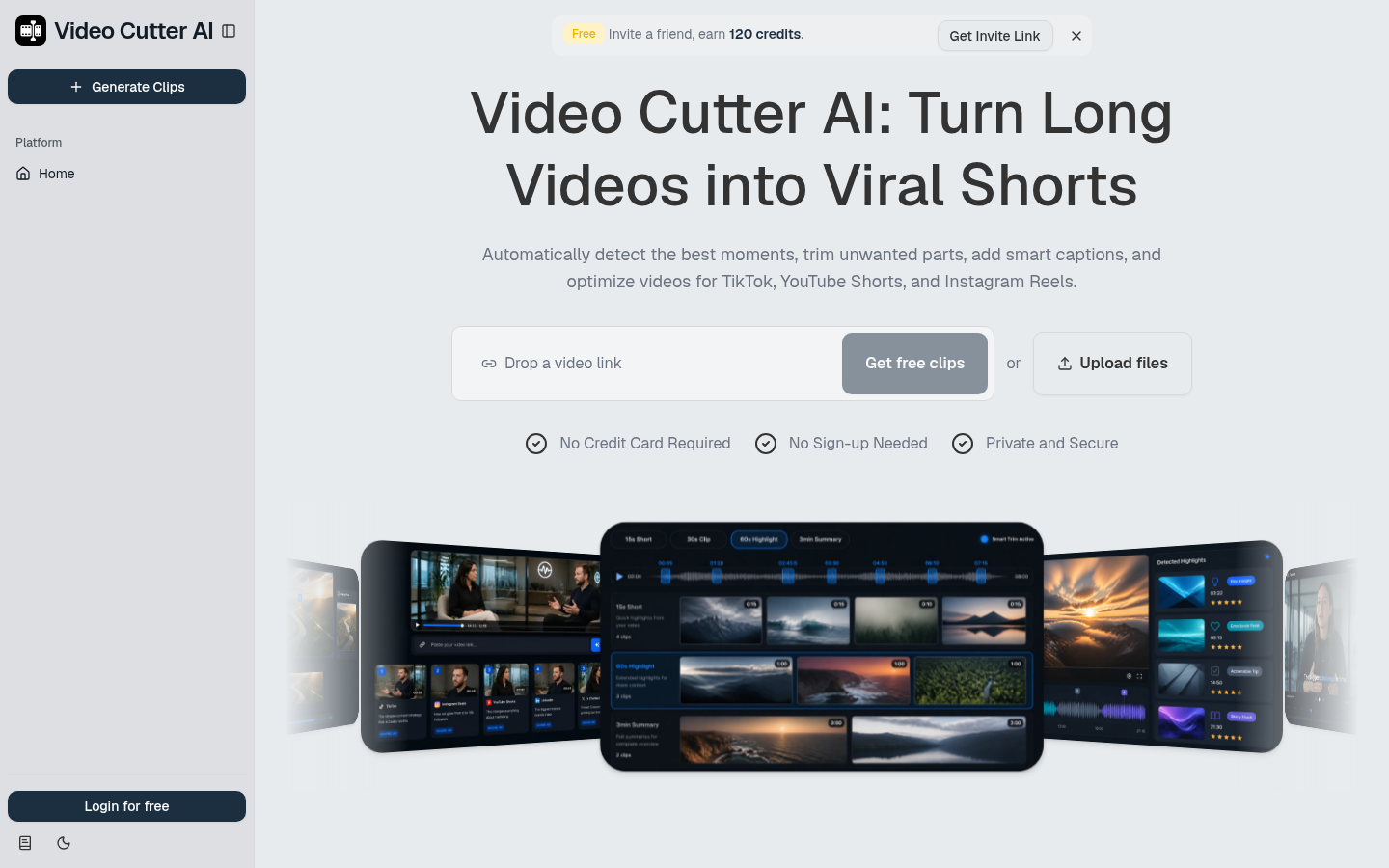
Screenshot archived from the listing page, for preview only.











