
Video Object Remover
Free online video object removerMark it, remove it, download it
Highlights
What you can do with it
- Removing unexpected passersby from travel vlog footage
- Clearing date stamps and channel logos from old recordings for re-editing
- Deleting temporary promotional banners from old product videos
How to use it
- 1 Open the Video Object Remover website; no registration or login is needed.
- 2 Upload the video file you want to process.
- 3 Mark or box-select the people, objects, logos, or watermarks to remove.
- 4 Start AI processing and wait for tracking and background filling to finish.
- 5 Preview, adjust the selection if needed, then download the clean video.
Who it is for
Pros
- No installation, no registration, and free downloading
- Frame-to-frame tracking keeps the target locked while it moves
- Background fill uses surrounding pixels, textures, and lighting
Limitations
- Only use it on videos you own or have the right to edit; misuse may infringe copyright or privacy and consequences are the user's
- The free tier has limits, and free rules or capacity can change over time
- Busy backgrounds and fast motion can leave visible artifacts, so preview before download
What Video Object Remover is
Video Object Remover is a free online tool that removes people, objects, logos, and watermarks from videos. After you upload a video and mark the target in a frame, the AI tracks it across consecutive frames and fills the missing area with generated background based on surrounding pixels, textures, and lighting. Everything runs in the browser, with no installation and no registration, and the finished video can be downloaded directly. The tool is intended for media you own or have the right to edit, such as cleaning up personal footage, clearing old logos from recordings, or restoring family videos. A free tier is available for individual creators and small teams. The product positions itself as a lightweight, fast, registration-free tool for post-production cleanup.
What you can do with it
- Mark and remove people, objects, logos, or watermarks from an uploaded video.
- Let the AI track the target across frames and rebuild the background behind it.
- Clean travel vlogs, old recordings, and personal or family videos in the browser.
- Export the processed video for personal archiving, social publishing, or further editing.
Who it is for
- Content creators cleaning up vlogs and short videos before publishing.
- Video editors and post-production teams fixing client or historical footage.
- Ordinary users who want strangers or clutter removed from personal recordings.
- Educators and archive managers cleaning teaching recordings and historical footage.
What to watch out for
Use it only on videos you own or have the right to edit. Removing watermarks, logos, or people from footage you do not control may infringe copyright or privacy, and the consequences are borne by the user, not the tool. The free tier has limits, and free rules or processing capacity can change over time. Results depend on the clip: busy backgrounds, large targets, or heavy motion can leave visible artifacts, so preview the full video before downloading.
FAQ
Is registration needed?
No. Uploading, processing, and downloading all work without registration or login.
What can I remove?
People, objects, logos, and watermarks that you mark in the video frame.
Which videos can I edit?
Only media you own or have the right to edit, which helps avoid copyright and privacy problems.
Why it is free
What the official page says: free tierfor free
Free limits, trial length and features are decided by the official site and can change at any time.
Product preview
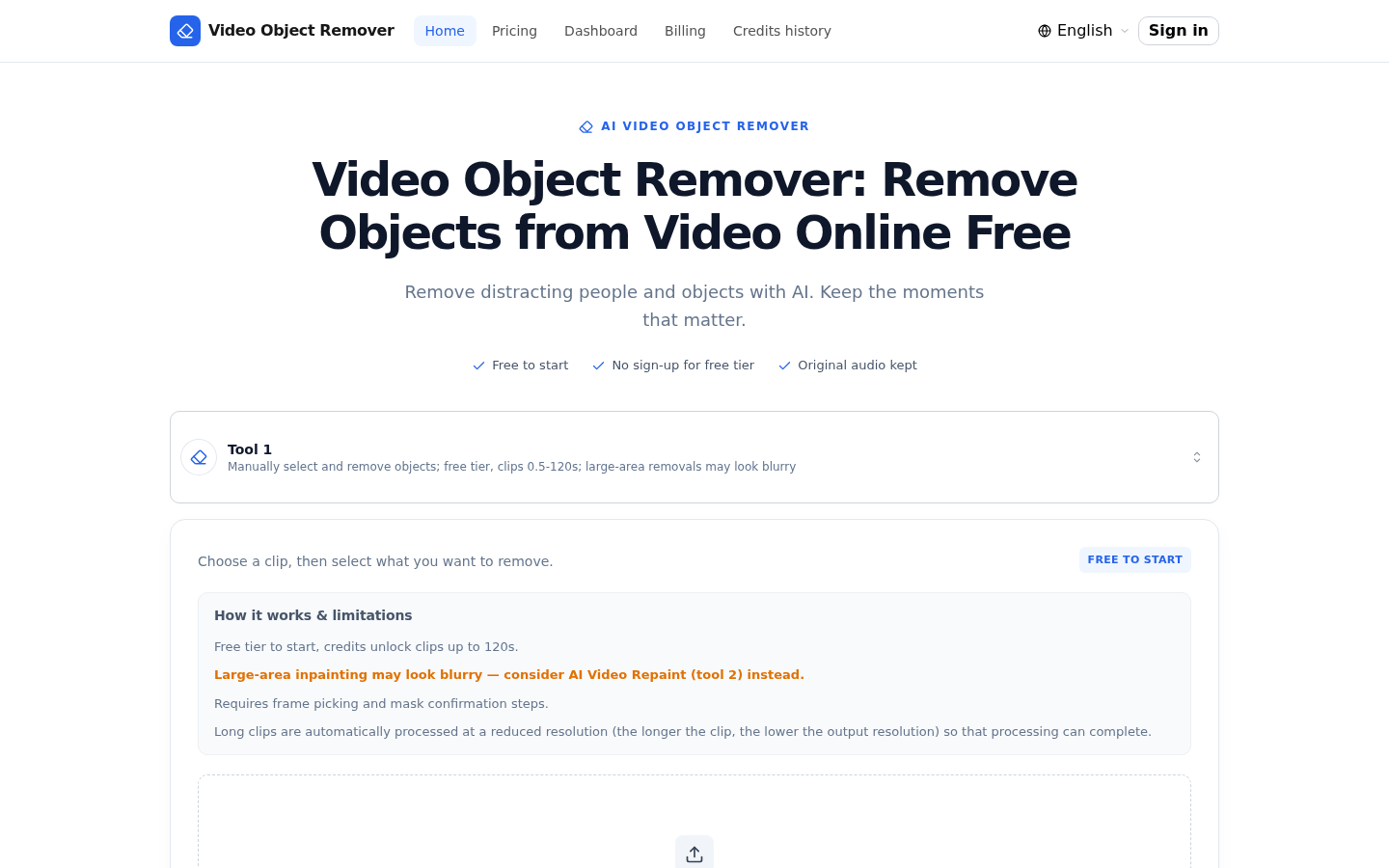
Screenshot archived from the listing page, for preview only.











