
Video to Text
Transcribe video and audio to text in 99 languages, online.Turn any video or audio into accurate, timestamped text.
Highlights
What you can do with it
- Add SRT or VTT subtitles to a YouTube video
- Transcribe a meeting recording into searchable text
- Turn a lecture into notes or study material
How to use it
- 1 Open video2text.net and upload a video or audio file
- 2 Let the AI transcribe the content, with speaker and timestamp labels
- 3 Export the result as TXT, CSV, SRT, or VTT
Who it is for
Pros
- 30 minutes of free trial with no subscription needed
- Broad language support with speaker labels and timestamps
- Flexible export formats for subtitles or plain text
Limitations
- After the free minutes it charges by minutes of use
- Transcription time depends on file size and network speed
- Accuracy can dip on heavy accents, noise, or mixed audio
What Video to Text is
Video to Text is an online AI transcription tool that turns video and audio files into text. It can recognize up to 99 languages and auto-detect which one is spoken, then produce a transcript with speaker recognition so each person's words are labeled, plus automatic timestamps so you can jump to a specific moment. It accepts common formats like MP4, MOV, MKV, MP3, WAV, and M4A, and exports to TXT, CSV, SRT, or VTT for subtitles or plain text. New users get 30 minutes of free trial with no subscription, and after that it charges by minutes of use.
What you can do with it
- Transcribe video and audio into text across 99 languages
- Get speaker labels and timestamps in the transcript
- Upload common video and audio formats with ease
- Export to TXT, CSV, SRT, or VTT for different needs
Who it is for
- Content creators adding subtitles to videos and courses
- Business users transcribing meetings, webinars, and calls
- Students, educators, journalists, and researchers turning recordings into text
What to watch out for
After the 30 free minutes it charges by minutes, so cost scales with how much you transcribe. Transcription speed depends on file size and your network, so long files take longer. Accuracy can drop with heavy accents, background noise, or multiple people talking at once, so plan to proofread important transcripts. Start with a small sample to confirm the output meets your expectations before processing the full batch. Free tiers and usage limits can change, so check the current rules on the official page before relying on it long term. Generated suggestions are for reference only, so verify anything that affects professional judgment or important data.
FAQ
Is there a free trial?
Yes, new users get 30 minutes of free trial with no subscription required.
How many languages?
It can recognize up to 99 languages and auto-detect the language.
What can I export?
You can export to TXT, CSV, SRT, or VTT formats.
Why it is free
What the official page says: free trial
Free limits, trial length and features are decided by the official site and can change at any time.
Product preview
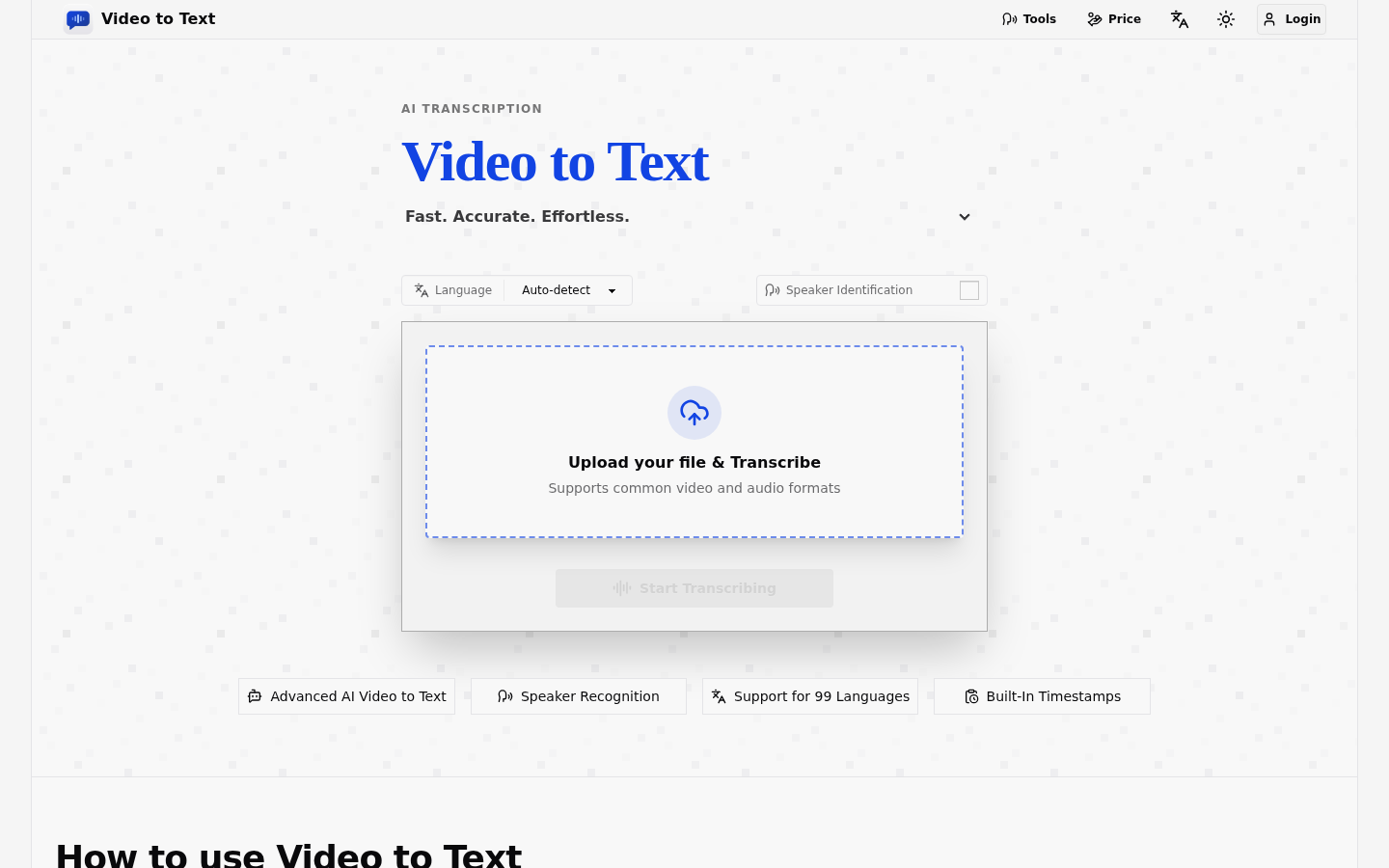
Screenshot archived from the listing page, for preview only.











