
Video Translation and Voiceover
Free open-source video translation toolTranslate subtitles and add voiceovers
Highlights
What you can do with it
- Translate teaching videos into another language
- Add a voiceover to a documentary
- Release homemade videos in multiple languages
How to use it
- 1 Install or open the open-source tool
- 2 Upload the video you want to translate
- 3 Choose a translation engine and target language
- 4 Generate subtitles and a voiceover
- 5 Edit the subtitles, then export the video
Who it is for
Pros
- Free and open-source with no subscription
- Automatic subtitles plus voiceover in one tool
- Subtitles can be edited after generation
Limitations
- Output quality depends on the translation and voice engines used
- Open-source tools can need some setup and technical comfort
- Free project terms and engine availability can change
What Video Translation and Voiceover is
Video Translation and Voiceover is a free and open-source tool for translating videos and adding narration. It supports multiple translation engines, so you are not tied to a single service for turning speech and subtitles into another language. The tool generates subtitles automatically and pairs them with natural voiceovers, and you can add different character voices to suit the tone of the video. After generation, the subtitles remain editable, which lets you fix names, terms, and errors before you finalize. The workflow is meant to be simple, moving from upload to a translated, voiced video without a complicated setup or a paid account.
What you can do with it
- Translate video subtitles into various languages
- Generate automatic subtitles with a voiceover
- Choose from different character voices
- Edit subtitles after they are generated
Who it is for
- Creators releasing videos to audiences in other languages
- Educators producing multilingual teaching material
- Documentary and independent filmmakers adding narration
What to watch out for
Because the tool relies on external translation and voice engines, output quality can vary, and automatic subtitles often contain mistakes that you must correct by hand. As an open-source project, it may require some setup and a degree of technical comfort, and the available engines or features can change between versions. Machine translation and synthetic voices are useful for drafts and reach, but for professional release you should review the language and audio carefully, and you are responsible for the accuracy and rights of the content you publish. Generated suggestions are for reference only, so verify anything that affects professional judgment or important data.
FAQ
Is this tool free?
Yes. It is a free and open-source video translation and voiceover tool.
What does it do?
It translates video subtitles into other languages and generates natural voiceovers, and you can edit the subtitles afterward.
Do I need technical skills?
Operation is described as simple, but as an open-source tool some setup may be needed depending on your system.
Why it is free
What the official page says: 免费
Free limits, trial length and features are decided by the official site and can change at any time.
Product preview
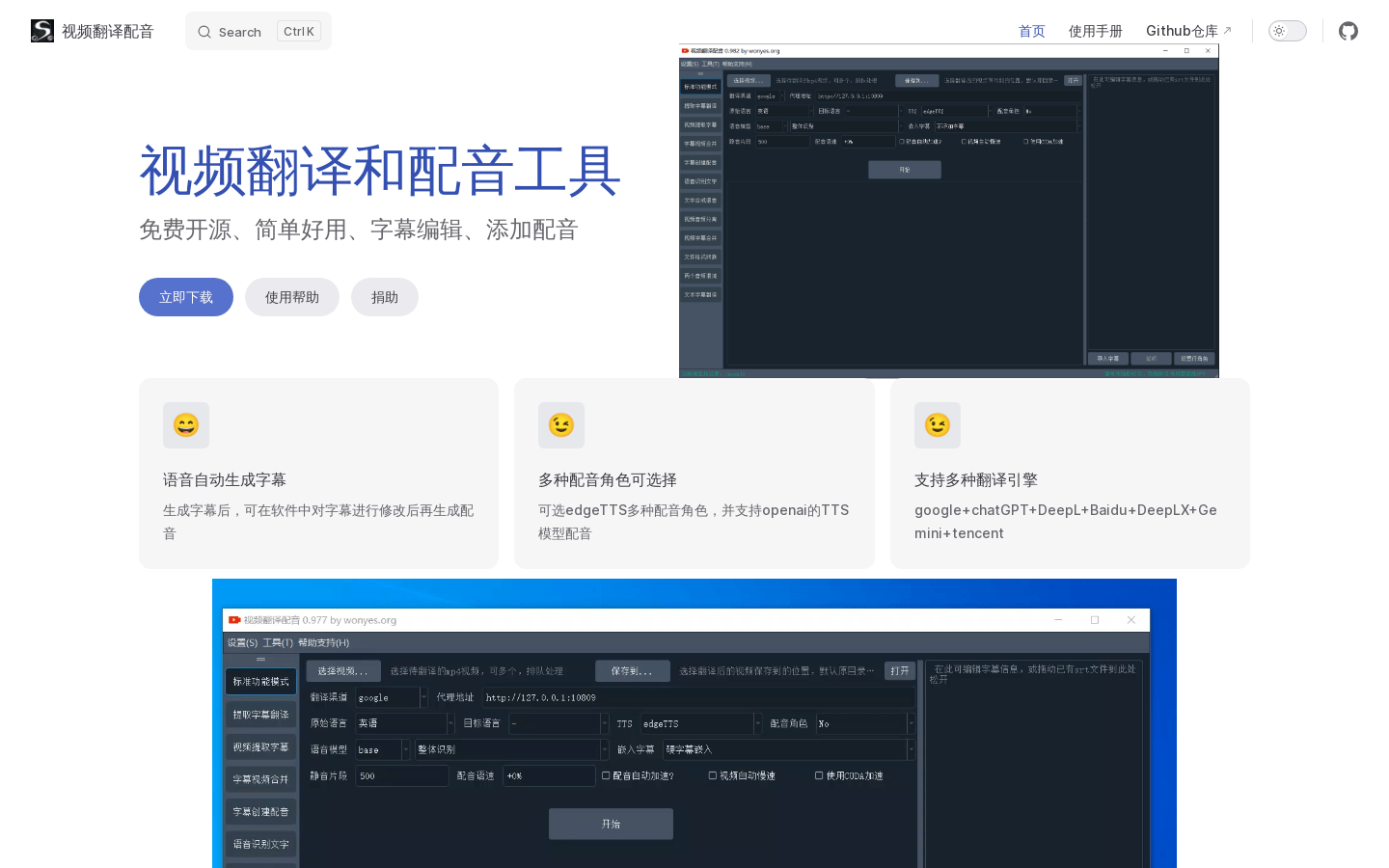
Screenshot archived from the listing page, for preview only.











