
Video2PPT
Video to PPT converterConvert videos into editable slides
Highlights
What you can do with it
- Turning training videos into slides
- Extracting lecture slides for students
- Capturing slides from webinar recordings
How to use it
- 1 Visit the Video2PPT website
- 2 Upload a video or record your screen
- 3 Click start conversion and wait for the AI
- 4 Download the PowerPoint or PDF file
- 5 Edit and share as needed
Who it is for
Pros
- Saves rebuilding slides by hand
- Several input and export options
- Local processing keeps files private
- Batch mode helps with many videos
Limitations
- Extraction quality depends on video clarity
- Free plan limits may apply
- Local processing needs a capable device
- Long videos take longer to process
What Video2PPT is
Video2PPT is an online tool that converts video content into editable PowerPoint presentations and PDF files. Its AI scans a video, identifies key frames, and builds slides from them, which saves the work of capturing screens manually. You can bring in material in several ways: upload a local video, record your screen during a meeting, or link directly to an online video. The tool also supports batch processing, so multiple videos can be handled in one session. According to the product description, all processing happens on your own device, which it presents as a privacy advantage.
What you can do with it
- Extract key frames from a video into slides
- Upload local files or record your screen
- Link to online videos as a source
- Process several videos in one batch
- Export to PowerPoint, Google Slides, or PDF
Who it is for
- Training managers who need slides from recorded sessions
- Teachers turning lecture recordings into study material
- Marketing teams capturing slides from webinars
What to watch out for
The quality of extracted slides depends heavily on how clear the video is, so blurry or fast-moving footage may produce weak results. Free use comes with limits, and larger batches or longer videos will need a paid plan or a stronger computer, since processing runs locally. The tool focuses on slide extraction rather than full presentation design, so you will still need to arrange and polish the deck afterward. Check the current pricing and format support on the website before planning a large conversion job. Start with a small sample to confirm the output meets your expectations before processing the full batch.
FAQ
Is Video2PPT free?
It offers both free and paid options.
What can I convert?
Local videos, screen recordings, or online video links.
Where is the video processed?
The tool says processing happens locally on your device.
Which export formats are supported?
PowerPoint, Google Slides, and PDF.
Why it is free
What the official page says: 免费
Free limits, trial length and features are decided by the official site and can change at any time.
Product preview
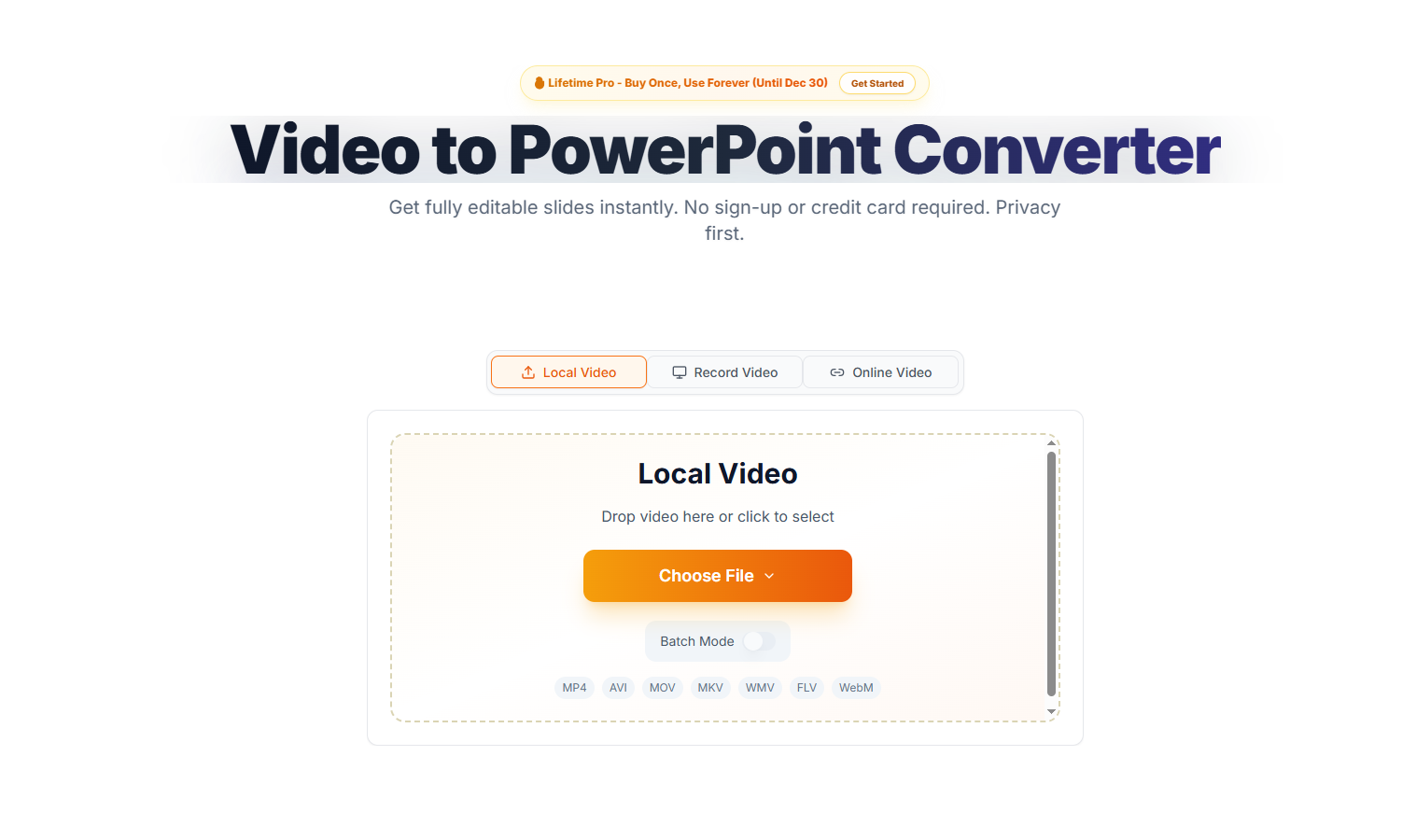
Screenshot archived from the listing page, for preview only.











