
VideoDubber
AI video translation and voice synthesisTranslate and voice video in over 30 languages
Highlights
What you can do with it
- A YouTuber translates videos into multiple languages
- A company localises advertisement video for global markets
- Personal users add foreign language subtitles to home video
How to use it
- 1 Open the VideoDubber site and sign in
- 2 Upload the video you want to translate
- 3 Choose the target language and voice options
- 4 Run the translation and voice synthesis
- 5 Download the finished video and its subtitles
Who it is for
Pros
- One tool covers translation, voice and subtitles
- Over 30 languages broadens the possible audience
- Watermark-free output and subtitle download are included in the feature list
Limitations
- Voice cloning needs clear consent from the person whose voice is copied, and misuse can break platform rules or local law, with consequences falling on the user
- Free trial limits apply and paid plans are usage based
- Automated dubbing still needs review for timing and pronunciation
What VideoDubber is
VideoDubber is a tool that combines AI video translation, voiceover, voice cloning and text to speech in one place. It supports over 30 languages, and the stated goal is to help you reach a wider audience with video you already have. The feature list also mentions a free trial, affordable pricing, watermark-free content, downloadable subtitles and customer support, so the workflow runs from upload through to a finished localised file. Examples on the site include a YouTuber translating content into several languages, a company localising advertisement video for different markets, and personal users adding foreign language subtitles to home video so friends and family can follow along.
What you can do with it
- Translate a video into another language with a synthesised voice
- Clone a voice for voiceover work
- Convert text to speech in a supported language
- Download subtitles alongside the translated video
Who it is for
- YouTubers and creators who want viewers in other languages
- Companies localising advertising and product video for new markets
- Personal users who want subtitles on family or travel video
- Anyone who needs a dubbed or subtitled version of footage they already own
What to watch out for
Voice cloning is the part that needs care. Only clone a voice when you have clear permission from the person it belongs to, because using someone's voice without consent can break platform rules and local law, and any consequences fall on the user. The free trial has limits and paid plans are usage based, so a large back catalogue will cost money to process. Automated dubbing still needs a human pass for timing, pronunciation and tone, and machine translation can miss nuance in marketing copy. Review every localised version before you publish it.
FAQ
What does VideoDubber do?
It provides AI video translation, voiceover, voice cloning and text to speech, with support for over 30 languages.
Is there a free option?
The feature list mentions a free trial alongside affordable paid pricing.
Can I get subtitles as well as audio?
Yes. Downloadable subtitles and watermark-free content are listed among the features.
Why it is free
What the official page says: 免费
Free limits, trial length and features are decided by the official site and can change at any time.
Product preview
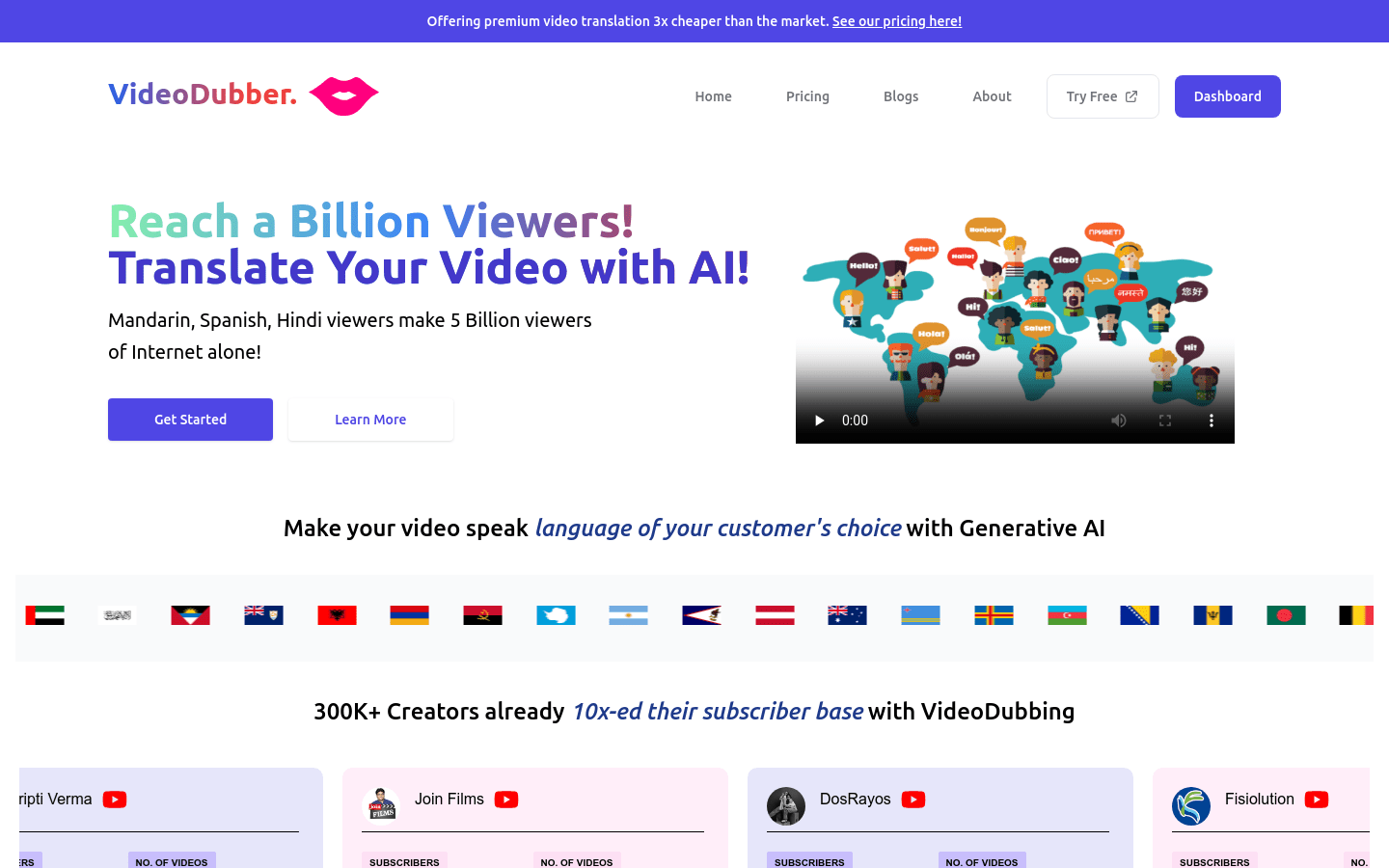
Screenshot archived from the listing page, for preview only.











