
VideoTrans Video Translation andDubbing Tool
Open source video translation and dubbingOne click translated video with voiceover
Highlights
What you can do with it
- Produce Spanish and Japanese versions of a promo video
- Turn an English teaching video into a Chinese version
- Create German and French versions for a European market
How to use it
- 1 Install VideoTrans and open the software
- 2 Import the video you want to translate
- 3 Run subtitle recognition and check the text
- 4 Edit the subtitles, choose a translation engine and a voice
- 5 Export the final video with subtitles and voiceover
Who it is for
Pros
- Free and open source, so you can inspect and run it yourself
- Recognized subtitles can be edited before output
- Several translation and voice engines are supported
Limitations
- Output quality depends on the engines you choose
- First setup needs some learning, since engines and voices must be configured
- Voice and music rights still apply to whatever you publish
What VideoTrans is
VideoTrans is a free and open source video translation and dubbing tool. It takes a video, identifies the subtitles, translates them into another language, applies voice synthesis, and outputs a finished video in the target language with both subtitles and a voiceover. The site says the software is user friendly and supports multiple translation and voice synthesis engines, which together raise the efficiency of video translation work. Recognized subtitles stay editable, so you can fix errors before the final render.
What you can do with it
- Recognize the subtitles in a video with one click.
- Translate that text with a choice of translation engines.
- Pick a voice and generate a natural voiceover.
- Export a finished video with subtitles and voice together.
Who it is for
- Individuals or teams that need multilingual versions of videos.
- Video creators who want fast subtitle translation.
- Enterprises localizing promotional videos for overseas markets.
What to watch out for
Output quality depends on the engines you pick, so test a short clip before committing to a long one. The first setup takes some learning, because engines, voices, and languages have to be configured. When you publish, the usual rights questions still apply to voices and any music inside the video. Start with a small sample to confirm the output meets your expectations before processing the full batch. Free tiers and usage limits can change, so check the current rules on the official page before relying on it long term. Save a backup of the original file before large batch jobs, and keep an exported copy of key results in case the page or service becomes temporarily unavailable.
FAQ
Is VideoTrans really free?
Yes, the site describes it as a free and open source video translation and dubbing tool.
Which engines does it support?
It supports multiple translation and voice synthesis engines.
Can I edit the subtitles?
Yes, recognized subtitles are editable before you export.
What does the output look like?
It outputs a target language video with both subtitles and a voiceover.
Why it is free
What the official page says: 免费
Free limits, trial length and features are decided by the official site and can change at any time.
Product preview
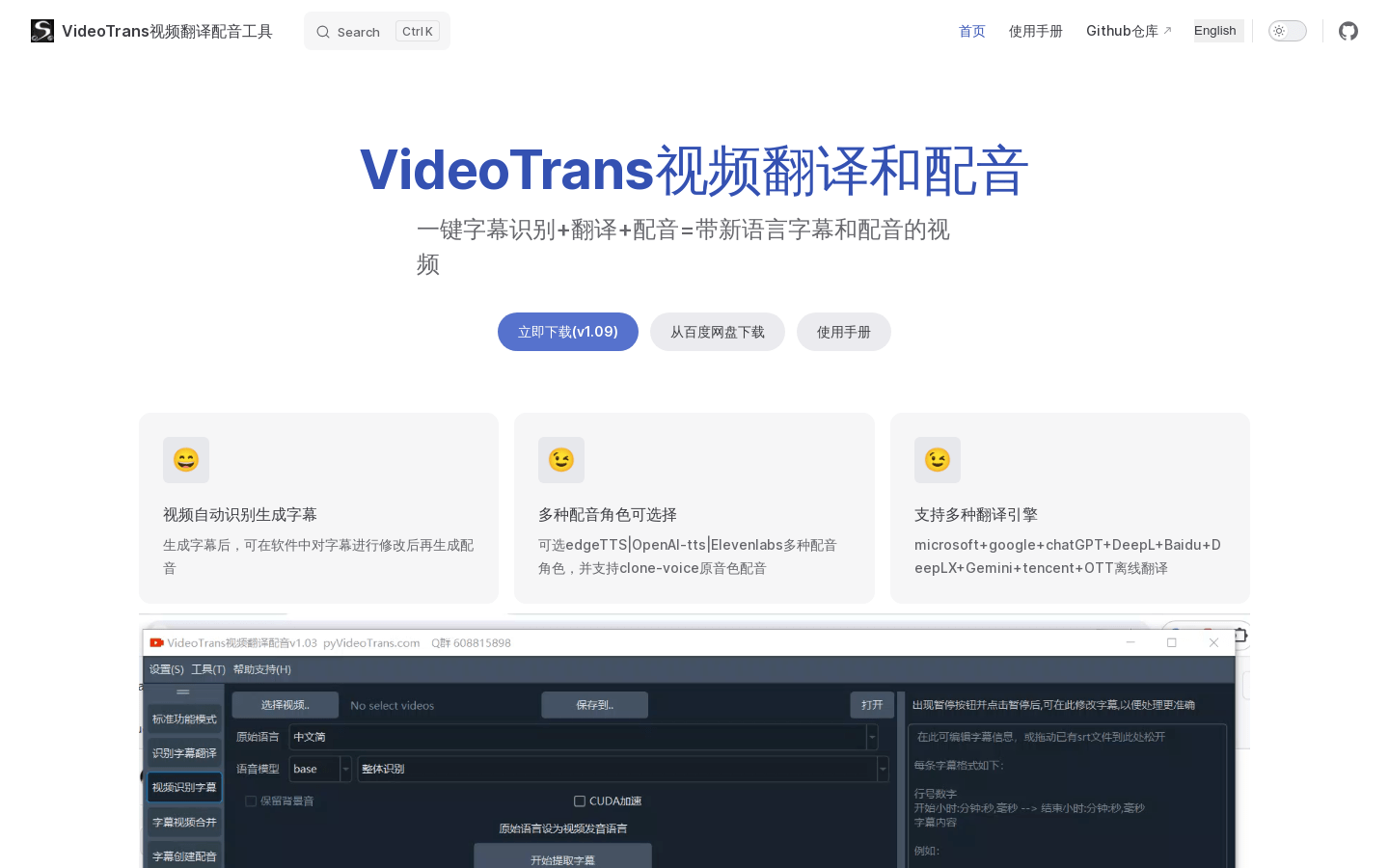
Screenshot archived from the listing page, for preview only.











