
VideoWatermarkRemover AI
Free online AI tool that removes video watermarksUpload, mark the watermark, download a clean video.
Highlights
What you can do with it
- Cleaning up your own footage before publishing
- Removing an old logo from video you have rights to
- Preparing clips for a course or demonstration video
- Batch cleaning several files for one project
How to use it
- 1 Upload a video file by drag and drop or the upload button.
- 2 Use the brush tool to mark the watermark area.
- 3 Let the AI remove the watermark from the video.
- 4 Preview the result and download the cleaned video.
Who it is for
Pros
- Free to use with no login
- Fast processing claimed within seconds
- Batch handling of multiple files
- Works in a mobile browser
Limitations
- Only use it on video you own or have rights to edit
- Removing watermarks may break platform terms or copyright rules, and the consequences fall on the user
- Free access and processing limits can change
- Removal quality depends on the size and position of the watermark
- Uploading video means trusting the site's privacy claims
What VideoWatermarkRemover AI is
VideoWatermarkRemover AI is a free online tool that strips watermarks out of video files. You upload a clip, mark the watermark with a brush, and the AI processes the video, with the site claiming results within seconds and no login or install needed. It supports common formats such as MP4, MOV, and AVI, detects both static and moving watermarks frame by frame, and can handle several videos in one batch. The layout is responsive, so it works on a phone or tablet. The site says videos are encrypted while processed and deleted afterwards, and that the original picture quality is kept. It also mentions pairing with a Sora watermark remover for cleaner output.
What you can do with it
- Remove a static or moving watermark from a video you own
- Mark the area with a brush and preview the result before downloading
- Process several videos in a single batch
- Work from a phone or tablet browser
- Keep the original resolution and colour according to the site's claims
Who it is for
- Content creators cleaning their own footage before publishing
- Marketers removing an old logo from assets they control
- Educators and students preparing clean demonstration videos
- Casual users who need a quick removal without technical skills
What to watch out for
The legal side matters here. A watermark often marks someone else's ownership or licence, so removing it from material you do not own or have permission to edit can break copyright law and the terms of the platforms you publish on, and those consequences land on you. Use the tool only on your own footage or files you clearly have rights to modify. Removal quality also depends on the size and position of the watermark, and a busy background can leave visible traces. The free status, the encryption and deletion claims, and the batch limits are the site's current statements, and a free service can change or add restrictions later. Test on a short clip before committing a long video.
FAQ
Is it free?
The site describes the tool as completely free with no hidden fees.
Which formats work?
MP4, MOV, and AVI are listed.
Can I process several videos?
Yes, batch processing is listed among the features.
Is it legal?
That depends on the video. Use it only on material you own or have permission to edit, and check the rules of any platform you publish on.
Why it is free
What the official page says: completely freefree to use
Free limits, trial length and features are decided by the official site and can change at any time.
Product preview
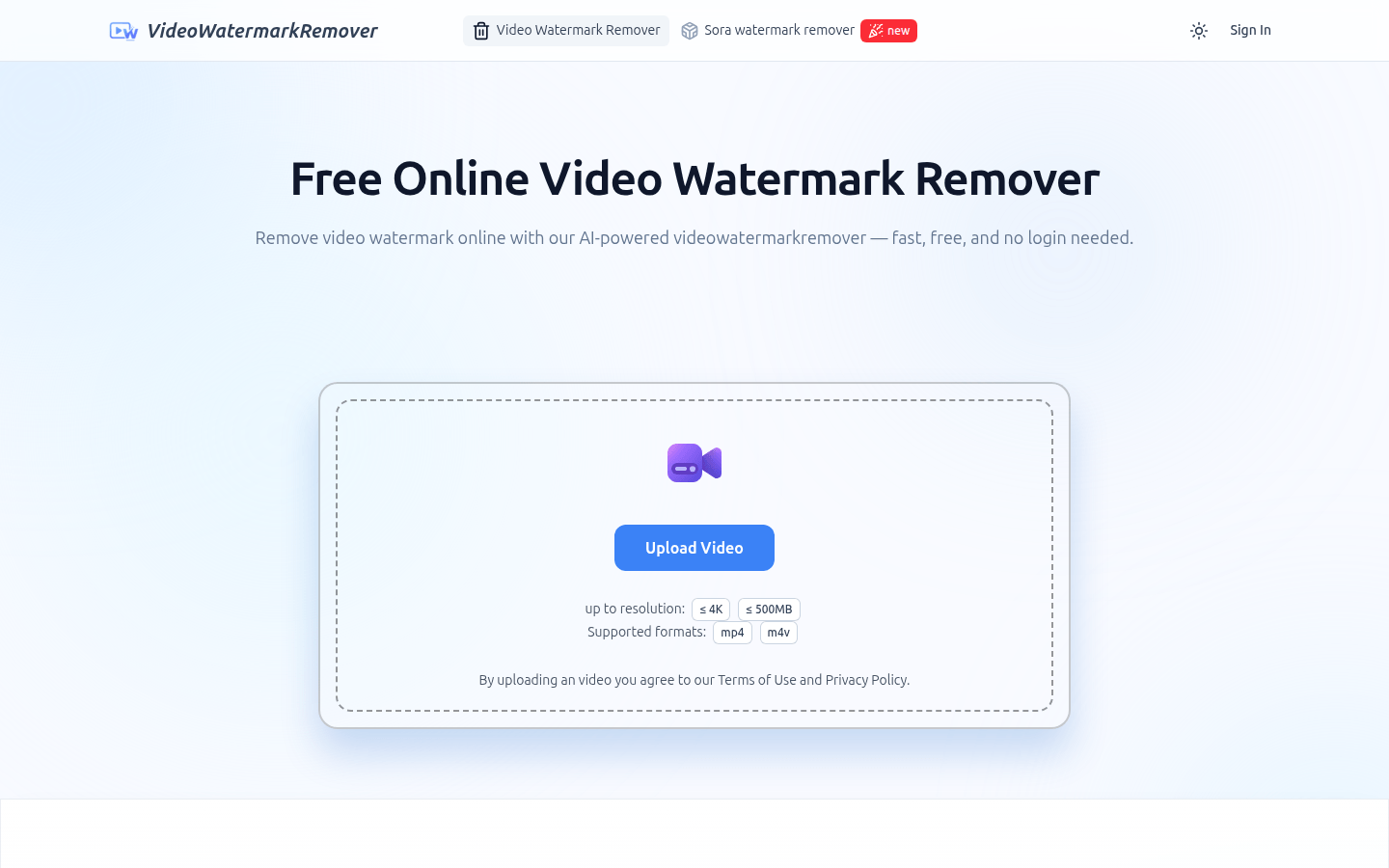
Screenshot archived from the listing page, for preview only.











