Viewly
AI image recognition appRecognize, translate, write poetry
Highlights
What you can do with it
- Read and translate road signs while traveling
- Get poem ideas from a photograph
- Translate the key parts of a document photo
How to use it
- 1 Install Viewly on your iOS device
- 2 Open the app and allow photo library or camera access
- 3 Select an image or take a photo
- 4 Wait for the AI to process it and identify the content
- 5 Use the translation or poetry feature as needed
Who it is for
Pros
- Free to use right now
- Three related features in one app
- Simple interface with a stated privacy policy
Limitations
- iOS only, so Android and desktop users are out
- Translation and poetry are creative aids, not certified accuracy
- Free status and feature set can change as the app is updated
What Viewly is
Viewly is an AI image recognition application for iOS. You give it an image, either from the photo library or straight from the camera, and it identifies what is in the picture. Two further features build on that recognition: it translates text found in the image into other languages, and it generates a poem inspired by the image content. The listing describes a simple interface, a clear privacy policy, and a user agreement, and it says the product is constantly being updated with more features. It is currently offered to users for free.
What you can do with it
- Identify the content of an image
- Translate text inside a photo into another language
- Generate a poem based on what is in the picture
- Work from the camera or the photo library
- Use it on an iPhone or iPad
Who it is for
The examples are a traveler recognizing and translating road signs, a writer using an image as the starting point for a poem, and a business professional translating key portions of a document. That covers travelers who need to read text in a foreign language, writers and creatives who want a prompt from a photograph, and iOS users who want a quick recognition tool without installing something heavier. If you spend time in another language environment, the translation side is the part you will use most.
What to watch out for
The app is iOS only, so Android and desktop users have no path here. Translation is a convenience feature with no stated accuracy guarantee, so do not rely on it for contracts, medical text, or anything where a mistranslation has consequences. The poetry output is creative rather than literary, and results vary. Because the listing says the product is offered for free right now and is under active development, both the price and the feature set can change, and a feature you like may be reworked or removed in an update. Check the privacy policy before uploading sensitive images.
FAQ
Is Viewly free?
Yes, the listing says it is currently offered to users for free.
Which platforms?
The listing mentions iOS devices.
What can it do with a photo?
Recognize the content, translate text in the image, and generate poetry.
Is the translation reliable for legal use?
Treat it as an aid. The listing gives no accuracy guarantee.
Why it is free
What the official page says: for free
Free limits, trial length and features are decided by the official site and can change at any time.
Product preview
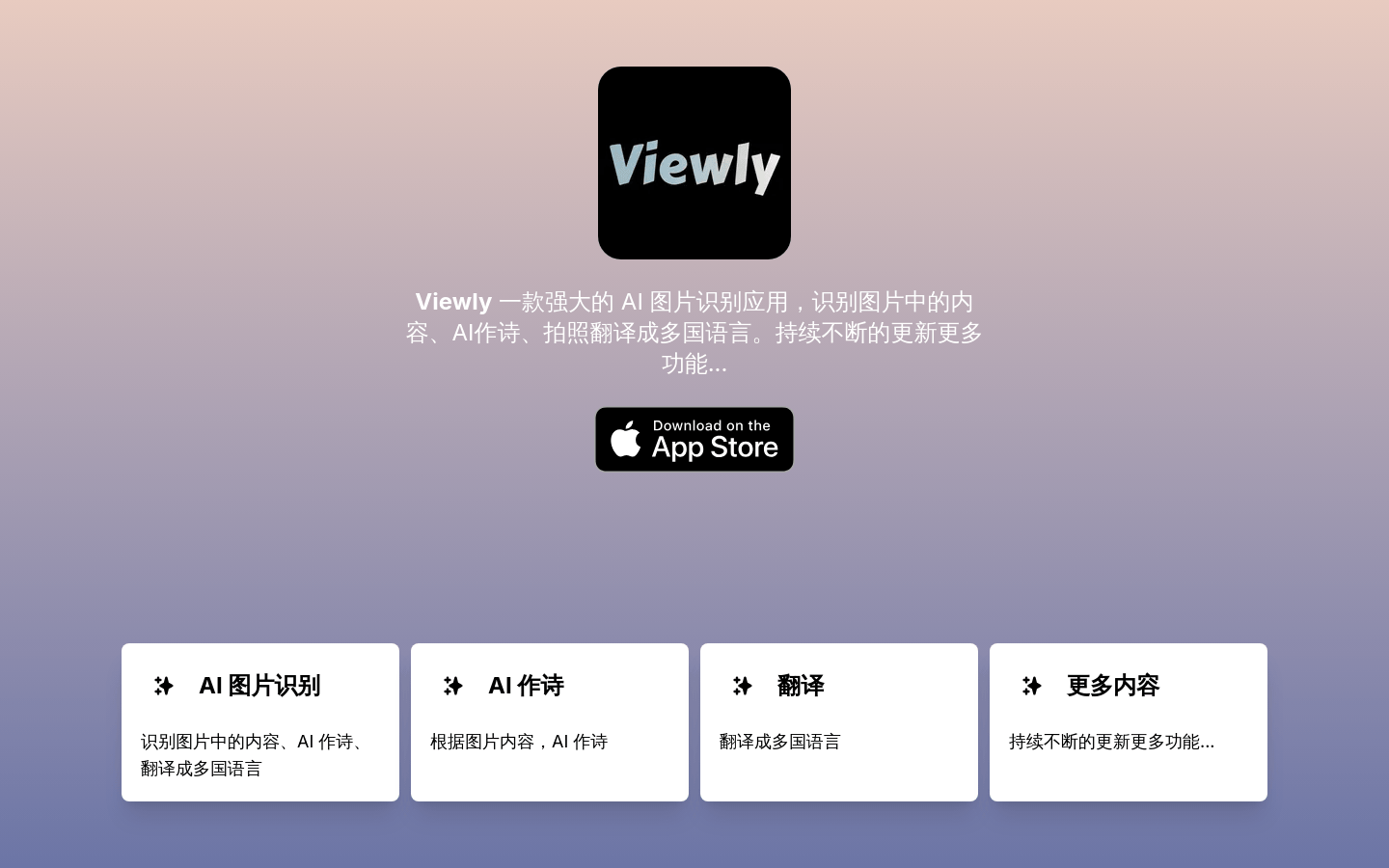
Screenshot archived from the listing page, for preview only.