
Viktor
AI employee for Slack and TeamsAn AI teammate that connects your tools
Highlights
What you can do with it
- Sales reporting and dashboards for an e-commerce team
- Supporting developers with routine coding tasks
- Planning and running a marketing campaign end to end
How to use it
- 1 Visit viktor.com and click Start Free Trial
- 2 Add the Viktor plugin in Slack or Microsoft Teams
- 3 Bind your account and connect the tools you use
- 4 Give Viktor a task such as a report or a piece of code
- 5 Review the output and request changes if needed
Who it is for
Pros
- Wide tool coverage through a single plugin
- Handles several very different task types
- Sits where the team already talks
- Free trial lowers the cost of testing it
Limitations
- Free trial only; team use needs a paid plan
- Output still needs human review before it is trusted
- Connecting many tools means handing over broad access
What Viktor is
Viktor is an AI employee product that runs as a plugin in Slack and Microsoft Teams. Rather than another chat window, it sits inside the tools your team already uses and connects to a large catalogue of external services. From there it takes on concrete work: building reports, assembling dashboards, writing code and planning campaigns.
What you can do with it
- Connect Viktor to the tools your team already relies on.
- Ask it to produce a business report or a dashboard from connected data.
- Have it write code in supported languages for routine tasks.
- Plan and execute a marketing campaign, including audience targeting.
- Automate repetitive work such as data entry and file organisation.
Who it is for
Team managers who spend time assembling reporting, developers who want help with standard coding work, and marketers who need campaign execution support. It suits teams already working in Slack or Teams.
What to watch out for
The free trial is a trial, and team deployment moves to a paid plan. Anything the AI produces should be reviewed before it reaches a client or a production system. Connecting a broad set of tools also means granting significant access, so check the permission model and data handling terms before you wire it into anything sensitive. For team use, agree on naming and editing conventions in advance to avoid version conflicts or duplicated work. Name and archive exported files consistently so you can find and reuse them, and keep a backup copy of key data. Free tiers and usage limits can change, so check the current rules on the official page before relying on it long term.
FAQ
Where does Viktor run?
It works as a plugin inside Slack and Microsoft Teams.
How many tools can it connect to?
The site says more than 3,200 tools, covering a wide range of business scenarios.
What tasks can it do?
Business reports, dashboards, code writing in multiple languages, and planning and executing marketing campaigns, plus automating routine admin work.
Is it free?
There is a free trial. Beyond that you should expect a paid plan for team use.
Why it is free
What the official page says: free trial
Free limits, trial length and features are decided by the official site and can change at any time.
Product preview
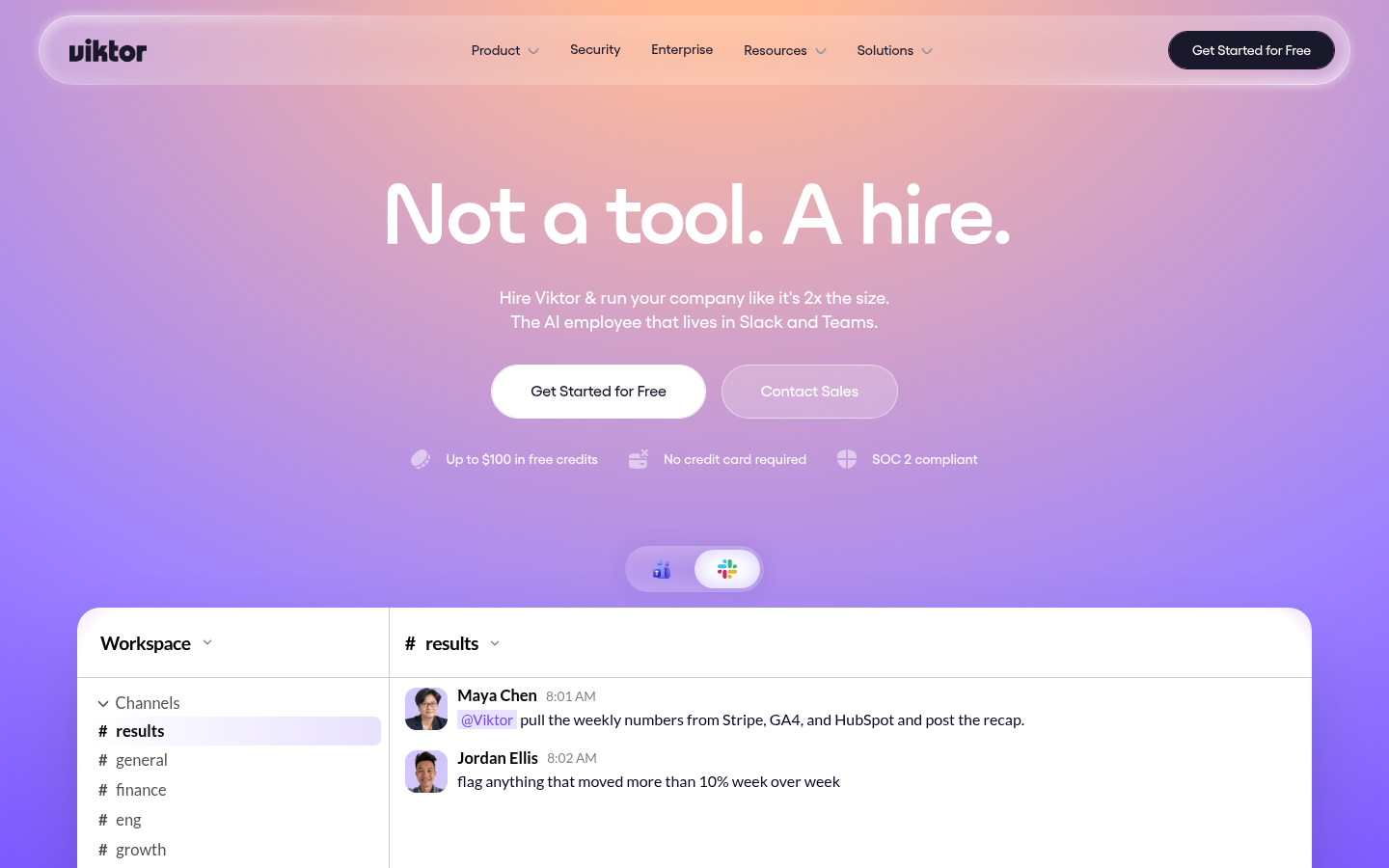
Screenshot archived from the listing page, for preview only.











