
VoiceAppear
Voice dictation desktop app for Claude CodeSpeak your prompts, 14-day free trial
Highlights
What you can do with it
- Developers speaking code prompts into Claude Code instead of typing
- Writers drafting long text by voice
- Translators switching languages while working through documents
How to use it
- 1 Install by download, a single terminal command, or an install prompt pasted into Claude Code
- 2 Open the client and confirm the microphone is detected
- 3 Put the cursor in the target field and hold the hotkey to dictate
- 4 Release the hotkey and the text appears in under half a second
- 5 Switch languages mid-sentence if you work in more than one
Who it is for
Pros
- Very fast transcription keeps dictation feeling natural
- Purpose-built formatting for Claude Code prompts
- Works across apps and terminals, not a single editor
- 14-day free trial with no credit card
Limitations
- The trial lasts 14 days, after which a paid licence is needed
- Accuracy depends on microphone quality, accent, and background noise
- Dictation works at the cursor, so some apps and web fields may behave differently
- A new product on a very young domain, so long-term support is unproven
What VoiceAppear is
VoiceAppear is a desktop dictation application for Windows and macOS, developed by Veni Vidi Validus GmbH. It converts speech into text wherever your cursor is, and it is built with Claude Code CLI in mind, so developers can speak a prompt instead of typing it. After you release the hotkey, the transcribed text appears in under 500 milliseconds, and the app formats code elements such as commands and variables the way Claude Code expects. The vendor claims input up to four times faster than typing, support for over 100 languages and accents, and dictation from any application, including terminals such as CMD, PowerShell, and the VS Code terminal. You can install it with a direct download, a single terminal command, or by pasting an install prompt into Claude Code. A 14-day free trial is offered and no credit card is required.
What you can do with it
- Dictate into any application at the cursor position
- Speak Claude Code prompts and have commands and variables formatted automatically
- Transcribe in under half a second after releasing the hotkey
- Switch between more than 100 languages and accents mid-dictation
- Use it inside terminals such as CMD, PowerShell, and the VS Code terminal
Who it is for
- Developers who write long prompts for Claude Code every day
- Writers producing articles, reports, and documentation by voice
- Multilingual users who move between languages inside one document
What to watch out for
The trial lasts 14 days, after which a paid licence is required, so test it against your real workflow before it expires. Accuracy depends on your microphone, your accent, and background noise, and code dictation still needs a proofread before you run it. Because it types at the cursor, a few applications and browser fields may not behave as expected, and clipboard or security policies in managed environments can interfere. The product and its domain are very new, so long-term maintenance and pricing are unproven, and that is worth weighing before you rebuild your habits around it.
FAQ
What is VoiceAppear?
A desktop dictation app for Windows and macOS that types what you say.
How fast is it?
Transcription appears in under 500 milliseconds, and the vendor claims up to four times faster input than typing.
Which languages are supported?
Over 100 languages and accents, switchable during dictation.
Is there a free trial?
Yes, 14 days, and no credit card is required.
Why it is free
What the official page says: free trial
Free limits, trial length and features are decided by the official site and can change at any time.
Product preview
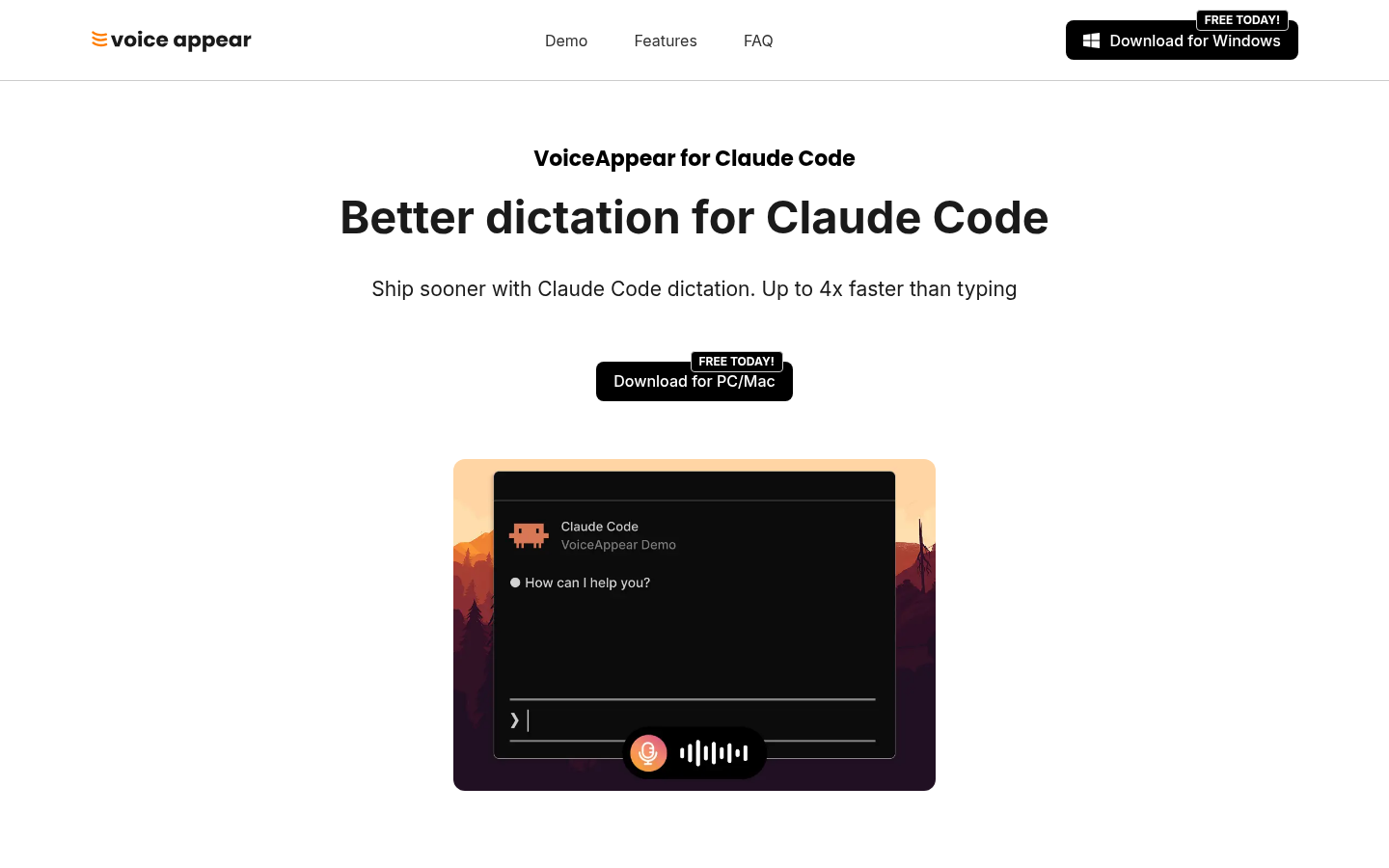
Screenshot archived from the listing page, for preview only.











