
VoiceDash
AI voice typing tool that turns speech into clean text anywhereSpeak naturally and get polished text inside any app
Highlights
What you can do with it
- A writer records ideas by voice and turns them into text
- A professional captures meeting talk and drafts minutes fast
- A student records a lecture and reviews the text afterward
How to use it
- 1 Open VoiceDash from your download folder
- 2 Speak naturally at your normal pace
- 3 Let the tool clean and format the text into your current app
- 4 Send or save the finished text
Who it is for
Pros
- Faster input by voice than typing
- Cleans filler words and grammar for a professional result
- Works inside the apps you already use
- Basic plan is listed at no monthly cost
Limitations
- Free plan limits and paid pricing can change at any time
- Accuracy depends on your voice, accent, and background noise
- Personal dictionary and clips need setup before they help
- Privacy promises still mean trusting a third party with your audio
What VoiceDash is
VoiceDash is an AI voice typing tool that converts speech into structured text in real time. It has a free trial, and a basic plan is listed at no monthly cost, so you can try it without paying. As you speak, it removes filler words such as um and ah and corrects grammar so the text reads cleanly. It supports several languages and works inside the apps you already use, such as Notion, Microsoft Word, Slack, Google Docs, and Jira. You can also build a personal dictionary and a clip library for phrases you repeat often.
What you can do with it
- Dictate text anywhere and get a clean, structured result.
- Strip filler words and fix grammar automatically as you speak.
- Type into many apps, from word processors to chat and code tools.
- Use voice-to-text in multiple languages at no extra charge.
- Save repeated phrases in a clip library and teach it custom words.
Who it is for
- Individuals who want to write and edit documents faster.
- Creators who need to capture ideas and drafts by voice.
- Developers writing code comments and documentation.
- Leaders, product managers, students, and people who find typing difficult.
What to watch out for
The free trial limits and the paid plans can change, and the no-cost basic tier may add restrictions over time. Accuracy depends on your voice, accent, microphone, and background noise, so results vary and you will still edit the text. The personal dictionary and clip library need setup before they pay off. Although the tool stresses privacy, using it still means trusting a third party with your audio and text, so review its data practices before you dictate anything sensitive.
FAQ
Does VoiceDash have a free option?
There is a free trial, and the basic plan is listed at no monthly cost. Limits and prices can change, so check the pricing page.
Which apps does it work with?
It is designed to work in any application, including Notion, Microsoft Word, ChatGPT, Gemini, Slack, Cursor, Google Docs, and Jira.
How does it handle my privacy?
The tool says it puts privacy first and works to keep your voice and text data secure, but you still send audio to a third-party service.
Why it is free
What the official page says: free trial
Free limits, trial length and features are decided by the official site and can change at any time.
Product preview
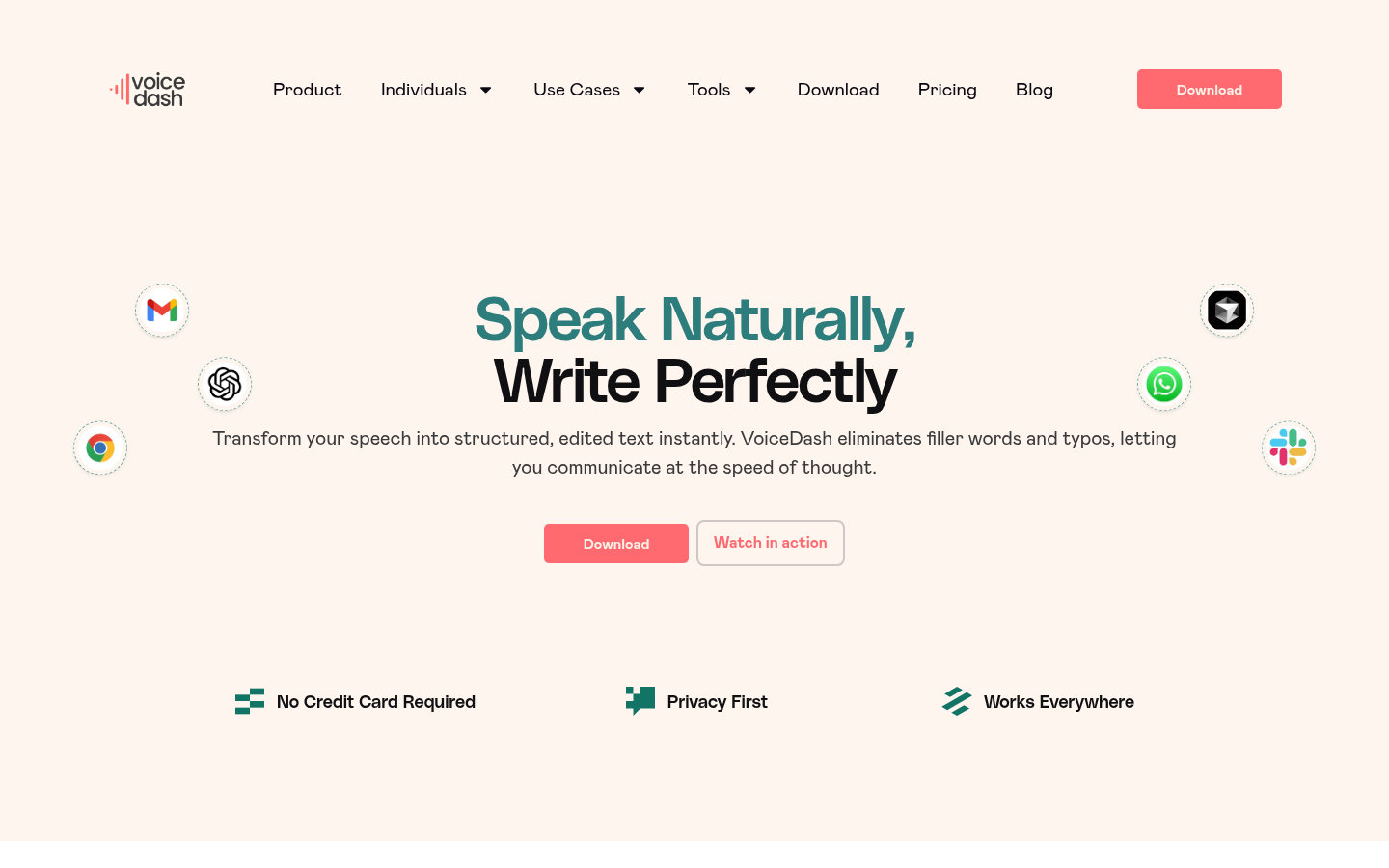
Screenshot archived from the listing page, for preview only.











