Voqal
Voice programming assistant for your IDEWrite and debug code by speaking
Highlights
What you can do with it
- Writing code in Visual Studio by voice
- Refactoring and debugging without the keyboard
- Navigating and managing a project hands-free
How to use it
- 1 Start the free trial on voqal.dev
- 2 Connect it to your IDE
- 3 Set up your voice intents and preferences
- 4 Speak commands and review the generated code
- 5 Use voice control for navigation and debugging
Who it is for
Pros
- Transcription stays on the device
- Context-aware rather than plain dictation
- Free trial before paying
Limitations
- Voice coding has a learning curve and needs a quiet space
- After the trial it costs a monthly subscription
- Accuracy still needs review before you commit code
What Voqal is
Voqal is a voice programming assistant that changes how you interact with an IDE. Rather than adding speech to a text editor, it turns the graphical interface into a voice user interface, understanding what you say in the context of software development rather than as isolated words. That means you can write clean, concise code with little or no typing, replace keyboard shortcuts with voice intents, move around a project, and control debugging by speaking. Transcription runs on device through Picovoice, and it can also connect to OpenAI and other providers.
What you can do with it
- Write code by voice with minimal typing
- Use voice intents instead of keyboard shortcuts
- Navigate and manage a project hands-free
- Control debugging through spoken commands
- Keep transcription on device so audio stays local
Who it is for
- Developers dealing with repetitive strain or accessibility limits
- Anyone who wants to take their hands off the keyboard
- Teams evaluating whether voice-driven tooling fits their workflow
What to watch out for
Voice coding is a skill, not a switch. Expect to spend real time learning how to phrase commands, and expect to work in a quiet space, because background noise degrades recognition quickly. After the free trial the service runs on a monthly subscription, so weigh that against how much typing you would actually save. Most importantly, generated code is a draft: review it line by line before you commit, since a misheard identifier can compile and still be wrong. Run one full task end to end first, then expand once you are comfortable with the workflow and the result quality.
FAQ
What does Voqal do?
It turns the IDE into a voice user interface so you can write, navigate, and debug code by speaking.
Where does transcription happen?
It uses Picovoice for on-device transcription, so the site says your voice never leaves your computer.
What does it cost?
The listing states a personal monthly subscription of 6 dollars and an organisation monthly subscription of 10 dollars, with a free trial.
Why it is free
What the official page says: free trial
Free limits, trial length and features are decided by the official site and can change at any time.
Product preview
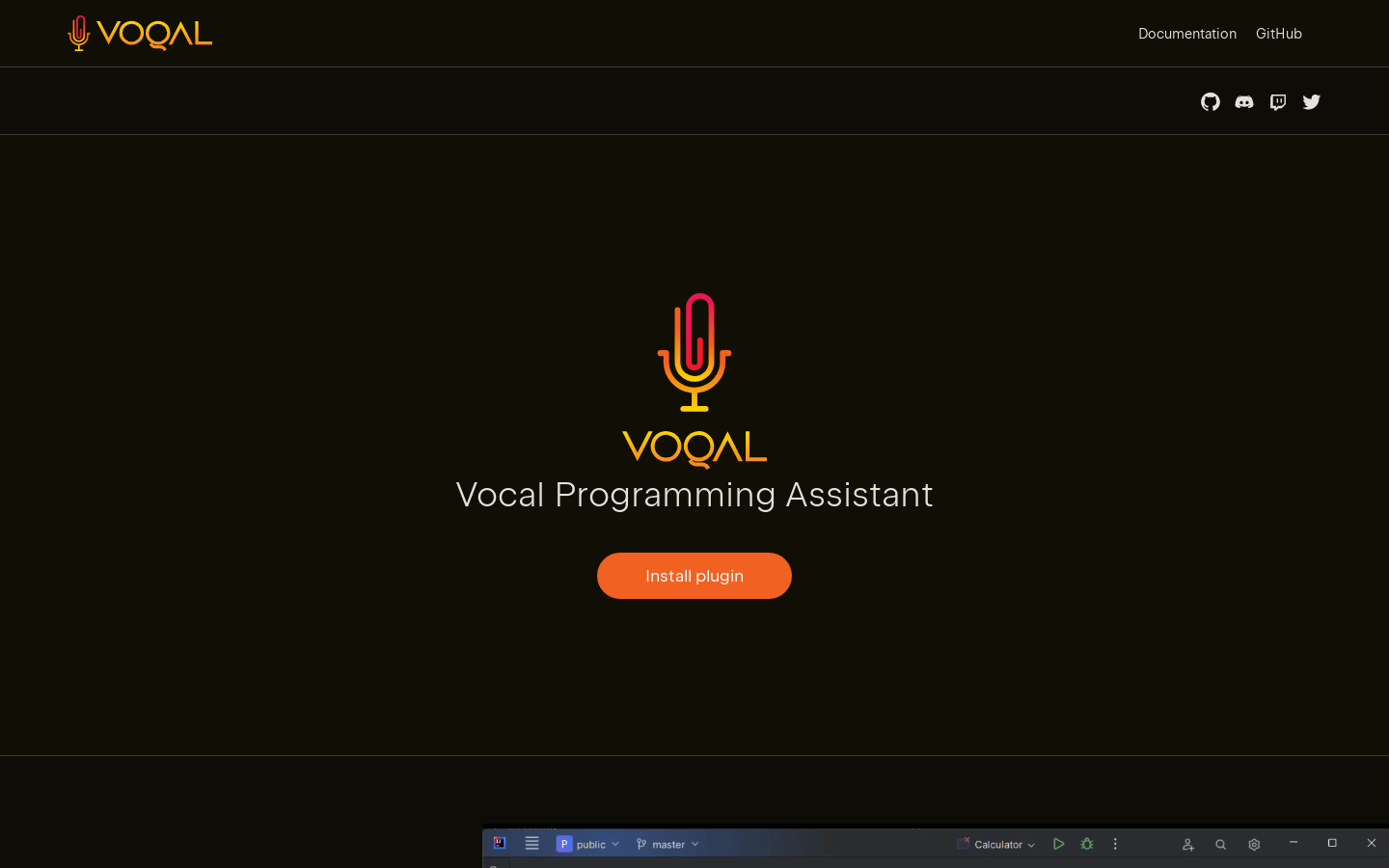
Screenshot archived from the listing page, for preview only.