
Wand.Tools
Free AI Excel and Google Sheets formula toolTurn plain words into spreadsheet formulas
Highlights
What you can do with it
- Finance staff generate ROI and profit-margin formulas from a description
- Data analysts build advanced formulas for large datasets
- Users get clear explanations of formulas they find confusing
How to use it
- 1 Visit the Wand.Tools website.
- 2 Choose Generate Formula or Explain Formula.
- 3 Type your requirement or paste the formula you want explained.
- 4 Click generate or explain and wait for the result.
- 5 Review the formula and apply it to your spreadsheet.
Who it is for
Pros
- Free access to AI formula generation and explanation
- No deep technical knowledge needed to get started
- Supports both Excel and Google Sheets
Limitations
- Generated formulas should be tested before you rely on them
- AI suggestions can be wrong for unusual or edge-case data
- A free web tool may add limits or change its terms over time
What Wand.Tools is
Wand.Tools is a free online AI tool for spreadsheets. It turns plain-language descriptions into Excel formulas, or explains formulas you already have. You type what you want to calculate and it returns the formula, much like asking a chat assistant. It works with both Excel and Google Sheets and is aimed at people without deep technical knowledge, supporting tasks from financial analysis to data processing, including advanced functions and array formulas. There is no payment or subscription for its core features.
What you can do with it
- Describe a calculation in words and get a working formula
- Paste a confusing formula and get a step-by-step explanation
- Build advanced and array formulas for complex data work
- Use the same tool across Excel and Google Sheets
Who it is for
- Finance professionals calculating returns, margins, and forecasts
- Data analysts handling large or complicated datasets
- Everyday users who find formulas difficult to write from scratch
What to watch out for
Always test generated formulas on sample data before trusting them, since AI can produce a result that is close but not exactly right for your case. Very unusual logic or edge cases may need manual fixing. Because it is a free web tool, it may add usage limits or change how it works over time, so keep a backup of important spreadsheets. Behavior may vary across browsers and devices, so test before production use and consult the help docs if errors appear. Features and interface details may change between versions, so review the latest notes on the page before you start. For team use, agree on naming and editing conventions in advance to avoid version conflicts or duplicated work.
FAQ
Is Wand.Tools free?
Yes. It is a free AI tool and does not require payment or a subscription for its core features.
Does it work with Google Sheets?
Yes. It supports both Google Sheets and Excel.
Can it explain formulas I already have?
Yes. The Explain Formula feature breaks down complex formulas to help you understand them.
Why it is free
What the official page says: 免费
Free limits, trial length and features are decided by the official site and can change at any time.
Product preview
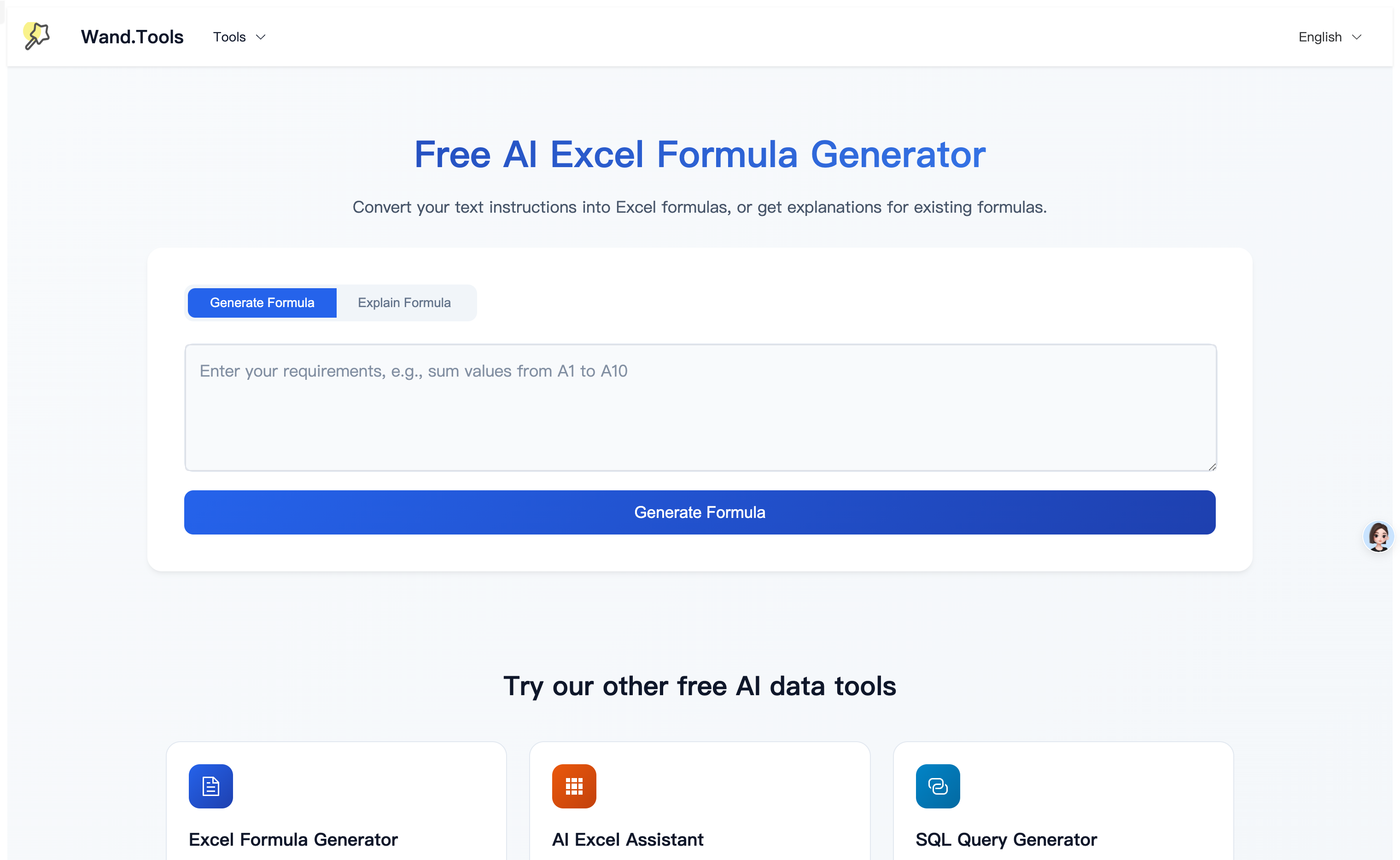
Screenshot archived from the listing page, for preview only.











