Wandpen
AI rewriting extensionRewrite text anywhere in Chrome
Highlights
What you can do with it
- Rewrite a business email for clarity and tone
- Improve the logic of an academic paper
- Polish a novel draft and its narrative flow
How to use it
- 1 Download the Wandpen Chrome extension from its website.
- 2 Install it in Chrome and pin the icon.
- 3 Click the icon to open Wandpen.
- 4 Paste or type the text you want rewritten.
- 5 Review the AI suggestions and refine the text.
- 6 Copy or export the final text.
Who it is for
Pros
- Works inside Chrome, so no app switching
- Clean interface keeps focus on the text
- Feature set is not gated by payment plans, per the listing
Limitations
- Requires Chrome, so other browsers are out of scope
- AI suggestions still need human judgment
- A subscription option may appear even though features are unrestricted
- Service depends on the extension and its AI backend staying online
What Wandpen is
Wandpen is a Chrome extension that uses AI to rewrite text such as emails, articles, and reports. It was inspired by the founder's experience of losing opportunities because of weak writing, and it provides a distraction free environment that stays out of the way while you work. Because it lives in the browser, Wandpen is available anywhere a browser tab is open. The listing says features like tone, voice, and prompts are not restricted by payment plans, writing is unlimited, and there is a simple pricing model where users can choose whether to subscribe. The entry is tagged as free.
What you can do with it
- Rewrite emails for clarity and tone
- Improve logic and expression in academic papers
- Polish narrative structure in a novel draft
- Rewrite reports and long documents in place
- Work without word count or frequency limits
The clean interface keeps attention on the sentence you are fixing, and everything happens inside the extension so you can keep your draft in the same tab.
Who it is for
- Professionals who write frequent emails
- Students polishing papers and assignments
- Writers revising drafts in the browser
- Anyone who rewrites text in a browser tab
The tool suits short rewrites as well as longer editing sessions.
What to watch out for
Wandpen requires Chrome, so other browsers are out of scope for now. AI suggestions are a starting point and still need human judgment, particularly for tone in sensitive messages. Even though features are described as unrestricted, a subscription option exists and pricing can change. The service also depends on the extension and its AI backend staying online, so keep a backup plan for deadline work.
FAQ
What does Wandpen do?
It uses AI to rewrite text like emails, articles, and reports inside a distraction free browser environment.
Is Wandpen free?
The listing tags it as free and says tone, voice, and prompt features are not limited by payment plans, with an optional subscription.
Are there usage limits?
The listing describes unlimited writing without word count or frequency caps.
Why it is free
What the official page says: 免费
Free limits, trial length and features are decided by the official site and can change at any time.
Product preview

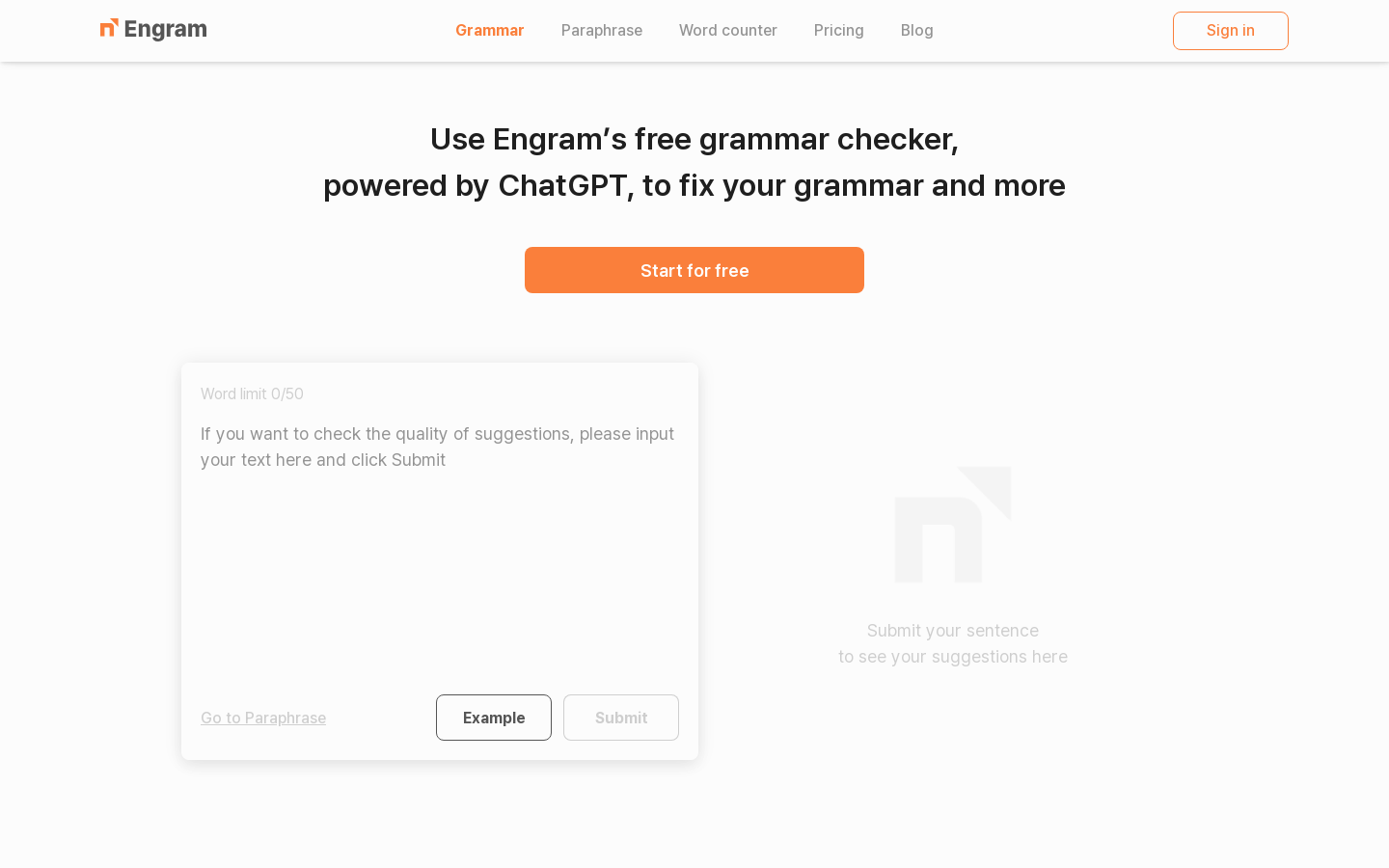
Screenshot archived from the listing page, for preview only.