DeepL Write BETA
AI writing assistant for clearer, error free textWrite with more clarity and accuracy, free version available
Highlights
What you can do with it
- Writers polishing drafts for clarity and tone
- Non native speakers checking grammar and spelling
- Professionals proofreading documents in several languages
How to use it
- 1 Open DeepL Write in your browser
- 2 Paste or type the text you want to improve
- 3 Review the suggested corrections and rewrites
- 4 Choose the style or tone you prefer
- 5 Copy the improved text into your document
Who it is for
Pros
- Free version available
- Strong grammar and spelling correction
- Translation and proofreading in one place
Limitations
- Free version limits and premium pricing may change over time
- Suggestions still need human review for context and tone
- Works best on text that is already reasonably structured
What DeepL Write BETA is
DeepL Write is an AI writing assistant built to make your writing clearer and more accurate. You can compose text with more confidence, and the tool helps remove grammar and spelling errors as you go. Beyond correction, it offers accurate translations and language proofreading, a set of writing tools and styles, and support for multiple file formats. A free version is available so you can try the service before committing. It is aimed at anyone who wants cleaner, more professional writing, including people working in more than one language.
What you can do with it
- Improve clarity and accuracy in your drafts
- Remove grammar and spelling errors
- Proofread and translate text across languages
- Work with multiple file formats and writing styles
Who it is for
- Writers who want clearer, cleaner drafts
- Non native speakers checking grammar and spelling
- Professionals who proofread multilingual documents
What to watch out for
The free version has limits, and premium pricing can change, so check current plans. AI suggestions are guidance, so review them for context, tone, and meaning before you accept them. The tool works best on text that is already fairly structured, so very rough drafts may need more manual work. Because it is labeled beta, features and behavior may shift as the product develops. Start with a small sample to confirm the output meets your expectations before processing the full batch. Free tiers and usage limits can change, so check the current rules on the official page before relying on it long term. Save a backup of the original file before large batch jobs, and keep an exported copy of key results in case the page or service becomes temporarily unavailable.
FAQ
Is there a free version of DeepL Write?
Yes, you can try the free version of DeepL Write.
What does it correct?
It helps eliminate grammar and spelling errors and improves overall clarity.
Does it support translation?
Yes, it offers accurate translations and language proofreading along with writing tools.
Why it is free
What the official page says: free version
Free limits, trial length and features are decided by the official site and can change at any time.
Product preview
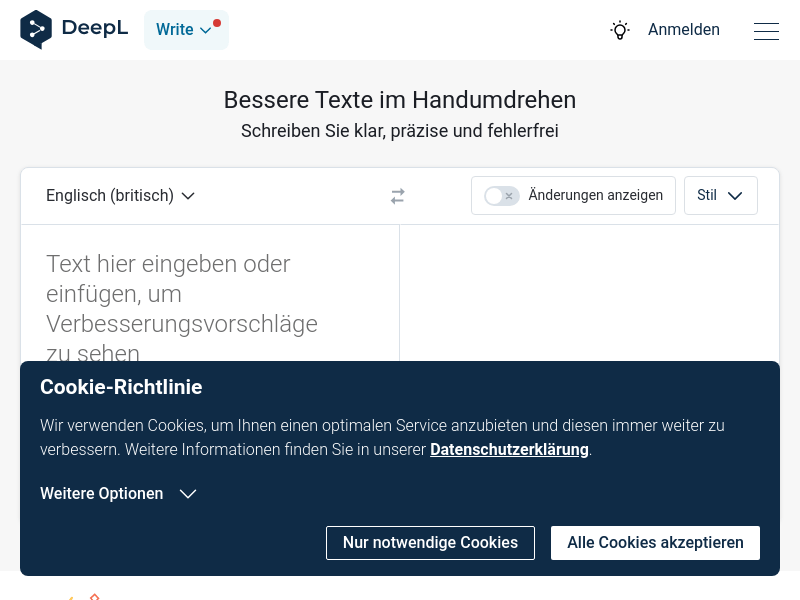
Screenshot archived from the listing page, for preview only.