Watermarkly
Photo face blurring toolBatch blur faces and plates free
Highlights
What you can do with it
- Protect personal information before sharing photos
- Blur license plates in car photos
- Hide sensitive details in images
How to use it
- 1 Open the Watermarkly blur page in your browser.
- 2 Upload the photos you want to edit.
- 3 Let AI detection mark faces and plates.
- 4 Adjust blur intensity, shape, and coverage.
- 5 Download the blurred copies.
Who it is for
Pros
- Batch processing saves time on photo sets
- AI detection reduces manual marking
- Adjustable intensity and shapes give control
Limitations
- Photos are uploaded to a third party service, so consider sensitivity
- The listed URL redirects, so confirm the current page
- Detection is not perfect on unusual angles or small objects
What Watermarkly is
Watermarkly is an app for blurring faces, license plates, and other objects in photos. It supports batch blurring, uses AI detection to find subjects, and allows selective blurring with adjustable intensity, diverse shapes, and smooth boundaries. Users upload photos and download the blurred copies, which makes it useful when you need to prepare a set of images quickly. The listing presents it as a free face blurring app aimed at protecting personal privacy information in minutes. The goal is simple: protect privacy without advanced editing skills.
What you can do with it
- Blur faces across many photos at once
- Hide license plates in car photos
- Selectively blur specific objects or areas
- Adjust blur intensity, shape, and edges
- Download blurred copies for sharing
Batch processing is the standout feature when a whole photo set needs the same treatment, and selective blurring means you can keep the main subject sharp.
Who it is for
- Anyone sharing photos that contain faces or plates
- Drivers posting car photos online
- People removing sensitive details from images
- Small teams preparing public image sets
It fits both one off edits and repeat privacy workflows.
What to watch out for
Photos are uploaded to a third party service, so consider sensitivity before sending personal images. The listed URL redirects, so follow through to the current page before you start. AI detection is not perfect on unusual angles or small objects, so check each result. For legal or compliance use, verify the output carefully rather than trusting automatic detection. Free access rules can change, and the tool focuses on blurring rather than full photo editing.
FAQ
What does Watermarkly blur?
Faces, license plates, and other objects in photos.
Can I blur many photos at once?
Yes, batch blurring is listed as a core feature.
Is it free?
The listing presents it as a free face blurring app.
Why it is free
What the official page says: 免费
Free limits, trial length and features are decided by the official site and can change at any time.
Product preview
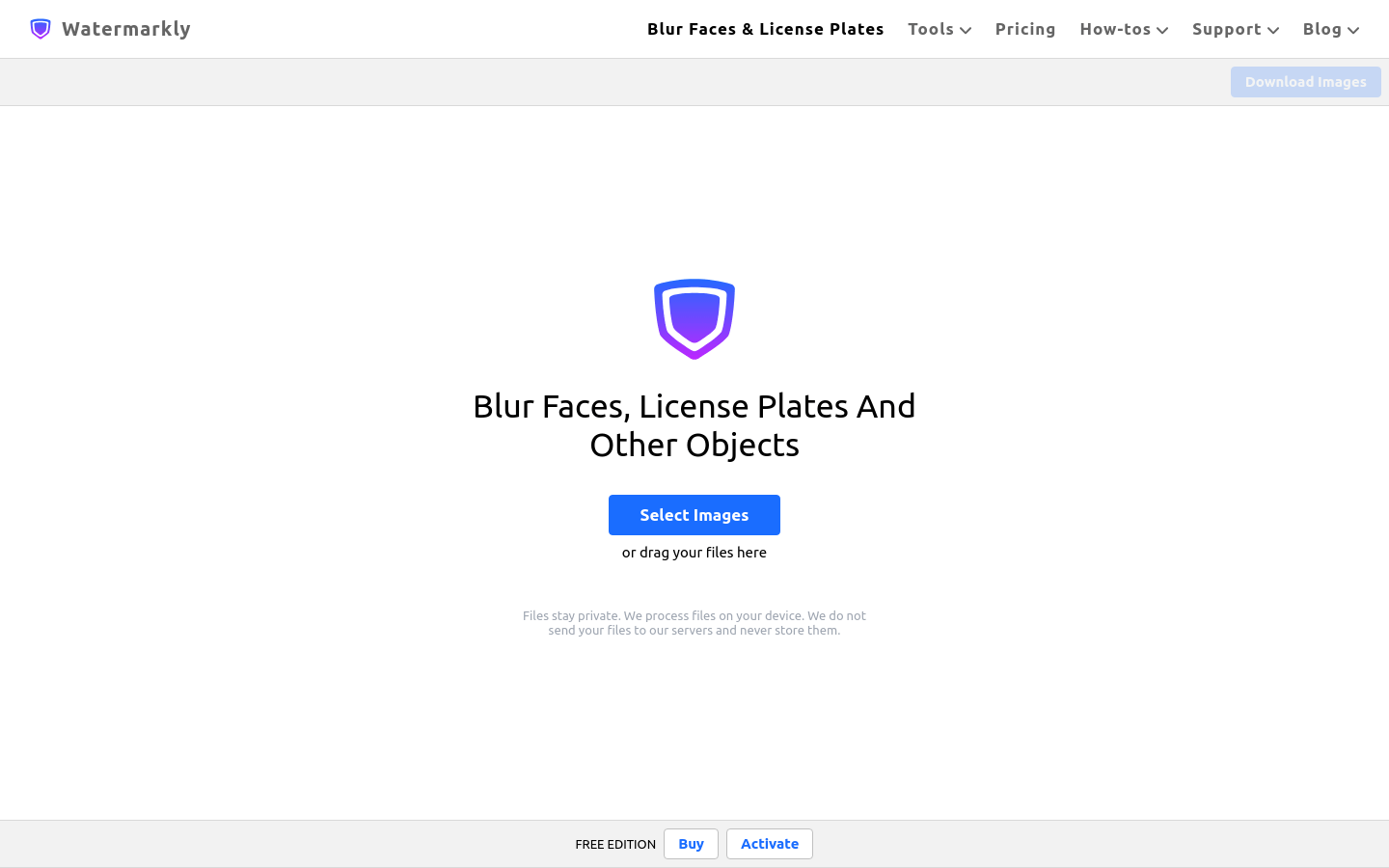
Screenshot archived from the listing page, for preview only.