
Webudy
Personalized Chrome extension for the webInterpret, translate, and rewrite as you browse
Highlights
What you can do with it
- Translate foreign language web pages in real time
- Summarize articles to grasp the key points
- Rewrite or paraphrase text with custom actions
How to use it
- 1 Add the Webudy extension to Chrome
- 2 Start the free trial from the extension
- 3 Select an action such as translate or summarize
- 4 Run custom operations on the page text
Who it is for
Pros
- Free trial to test the extension
- Many actions in one browser tool
- Works directly on the pages you visit
Limitations
- Free trial limits and paid plans can change over time
- AI summaries and translations may contain errors
- Runs in the browser, so results depend on page content
What Webudy is
Webudy is a personalized Chrome extension aimed at enhancing your online experience, and it offers a free trial. It provides popular operations such as interpretation, translation, rewriting, summarization, paraphrasing, and custom operations. The use of AI is meant to improve efficiency and productivity and to offer solutions to complex problems through advanced data analysis and pattern recognition. Beyond the free trial, it provides two paid options, a basic and a professional plan.
What you can do with it
- Translate and interpret pages in real time
- Summarize long articles quickly
- Rewrite and paraphrase selected text
- Run custom operations with AI
Who it is for
- Readers who face foreign language pages
- Professionals who summarize and rewrite text
- Anyone who wants AI help while browsing
What to watch out for
The free trial is limited, and trial terms and paid plans can change over time. AI summaries and translations can contain errors, so check important details. Because it runs in the browser, results depend on the page content and can vary from site to site. Some advanced custom operations may need a paid plan. Free tiers and usage limits can change, so check the current rules on the official page before relying on it long term. Processing speed depends on file size and network conditions, so retry later if a task stalls during peak hours. Generated suggestions are for reference only, so verify anything that affects professional judgment or important data. Start with a small sample to confirm the output meets your expectations before processing the full batch. Behavior may vary across browsers and devices, so test before production use and consult the help docs if errors appear.
FAQ
Is there a free trial?
Yes. Webudy offers a free trial, with basic and professional paid options.
What can it do?
It offers interpretation, translation, rewriting, summarization, paraphrasing, and custom operations.
Where does it work?
It works as a Chrome extension on the pages you browse.
Why it is free
What the official page says: free trial
Free limits, trial length and features are decided by the official site and can change at any time.
Product preview
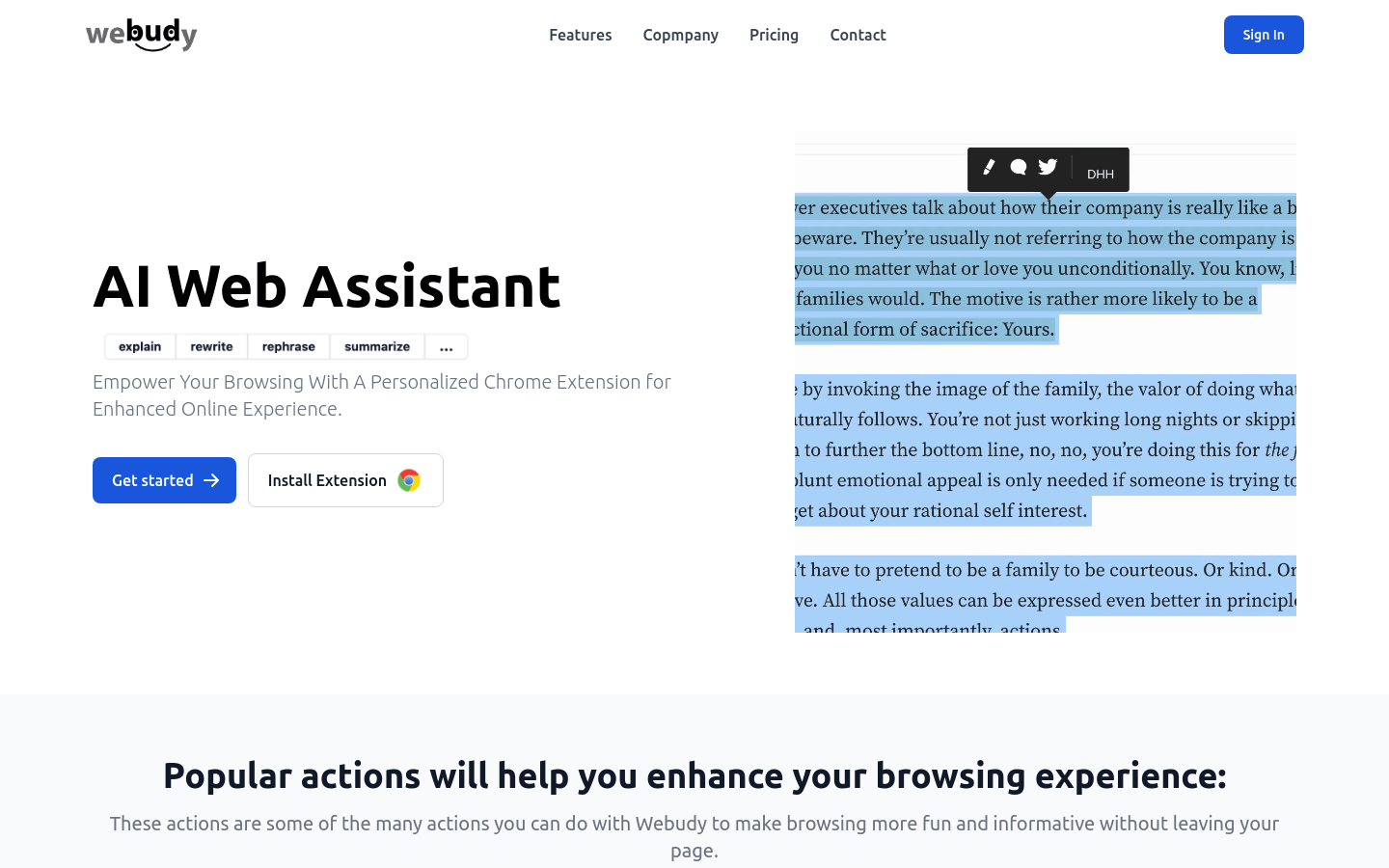
Screenshot archived from the listing page, for preview only.











