
WeGoDoo
Simple task and team management toolManage tasks with zero learning curve
Highlights
What you can do with it
- Schedule tasks and set deadline reminders
- Coordinate a team with comments and shared files
- Verify finished tasks with an assigned checker
How to use it
- 1 Sign up for the 30-day free trial
- 2 Create tasks with deadlines, reminders, and repeat rules
- 3 Invite your team and assign tasks with permissions
- 4 Use comments, files, and audio messages to stay in sync
Who it is for
Pros
- Easy to pick up with no learning curve
- Built-in team communication
- Task verification adds accountability
Limitations
- Full use needs a paid plan after the 30-day trial
- Trial length and pricing can change
- May be too simple for complex project needs
What WeGoDoo is
WeGoDoo is a task management tool built to help entrepreneurs and businesses manage teams and tasks in a simple way. The interface is intuitive and has no learning curve, so you can start scheduling work right away. You can set tasks with deadlines and reminders, create repeating tasks, and mark what is important. Team features include comments, file sharing, and audio messages so people stay in sync. A task verification feature lets you add a verifier to confirm work is actually done, and assignment plus permission settings help keep everyone accountable. You can try it free for 30 days before deciding.
What you can do with it
- Schedule tasks with deadlines, reminders, and repeat rules
- Mark important tasks so they stand out
- Talk with your team through comments, shared files, and audio messages
- Assign tasks and control who can see or edit what
- Add a verifier to confirm a task is truly complete
- Sync everything across multiple devices
Who it is for
- Entrepreneurs tracking their own workload
- Small businesses coordinating a small team
- Managers who want tasks verified before they count as done
- Groups that want simple task tools without a long setup
What to watch out for
The free trial lasts 30 days, after which continued use sits behind a paid plan, and the trial and pricing terms can change. The tool is built to be simple, so teams with complex, multi-stage projects may find it light on features. As with any task tool, it works only if your team actually keeps tasks and updates inside it. Run one full task end to end first, then expand once you are comfortable with the workflow and the result quality.
FAQ
How long is the free trial?
You can try WeGoDoo free for 30 days.
Does it support teams?
Yes, it includes assignment, permissions, comments, files, and audio chat.
Is it hard to learn?
It is built with an intuitive interface and a zero learning curve.
Why it is free
What the official page says: for free
Free limits, trial length and features are decided by the official site and can change at any time.
Product preview
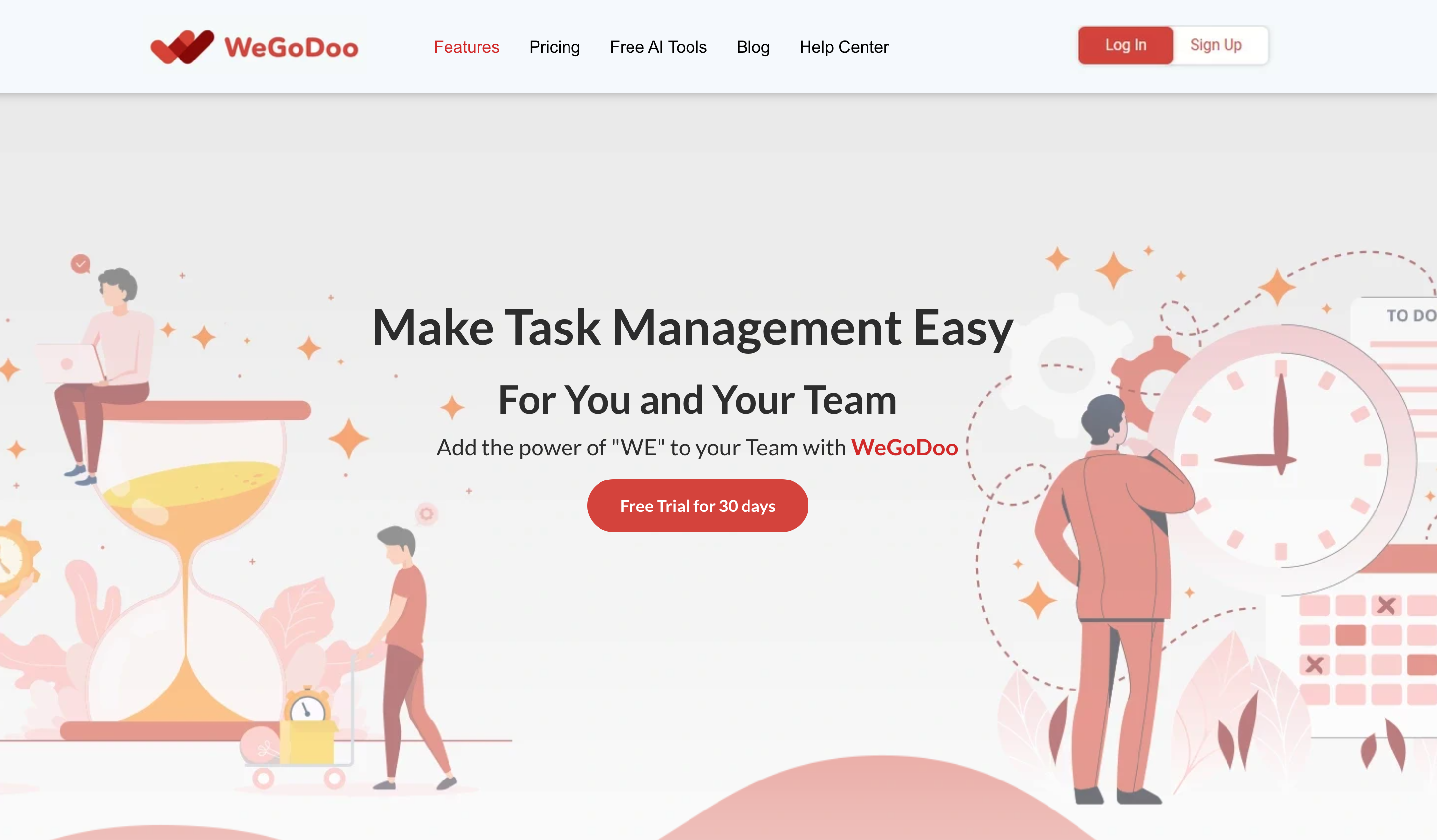
Screenshot archived from the listing page, for preview only.











