
Whisper Snapper for Mac
Mac transcription appDrag a file, get an accurate transcript
Highlights
What you can do with it
- Podcast editors transcribe episodes and export SRT
- Journalists process long interviews with timestamps
- Legal advisors keep sensitive audio offline
How to use it
- 1 Drag a video or audio file into the app
- 2 Choose cloud AI or a local model
- 3 Wait for transcription with speaker labels
- 4 Edit, search, then export your format
Who it is for
Pros
- Works offline with local models
- Handles many file types and 99 languages
- One-time $9.99 payment for lifetime Pro
Limitations
- Free trial is limited and Pro costs a one-time fee
- Mac only, with no Windows version
- Local models use your machine's resources
What Whisper Snapper is
Whisper Snapper is a transcription app built for Mac. You drag in a video or audio file, or record directly in the app, and it returns text with timestamps and speaker labels so you can see who said what. It runs on industry engines such as Whisper, GPT 4o, and Parakeet, and supports 99 languages, which covers most interviews and meetings. You can process files in the cloud for speed or download local models for fully offline transcription, which matters when the material is confidential. Results export to TXT, SRT, VTT, Markdown, CSV, or PDF, so subtitles and documents are both easy to produce. There is a free trial, and the Pro version is a one-time $9.99 payment for lifetime use.
What you can do with it
- Transcribe MP4, MOV, M4A, MP3, and WAV files
- Record audio inside the app and transcribe it
- Identify speakers in multi-person recordings
- Export subtitles and documents in six formats
Who it is for
- Podcast editors who need SRT files each week
- Journalists transcribing long interviews
- Lawyers and consultants keeping audio off the cloud
What to watch out for
It is Mac only, so Windows users need a different tool. Local transcription protects privacy but uses your computer's processing power and can be slower on long files. The free trial is limited, and the Pro upgrade is a single payment rather than a subscription. Cloud engines require an internet connection and may involve sending audio to third-party services, so check what leaves your machine. Behavior may vary across browsers and devices, so test before production use and consult the help docs if errors appear.
FAQ
What is Whisper Snapper?
A Mac app for transcribing audio and video files.
Can it work offline?
Yes, with local Parakeet and WhisperKit models.
What does Pro cost?
A one-time $9.99 payment for lifetime use.
Why it is free
What the official page says: free trial
Free limits, trial length and features are decided by the official site and can change at any time.
Product preview
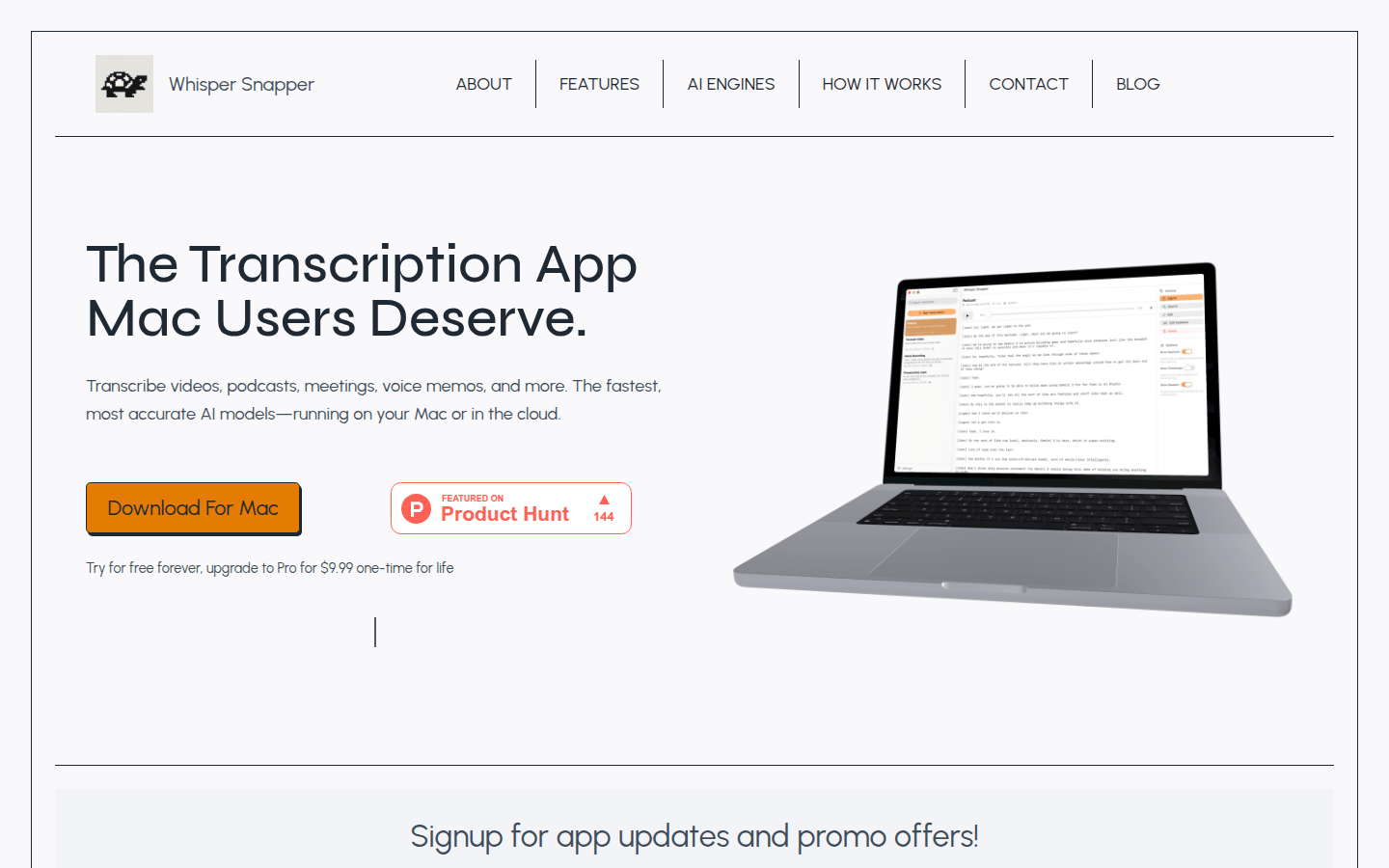
Screenshot archived from the listing page, for preview only.











