Wingback
SaaS billing and pricing platformPrice it, meter it, bill it
Highlights
What you can do with it
- AI products charging by usage with real-time tracking
- Startups launching a subscription pricing page
- Scaling SaaS mixing recurring subscriptions and one-time fees
How to use it
- 1 Create a Wingback account
- 2 Build your pricing models in the plan editor
- 3 Design and publish your pricing page
- 4 Configure the customer self-service billing portal
- 5 Integrate the usage metering API
- 6 Set up multi-currency support and manage billing end to end
Who it is for
Pros
- Handles pricing models that spreadsheets cannot
- Low-code setup reduces engineering time
- Self-service portal cuts support load
- Usage metering is built in rather than bolted on
Limitations
- Free trial only, with paid plans after
- Billing errors cost real money, so testing matters
- API integration work is still required
- Pricing and plan structure can change
What Wingback is
Wingback is a billing, pricing, and revenue platform for SaaS products. The problem it addresses is that modern pricing is rarely a single monthly number: you might have usage-based charges, seat-based charges, and a one-time setup fee in the same product. Wingback supports all of those in combination, and gives you a low-code editor to build and manage the plans without engineering involvement. On top of that it provides pricing page design, a customer management portal, and a customer self-billing portal so subscribers handle their own plan changes. Usage metering runs through an API, which means billing tracks real consumption rather than an estimate, and multi-currency support covers different markets. The vendor is Y Combinator backed and offers a free trial plus early-stage startup discounts.
What you can do with it
- Build and edit complex pricing plans in a low-code editor
- Design and publish a pricing page that converts
- Give customers a self-service portal for subscriptions and payments
- Meter usage through an API for accurate billing
- Support multiple currencies across markets
- Manage billing, invoices, and payments in one place
Who it is for
SaaS founders setting up billing for the first time get the most value, because the alternative is usually stitching together a payment processor, a metering script, and a spreadsheet. Finance and operations teams benefit from consolidated invoicing and payment handling. Product teams that need to change pricing models frequently can iterate in the editor instead of filing engineering tickets for every plan change.
What to watch out for
Access is a free trial, and ongoing use is a paid plan whose cost is not described in the listing, so model it against your revenue before committing. Billing mistakes are expensive and reputationally damaging, so test plan changes carefully before they reach customers. Integration work is still required to feed the usage metering API, which means engineering time even though the pricing editor is low-code. Confirm dunning, tax handling, and payment method coverage for your markets, since those details decide whether the platform can actually replace what you run today.
FAQ
Is Wingback free?
It offers a free trial plus early-stage startup discounts. Ongoing use is a paid plan.
What pricing models does it support?
Usage-based pricing, seat-based pricing, and one-time fees, in combination if needed.
Do customers manage their own billing?
Yes. There is a customer self-billing portal for managing subscriptions and payments.
How does usage tracking work?
Through a usage metering API that you integrate, so billing follows actual consumption in real time.
Why it is free
What the official page says: free trial
Free limits, trial length and features are decided by the official site and can change at any time.
Product preview
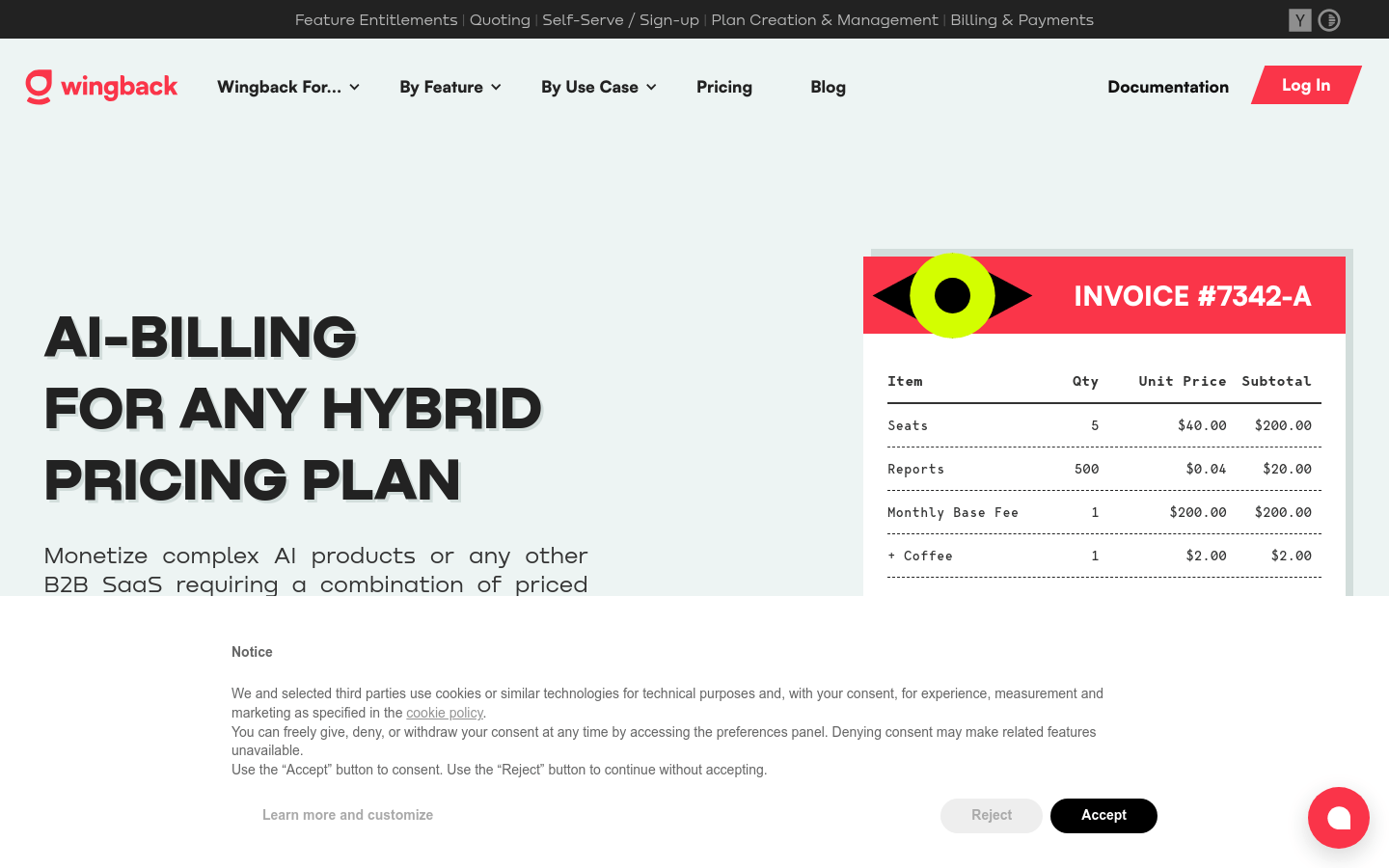
Screenshot archived from the listing page, for preview only.