
winlab
AI website audit for conversion rateSimulated users find conversion problems
Highlights
What you can do with it
- E-commerce teams checking whether price and review sections get attention
- SaaS companies testing whether security concerns are addressed
- Education providers comparing course page variants before launch
How to use it
- 1 Enter your site URL and start the free audit
- 2 Complete the calibration for traffic source, conversion goal, and audience
- 3 Let the hybrid scan analyze pixel data and DOM code
- 4 Review persona feedback, heatmaps, and A/B test results
- 5 Apply the suggested changes using the provided code
Who it is for
Pros
- Insights without spending on real traffic or long test cycles
- Persona and heatmap output is concrete and actionable
- Free trial with no credit card makes evaluation easy
Limitations
- After the one month trial, continued use is paid
- Simulated behavior is a model, not a guarantee of real visitor response
- Recommendations still need developer work to implement
- Pricing after the trial is not published, so budget planning is harder
What winlab is
winlab is a conversion rate optimization auditing tool driven by AI. The premise is that you should not need live traffic to learn that a page is confusing. You enter a URL, calibrate traffic sources, conversion goals, and target audience, and the system runs a hybrid scan that combines pixel data with DOM code. From there it simulates different visitor types, such as a skeptical CTO or a value seeker, predicts where attention will fall using heatmaps, and compares page variants through synthetic A/B testing. It also scores how well your messaging fits the audience you say you are targeting. A one month free trial is available and no credit card is required to start.
What you can do with it
- Audit a page from several buyer persona perspectives
- See predicted attention patterns without waiting for traffic
- Compare page variants with synthetic A/B tests
- Score copy against your target audience's psychology
- Get implementation code alongside recommendations
Who it is for
Startups that need conversion improvements without a research budget. Small and medium businesses that lack in-house data analysts. Large enterprises where running live experiments across a high-traffic site is slow, costly, and risky.
What to watch out for
The free trial lasts one month, and continued use is a paid service, so treat the trial as an evaluation window rather than a permanent free tool. Simulated visitors are a model, not a promise: a predicted improvement still needs a real test before you trust it with revenue. Recommendations come with code, but someone on your team still has to implement and ship them. Pricing after the trial is not published, which makes budgeting harder, and trial or plan terms can change.
FAQ
Is there a free trial?
Yes. A one month free trial, and no credit card is required.
Does it need real traffic?
No. It simulates interactions and predicts attention.
What does it output?
Persona feedback, predictive heatmaps, synthetic A/B results, and fit scores.
Who is it for?
Startups, small and medium businesses, and enterprises that want cheaper CRO insight.
Why it is free
What the official page says: free trial
Free limits, trial length and features are decided by the official site and can change at any time.
Product preview
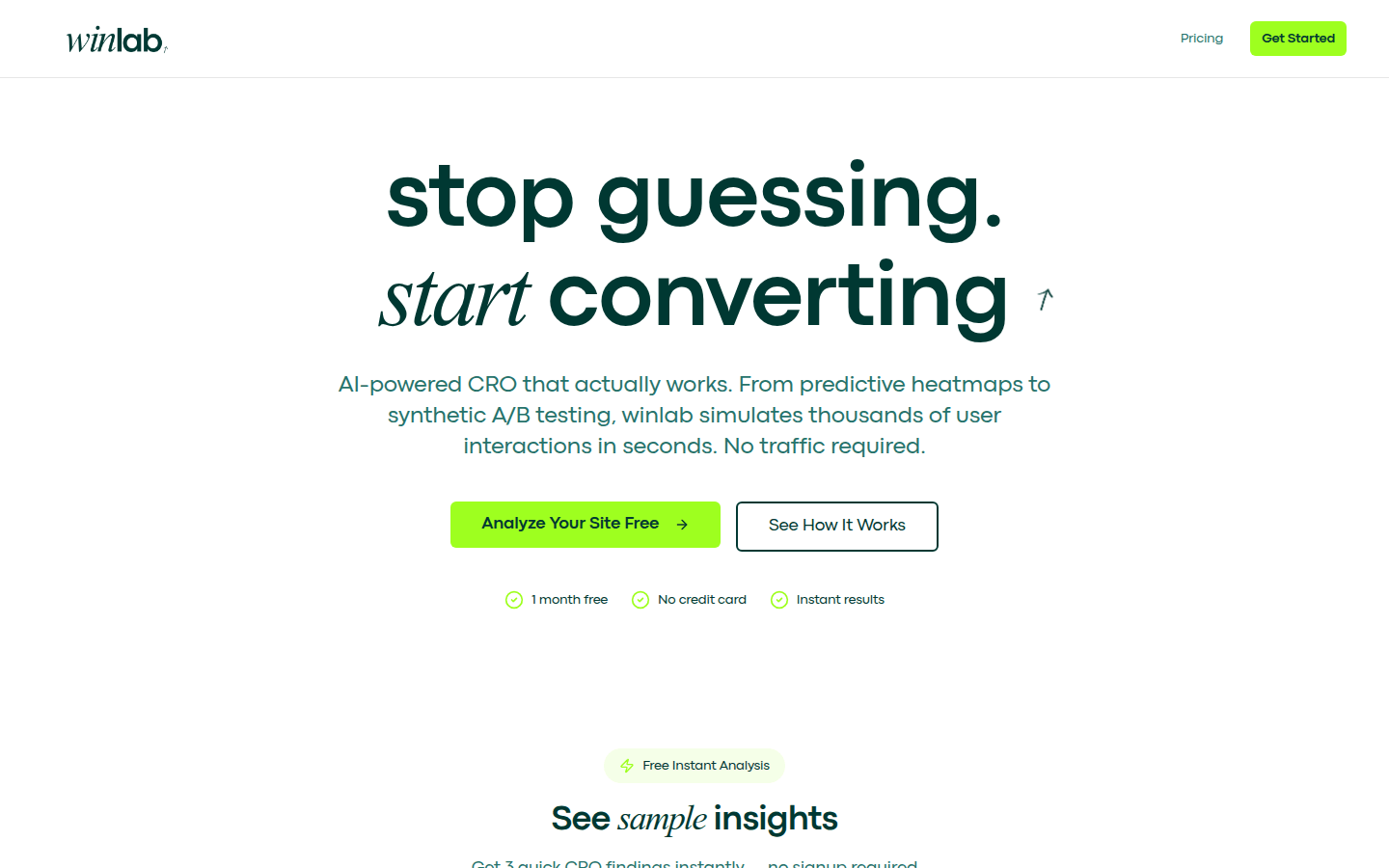
Screenshot archived from the listing page, for preview only.











