
Wispr Flow
Voice dictation appSpeak and turn voice into clean text
Highlights
What you can do with it
- Capture story ideas by voice
- Turn spoken thoughts into essay drafts
- Record meeting content hands-free
How to use it
- 1 Visit wisprflow.ai
- 2 Open the Web Demo in a browser
- 3 Install the app and allow microphone access
- 4 Edit, then save or share the transcript
Who it is for
Pros
- 14-day free trial with no card
- Real-time dictation with text cleanup
- Browser demo for quick testing
Limitations
- The trial is a test window, not a free plan
- Android version is waitlist-only
- Needs a quiet setup and mic access
- Transcripts still need editing
What Wispr Flow is
Wispr Flow is a voice dictation app that turns speech into clear text. It converts disorganized spoken words into refined, structured writing, which helps with drafts, notes, and messages when typing feels slow. Flow Pro offers a 14-day free trial with no credit card required, and there is a Web Demo you can try in the browser without installing anything. An Android version exists but currently runs through a waitlist. The app is aimed at individuals, team leads, developers, and creators who would rather speak than type. The company behind it raised funding to build what it calls a voice operating system.
What you can do with it
- Dictate text in real time as you speak
- Turn messy spoken ideas into clean, structured sentences
- Draft articles, notes, and messages without a keyboard
- Try the service in a browser through the Web Demo
- Edit, save, or share the transcript after dictation
Who it is for
- Writers capturing ideas and plot points by voice
- Students turning spoken thoughts into written drafts
- Business staff recording meeting content hands-free
- Developers and creators documenting work quickly
What to watch out for
The 14-day trial is a test window, not a permanent free plan, so plan for a paid subscription if you want to keep using Flow Pro. The Android version is waitlist-only for now. Dictation needs microphone access and works best in a quiet setting, and the transcript still benefits from an editing pass for accuracy. Treat it as a fast way to get words down, then clean them up yourself before the text goes anywhere important. Start with a small sample to confirm the output meets your expectations before processing the full batch.
FAQ
Is there a free trial?
Yes, Flow Pro offers 14 days with no card.
Can I test without installing?
Yes, there is a Web Demo in the browser.
Is there an Android app?
Yes, but access runs through a waitlist.
Why it is free
What the official page says: free trial
Free limits, trial length and features are decided by the official site and can change at any time.
Product preview
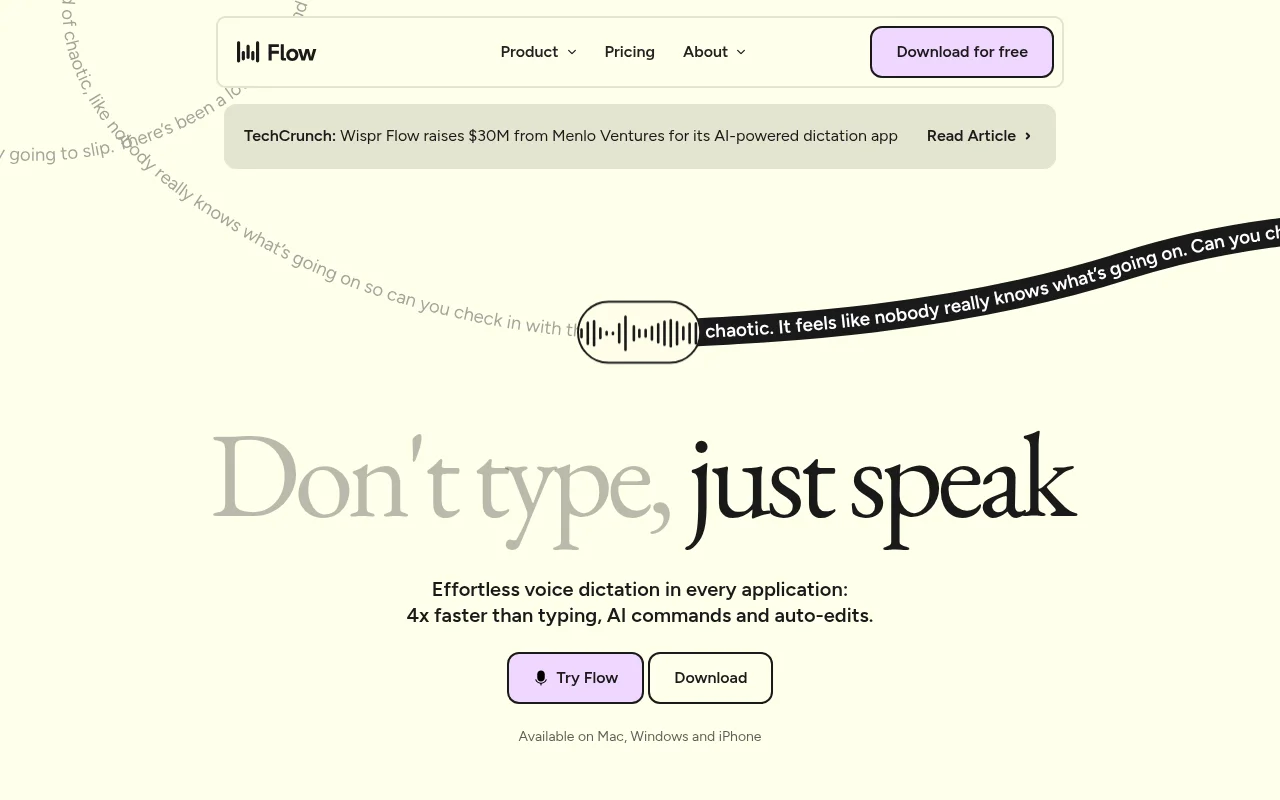
Screenshot archived from the listing page, for preview only.











