Wistia Remix
AI video editor driven by voiceDescribe the edit, get the video
Highlights
What you can do with it
- Turn event footage into a company promo video.
- Assemble a teaching video from lecture recordings.
- Build a social clip from scattered shoot material.
How to use it
- 1 Register and log in on the Wistia Remix site.
- 2 Upload your recordings, audio and B roll.
- 3 Describe the video you want, including style and order.
- 4 Wait for the editor to process the material.
- 5 Preview, request changes, then export or share.
Who it is for
Pros
- Free trial to test the workflow.
- Voice editing removes timeline complexity.
- Handles multiple sources in one pass.
- Established vendor behind the product.
Limitations
- Voice descriptions can be misinterpreted.
- Fine control still needs a traditional editor.
- Pricing is not published on the page.
- Upload and processing take time for long material.
What Wistia Remix is
Wistia Remix is an AI video editor from Wistia, a long established video marketing platform. The idea is to remove the timeline. You import your material, which can be recordings, podcast audio or a pile of B roll, then describe out loud what you want the finished video to be: the theme, the style, the rhythm and the order of shots. The editor analyses the material and assembles a multi source video rather than a simple concatenation, then applies colour and audio clean up. You preview the result, describe any changes you want, and export once it is right. The vendor offers a free trial alongside paid use.
What you can do with it
- Turn scattered recordings and B roll into one video.
- Edit by describing the result instead of cutting a timeline.
- Combine material from several sources coherently.
- Export for marketing, teaching or social use.
Who it is for
- Corporate marketers producing promotional video.
- Self media creators with footage but no editing time.
- Educators turning recordings into structured lessons.
What to watch out for
Voice descriptions are open to interpretation, and the editor may not place shots the way you pictured them, so expect at least one round of corrections. Fine control, such as frame accurate trims and layered audio, still needs a conventional editor. Pricing is not published on the page, so confirm costs before planning a project. Long source material takes time to upload and process. Generated suggestions are for reference only, so verify anything that affects professional judgment or important data. Start with a small sample to confirm the output meets your expectations before processing the full batch.
FAQ
How does editing work?
You describe the video you want by voice, including rhythm, style and shot order, and the editor assembles it.
What material can I import?
Recorded content, podcasts and B roll footage.
Is there a free trial?
The vendor offers a free trial alongside paid use.
Who is it for?
Corporate marketers, self media creators and educators who need video without deep editing work.
Why it is free
What the official page says: free trial
Free limits, trial length and features are decided by the official site and can change at any time.
Product preview
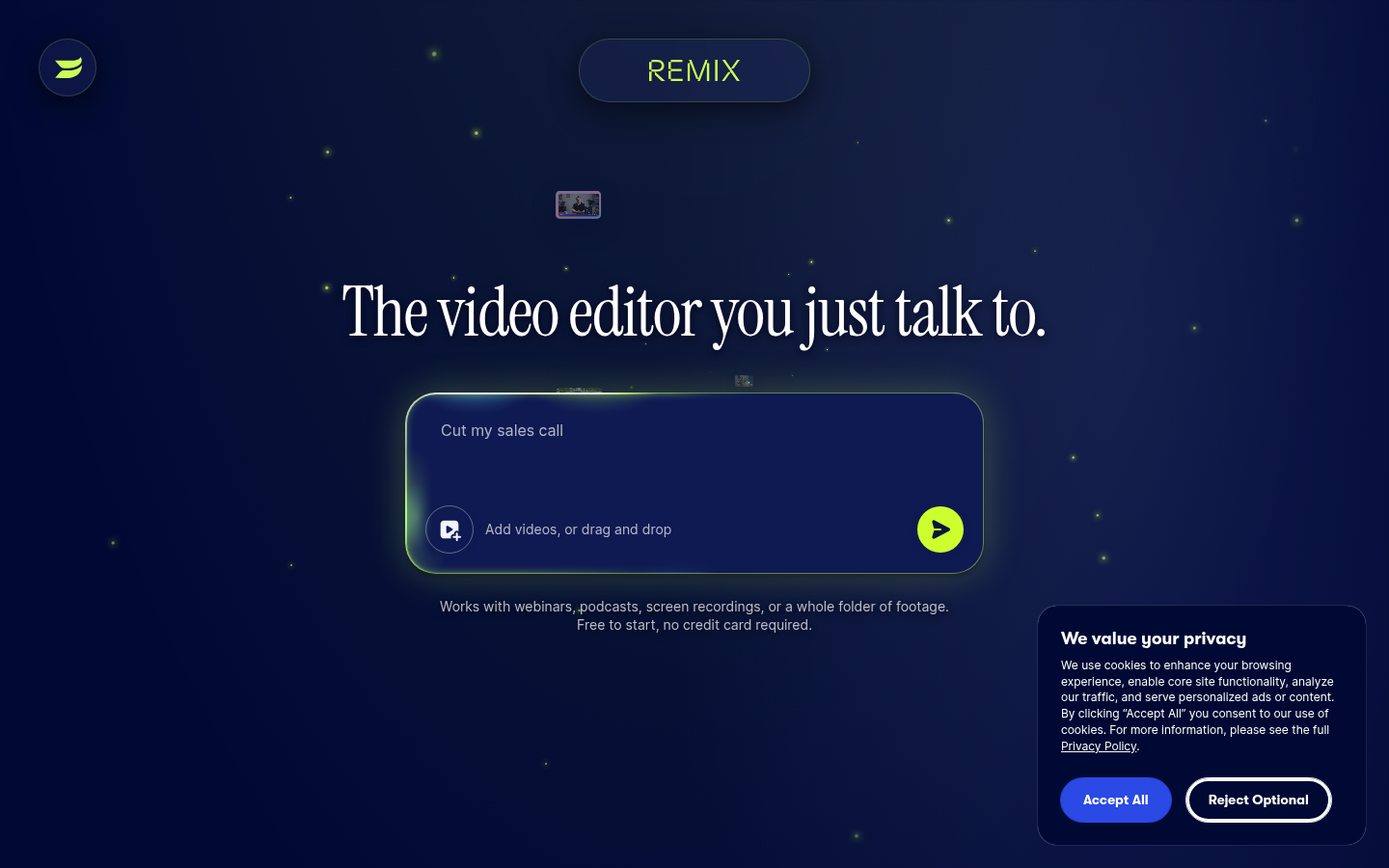
Screenshot archived from the listing page, for preview only.