
Wondershare Dr.Fone
Mobile device management and data recovery suiteUnlock, recover, repair, and back up phone data
Highlights
What you can do with it
- Remove an FRP lock on a Samsung Galaxy S20 to regain device access
- Recover accidentally deleted WhatsApp chat history
- Repair boot issues on employee phones to keep work moving
How to use it
- 1 Download and install the Dr.Fone desktop client
- 2 Connect the phone to the computer and launch Dr.Fone
- 3 Choose a module such as data recovery or system repair
- 4 Follow the on-screen prompts and keep the device in the required state
- 5 View or export the recovered data when the process finishes
Who it is for
Pros
- One suite covers unlock, recovery, repair, and backup
- GDPR compliance and AES-256 encryption for data handling
- Free trial lets you test before paying
Limitations
- Only a free trial is offered; full features require payment
- Unlock and repair steps are device-specific and can fail on unsupported models
- Desktop software requires a cable connection and some patience
What Wondershare Dr.Fone is
Wondershare Dr.Fone is a comprehensive mobile management tool. It bundles screen unlock, system repair, data recovery, data backup, phone verification, screen mirroring, SIM unlock, and PDF unlock into one desktop client. The product states GDPR compliance and AES-256 encryption for user data. Access includes a free trial version, while full functionality is paid and priced per feature set.
What you can do with it
- Unlock screens, including FRP and iCloud locks on supported devices.
- Repair Android system issues that stop a phone from booting.
- Recover deleted files and WhatsApp history from damaged devices.
- Back up phone data wirelessly or incrementally.
- Generate a phone status report for second-hand purchases.
- Mirror the screen and capture screenshots for demos.
- Remove carrier locks and PDF restrictions.
Who it is for
- Home users dealing with everyday phone faults.
- Small and medium businesses that need a utility for staff devices.
- Buyers and resellers who want a device condition report.
What to watch out for
Free access is limited to the trial. Unlock and repair outcomes depend on the exact device and firmware, and unsupported models can still fail after a long wait. Because it is desktop software, you need a cable, a compatible computer, and time. Always confirm you own or are authorized to service the device before attempting an unlock. Behavior may vary across browsers and devices, so test before production use and consult the help docs if errors appear. Features and interface details may change between versions, so review the latest notes on the page before you start. Processing speed depends on file size and network conditions, so retry later if a task stalls during peak hours.
FAQ
Is Dr.Fone free?
It offers a free trial version. Full functionality is paid and pricing varies by feature.
What can it unlock?
It supports FRP and iCloud locks, carrier SIM locks, and PDF password removal, depending on the device.
Is my data safe?
The product states GDPR compliance and AES-256 encryption for user data.
Why it is free
What the official page says: free trial
Free limits, trial length and features are decided by the official site and can change at any time.
Product preview
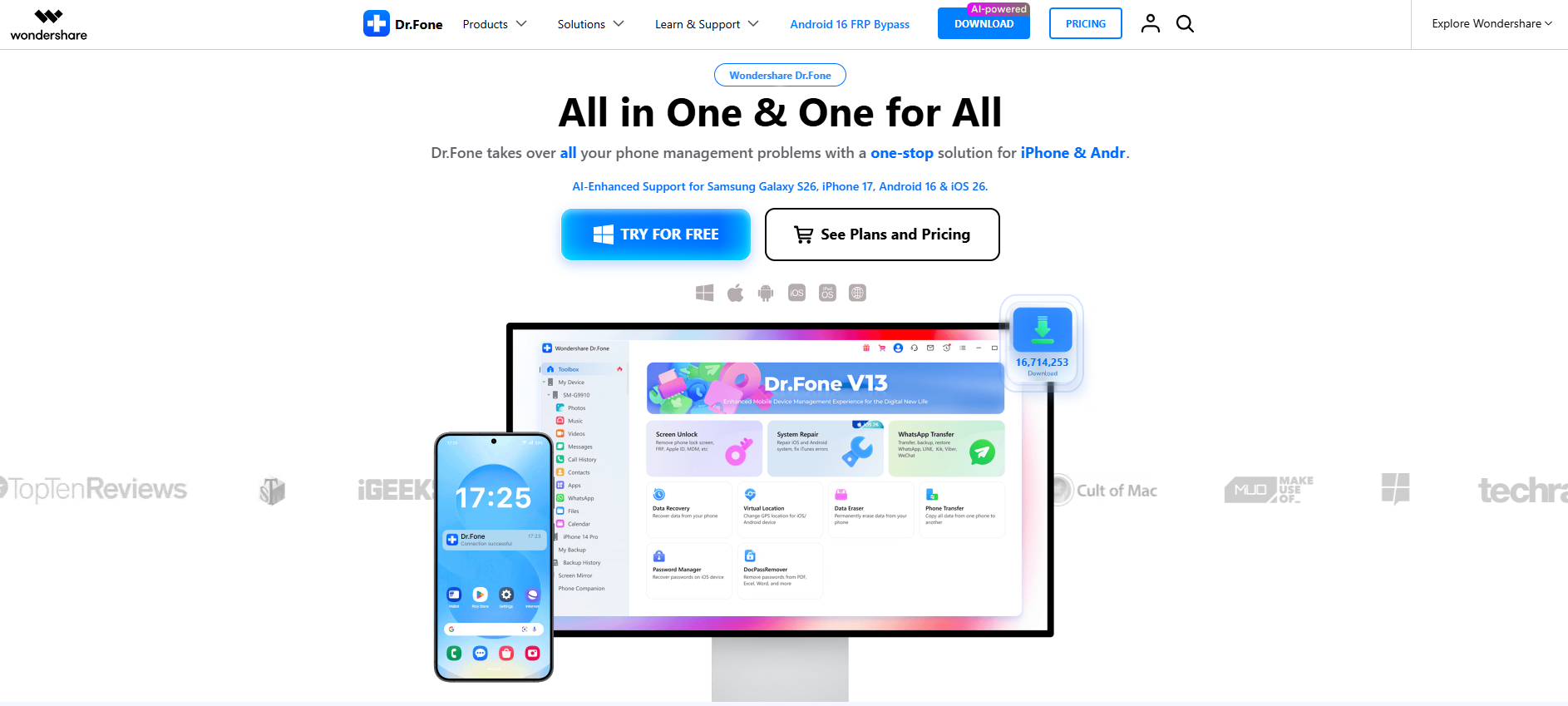
Screenshot archived from the listing page, for preview only.











