
WorkBuddy
AI agent office tool that plans and delivers tasksDescribe a task, get the finished file
Highlights
What you can do with it
- Summarizing data and organizing a weekly report
- Analyzing tables and generating charts
- Building a simple web app without writing code
How to use it
- 1 Download the WorkBuddy client for your device
- 2 Install it and log in
- 3 Create a task and describe what you need in plain language
- 4 Let WorkBuddy plan, gather information, and build the file
- 5 Review the result and adjust it as needed
Who it is for
Pros
- Turns a plain description into a finished file
- Parallel agents and office tool connections
- Free version to test before paying
Limitations
- Full features and parallel agents favor paid tiers
- Output still needs review for accuracy and tone
- Free version limits and pricing may change over time
What WorkBuddy is
WorkBuddy is an AI agent office tool from the Tencent Cloud Code Assistant team. Rather than only giving suggestions, it is built to plan a task on its own and deliver a finished result in formats such as Markdown, Word, and PowerPoint. It can run several agents in parallel and connects to common office tools like chat, documents, email, meetings, and knowledge bases, so it fits into an existing workflow. It also includes built-in expert skills for users without a technical background. A free version is available, with a Pro tier and a Team tier for heavier, multi-seat use.
What you can do with it
- Describe a task and receive a finished file, not just advice
- Get output in Markdown, Word, and PowerPoint
- Run multiple agents in parallel for different tasks
- Connect to office chat, documents, email, and meetings
- Automate repetitive work like summaries and weekly reports
Who it is for
- Office workers with repetitive data and report tasks
- Non-technical users who need documents and files produced
- Teams that want several agents working at the same time
- Managers who want structured reports without manual assembly
What to watch out for
Delivered files are a strong draft, not a final product, so review the content for accuracy, tone, and anything sensitive before you send it on. The fullest benefits, such as parallel agents and deep office integration, favor the paid tiers, so test the free version to see if it covers your needs. Because the agent plans and acts, give it clear, well-scoped instructions to avoid wasted work, and check its sources on important claims. Free version limits and pricing may also change over time, so confirm current terms before relying on it.
FAQ
What is WorkBuddy?
It is an AI agent office tool that can independently plan and deliver results of multi-modal tasks, such as documents, tables, and presentations.
What can it produce?
It can deliver results in formats such as Markdown, Word, and PowerPoint, and support parallel work by multiple agents.
Is there a free version?
Yes. WorkBuddy offers a free version, with Pro and Team paid tiers for heavier and multi-seat use.
Why it is free
What the official page says: free version
Free limits, trial length and features are decided by the official site and can change at any time.
Product preview
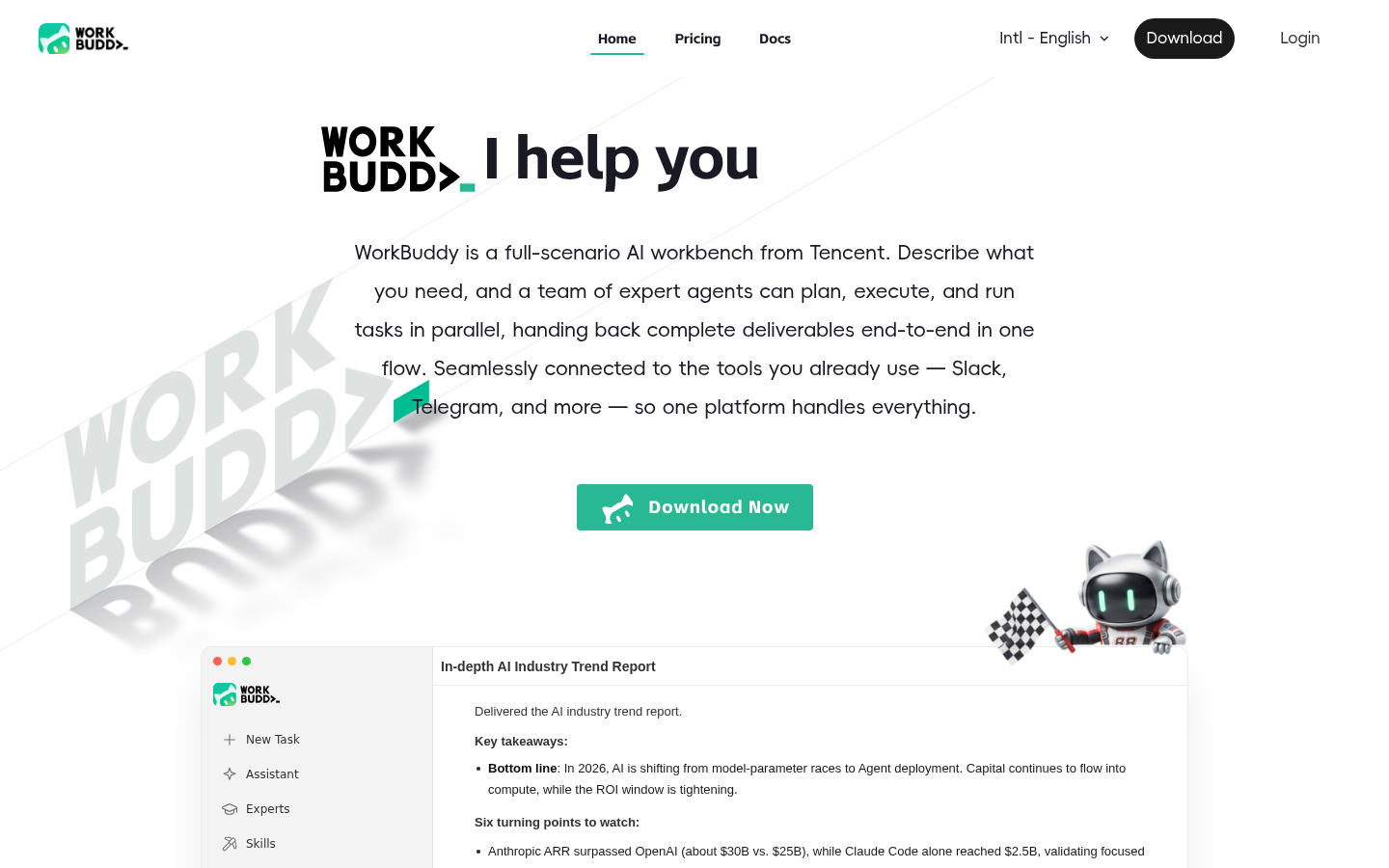
Screenshot archived from the listing page, for preview only.











