
Wudpecker
AI meeting assistant with notes and follow-upsPrepared before, documented after
Highlights
What you can do with it
- Capture sales calls with summaries and next steps
- Document customer success conversations
- Record recruitment interviews for later review
How to use it
- 1 Set up Wudpecker and connect your calendar and meeting tools
- 2 Let it join or record your Zoom, Google Meet or Teams call
- 3 Ask it questions during or after the meeting
- 4 Read the generated summary, action items and insights
- 5 Share the notes or push them into your connected tools
Who it is for
Pros
- Free to use
- Automatic summaries and action items save writing time
- Works with common meeting platforms
- Integrations push notes into existing tools
Limitations
- Recording meetings needs the consent of participants
- Transcription accuracy varies with audio quality and accents
- Free use means limits and terms can change
- Integrations only cover the listed tools
What Wudpecker is
Wudpecker is an AI meeting assistant built around two moments: before the meeting and after it. Before, it helps you arrive prepared with the relevant context. After, it records and transcribes the conversation from Zoom, Google Meet or Teams, then automatically generates meeting summaries, action items and insights, so follow-through no longer depends on whoever volunteered to take notes. You can ask it questions about what was said and get answers from the transcript. Summaries and insights can be shared with teammates, and integrations push the output into tools such as HubSpot, Salesforce, Notion, Docs and Slack. It is free to use.
What you can do with it
- Record and transcribe meetings from major platforms
- Generate summaries, action items and insights automatically
- Ask questions about what was discussed
- Share notes with your team
- Push meeting output into your existing tools
Who it is for
- Sales and partnership teams on back-to-back calls
- Customer success teams tracking what customers actually said
- Marketing teams coordinating campaigns
- Recruitment teams reviewing interviews consistently
What to watch out for
Recording meetings requires the consent of participants, so tell people before you start and follow your organisation's policy. Transcription accuracy depends on audio quality, overlapping speech and accents, so review important quotes rather than trusting the transcript blindly. Since it is free, limits and terms can change, and the integrations only cover the listed tools, so anything else needs manual copying. Action items should be confirmed with attendees, because an AI summary can miss a commitment made in passing. Start with a small sample to confirm the output meets your expectations before processing the full batch.
FAQ
What is Wudpecker?
It is an AI meeting assistant that helps you prepare before meetings and produces notes, summaries and action items afterwards.
Which meeting tools does it support?
It records and transcribes meetings from Zoom, Google Meet and Teams.
Is it free?
Yes, it is described as free to use.
What does it integrate with?
Tools such as HubSpot, Salesforce, Notion, Docs and Slack.
Why it is free
What the official page says: free to use
Free limits, trial length and features are decided by the official site and can change at any time.
Product preview
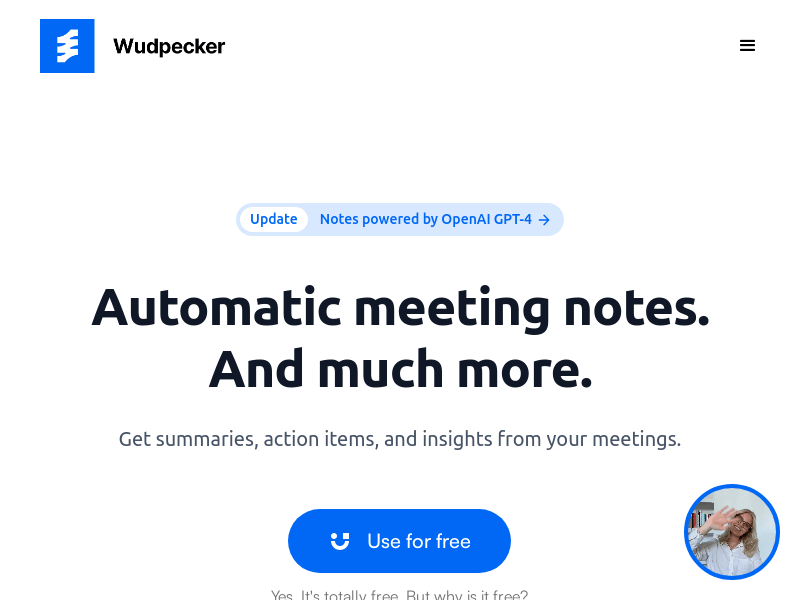
Screenshot archived from the listing page, for preview only.











