YouTube Transcripts Machine
Free tool to extract YouTube subtitles and timestamps with AIPull YouTube transcripts and timestamps in seconds, free
Highlights
What you can do with it
- Content creators pulling video text for copywriting or editing
- Students extracting subtitles from educational videos for review
- Researchers collecting video content as text for analysis
How to use it
- 1 Open yt-machine.vercel.app in your browser
- 2 Paste the YouTube video link into the input box
- 3 Click Extract and wait for the AI to process the video
- 4 Copy or download the subtitles and timestamps
- 5 Edit the extracted text for your own use
Who it is for
Pros
- Free to use with no account required
- Saves time compared with manual transcription
- Open source code that users can inspect and modify
Limitations
- Only works with public YouTube videos that already have subtitles
- Free availability and processing limits may change over time
- Extraction accuracy depends on the quality of the original subtitles
What YouTube Transcripts Machine is
YouTube Transcripts Machine is a free AI powered tool that extracts subtitles and timestamps from YouTube videos. Rather than watching a video and typing text by hand, you paste the video link and the tool processes the content for you. It works with any publicly available YouTube video that already has subtitles. The project is built on an open source framework, so the code can be viewed and modified. It runs entirely in the browser, which means there is no software to install and nothing to configure before you start.
What you can do with it
- Extract subtitle text automatically from a YouTube video link
- Get accurate timestamps for each subtitle segment
- Copy or download the transcript for further editing
- Turn spoken video content into text for study or analysis
Who it is for
- Content creators who need video text for scripts, captions, or edits
- Students who want to review educational videos through transcripts
- Researchers who collect video content as text for data analysis
What to watch out for
The tool only works with public YouTube videos that already include subtitles, so private or subtitle free videos are out of reach. Extraction accuracy depends on the quality of the original subtitles, so auto generated captions may contain errors. Because the service is free and hosted online, processing limits and availability can change. If you rely on transcripts for important work, proofread the output and verify key facts against the video. Generated suggestions are for reference only, so verify anything that affects professional judgment or important data. Start with a small sample to confirm the output meets your expectations before processing the full batch.
FAQ
Is YouTube Transcripts Machine free?
Yes, it is currently offered free to users and runs in the browser.
Which videos can it process?
It works with any publicly available YouTube video that has subtitles.
Do I need to install anything?
No, it runs through a web browser and needs no additional software.
Why it is free
What the official page says: free to use
Free limits, trial length and features are decided by the official site and can change at any time.
Product preview
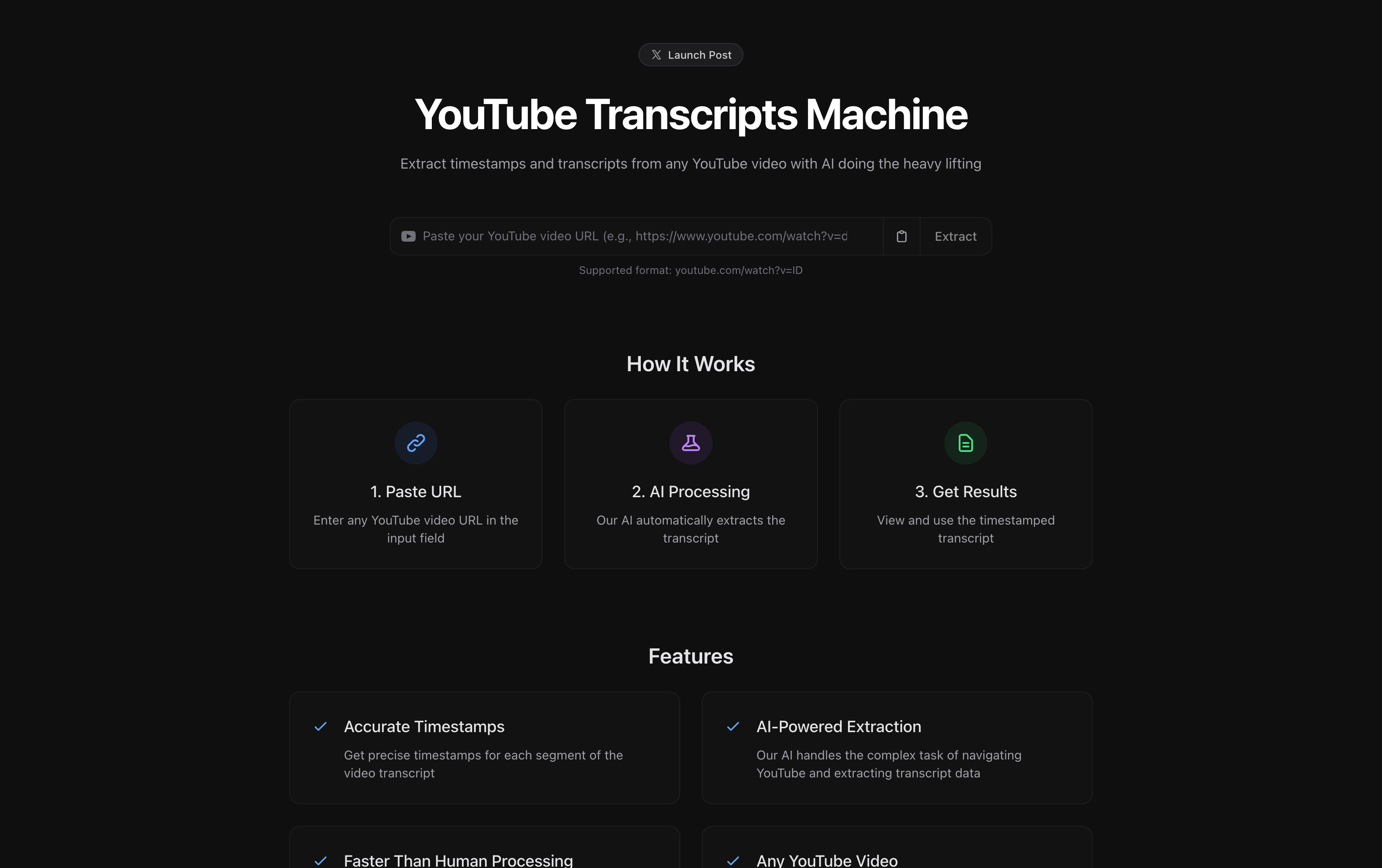
Screenshot archived from the listing page, for preview only.











