
YueLu
AI audio and video transcription toolRecordings into editable text fast
Highlights
What you can do with it
- Turn a lecture recording into text notes
- Transcribe a meeting and organize minutes
- Get translated content from foreign language audio
How to use it
- 1 Open the YueLu app and log in.
- 2 Select the audio or video to text function and upload your file.
- 3 Wait for transcription to finish and read the text.
- 4 Edit and organize the manuscript with the built in tools.
- 5 Export to Word, TXT or save it to the cloud.
Who it is for
Pros
- Very fast processing for long recordings
- Speaker separation helps meeting notes
- Editing and export tools included
- Free access to the core service
Limitations
- Free status and limits can change
- Accuracy drops with noise, accents and overlap
- Uploading audio means sending files to a server
- Translation quality varies by language pair
What YueLu is
YueLu is an office assistant built around turning speech into text. You upload an audio or video file, and it produces a transcript with support for multiple languages and dialects. The speed claim is the headline: one hour of audio transcribed in as fast as two minutes. Once the text exists, you can edit it in place, separate speakers, filter out filler words, and export to Word or TXT. Translation and speech generation features sit alongside, and files sync between phone and computer. The service is presented as free.
What you can do with it
- Transcribe recordings into text quickly.
- Clean up the transcript with editing and speaker separation.
- Export manuscripts to Word or TXT.
- Translate content and generate speech from text.
- Sync files between mobile and desktop.
Who it is for
- Students who record lectures and want notes.
- Professionals who need meeting minutes without manual typing.
- Language learners working with foreign language audio.
What to watch out for
A free service can add limits or change terms, so confirm current conditions before you depend on it for regular work. Transcription accuracy falls with background noise, crosstalk, strong accents and specialist vocabulary, so expect to correct names and technical terms. Uploading recordings sends them to a server, which matters for confidential meetings or personal material. Translation quality also varies by language pair, so have a human check anything important. Start with a small sample to confirm the output meets your expectations before processing the full batch. Free tiers and usage limits can change, so check the current rules on the official page before relying on it long term.
FAQ
What is YueLu?
A smart office assistant that converts audio and video into text, with editing, translation and speech generation features.
How fast is transcription?
The site says one hour of audio can be transcribed in as fast as two minutes.
Is it free?
The product is described as providing free services.
Can I export the transcript?
Yes. It supports one click export to Word and TXT, with cloud sync across devices.
Why it is free
What the official page says: 免费
Free limits, trial length and features are decided by the official site and can change at any time.
Product preview
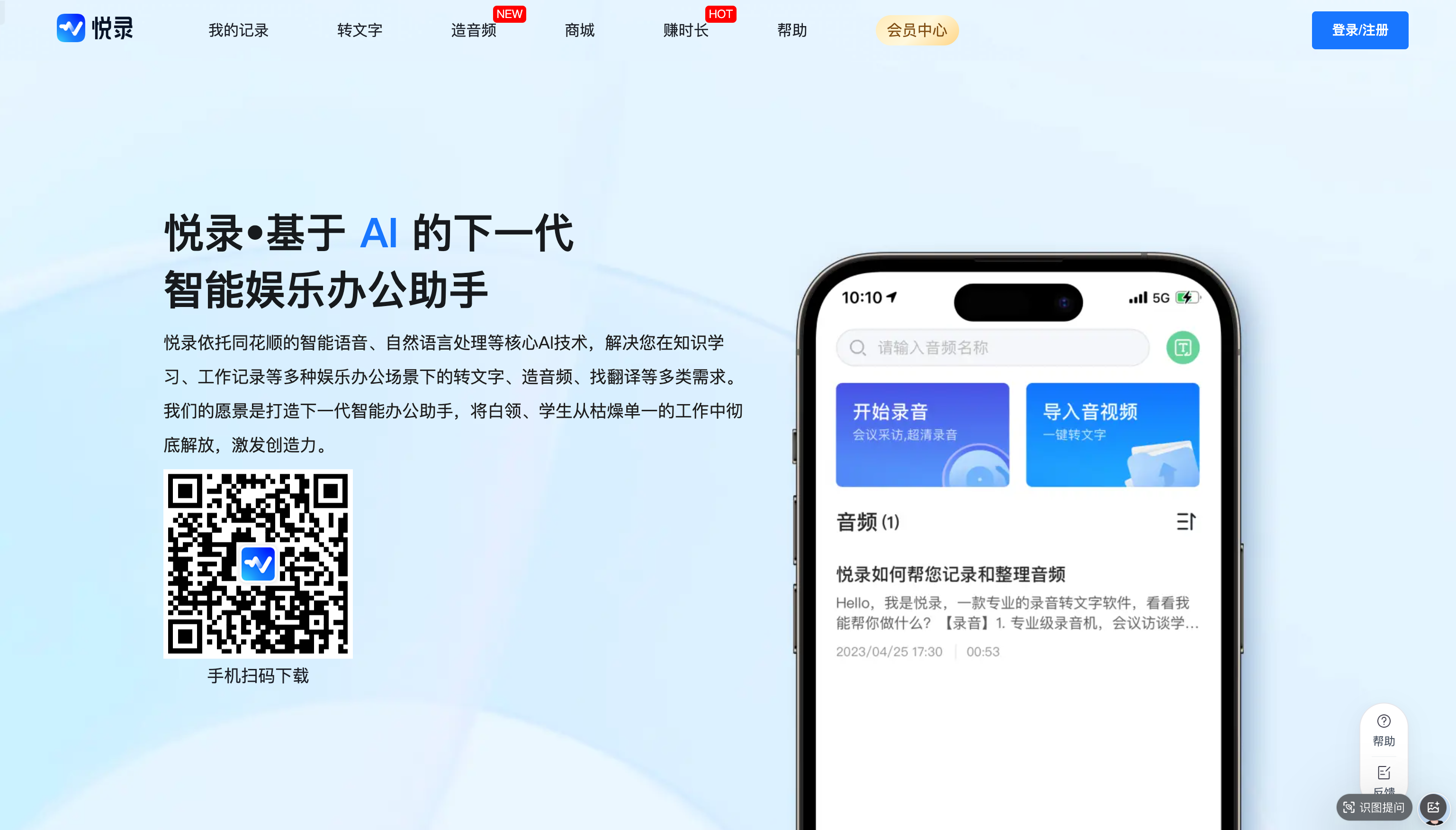
Screenshot archived from the listing page, for preview only.











