
Z.ai
Free AI assistant for docs, slides, and codePresentations, documents, and code in one assistant
Highlights
What you can do with it
- Students building academic presentations
- Programmers generating code snippets
- Marketers producing professional documents
How to use it
- 1 Open the Z.ai website
- 2 Choose presentation, document, or code
- 3 Enter your information or code snippet
- 4 Click generate
- 5 Review, adjust, then save or export
Who it is for
Pros
- Three output types in one place
- Free to start according to the listing
- Multi-language and multi-language-code support
- Simple interface with no setup
Limitations
- Free access and limits can change
- Generated documents and code need review
- Reasoning quality varies with task complexity
- Scope is generation, not collaboration or hosting
What Z.ai is
Z.ai is a free AI assistant built on deep learning, and it covers three outputs that people often need separately: presentations, documents, and code. The listing claims strong reasoning ability, support for multiple languages and multiple programming languages, and professional-grade generation with automatic template creation for slides. The workflow is deliberately plain: open the site, pick what you want, enter your material, press generate, then adjust the result. There is no installation or configuration step, which means you can test it against a real task in a couple of minutes rather than setting up an environment first.
What you can do with it
- Generate a presentation with automatic templates
- Draft or write a document from your notes
- Produce code snippets in several programming languages
- Adjust the output before saving or exporting
Who it is for
- Students who need slides and written documents
- Programmers who want quick code generation
- Marketers and office users producing written material
What to watch out for
Free access is the stated position and can change, including any daily limits, so verify before you depend on it for regular work. Generated documents and code are drafts: facts, figures, and logic need checking, and code should be reviewed before it runs anywhere that matters. Reasoning quality varies with task complexity, and long or ambiguous briefs produce weaker results. Scope is generation rather than collaboration, version control, or hosting, so a finished deck still needs you to assemble, share, and present it. Behavior may vary across browsers and devices, so test before production use and consult the help docs if errors appear. Features and interface details may change between versions, so review the latest notes on the page before you start.
FAQ
Is Z.ai free?
The listing describes it as a free AI assistant, though terms and limits can change.
What can it create?
Presentations, documents, and code, according to the description.
Which languages are supported?
Multiple languages and multiple programming languages, including Chinese and Python, are mentioned.
Do I need to install anything?
The listed flow is browser-based: open the site, choose a function, enter content, and generate.
Why it is free
What the official page says: 免费
Free limits, trial length and features are decided by the official site and can change at any time.
Product preview
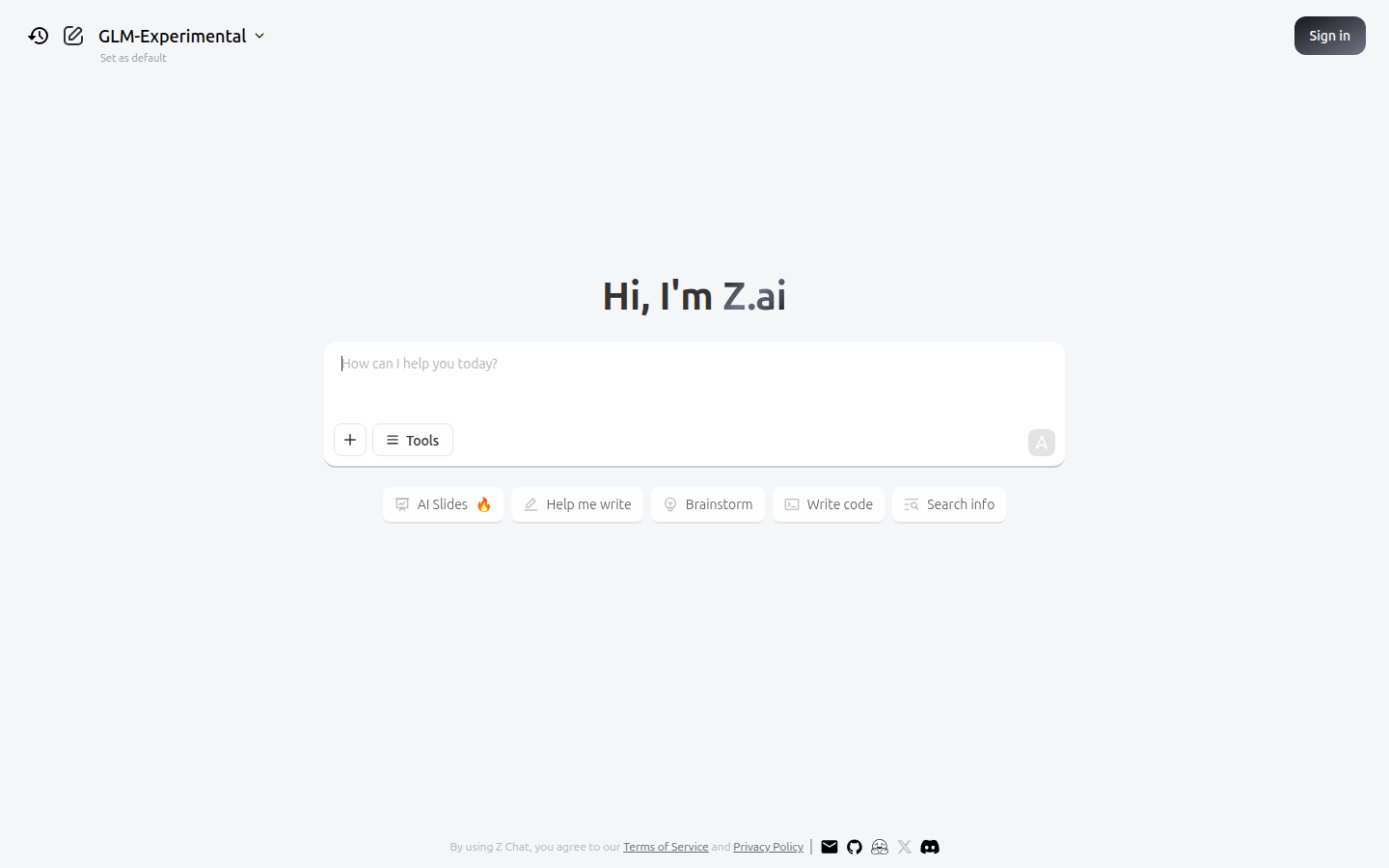
Screenshot archived from the listing page, for preview only.











