
Zipy for Mobile
AI debugging and replay for mobile appsSee what users did before the crash
Highlights
What you can do with it
- Tracking down a crash reported by users
- Reviewing a session replay to find where users get stuck
- Finding the slow API calls behind a sluggish screen
How to use it
- 1 Register and start the free trial
- 2 Add the Zipy SDK to your Flutter or React Native project
- 3 Watch error monitoring populate as the app runs
- 4 Open session replays to inspect user behaviour
- 5 Check API performance and heatmaps, then fix what you find
Who it is for
Pros
- Replay alongside errors shortens the path to a root cause
- Covers performance and behaviour, not only crashes
- Trial available before committing budget
Limitations
- Free trial is limited and continued use needs a paid plan
- Requires SDK integration work inside your codebase
- Monitoring depends on shipping builds that contain the SDK
What Zipy for Mobile is
Zipy for Mobile is an AI-driven debugging tool for mobile applications, aimed specifically at Flutter and React Native developers. The pitch is that several kinds of evidence sit in one place instead of four dashboards. Error monitoring captures crashes, ANRs and other failures in real time. Session replay uses AI to reconstruct what a user did inside the app before something went wrong. API performance monitoring looks at response times, heatmaps show where people tap and scroll, and a page speed tool covers web loading. Stack traces and network logs are available for deeper inspection. The product also integrates with platforms such as Firebase. A free trial is available for teams that want to improve stability and user experience before spending.
What you can do with it
- Capture crashes, ANRs and other errors in real time
- Replay a user session to see the steps leading up to a problem
- Monitor API response times and spot slow endpoints
- Read heatmaps to understand where users actually interact
- Use stack traces and network logs for deeper debugging
Who it is for
- Flutter and React Native developers maintaining a live app
- Teams that need to connect a user complaint to a technical cause
- Engineering leads watching stability and performance trends
What to watch out for
The free trial is limited and continued use needs a paid plan, so check what the trial covers in terms of sessions and retention before you rely on it during an incident. Integration is real work: the SDK has to be added to your project and shipped in a build before any data appears, which means it will not help with a problem in the version currently in the store. Replays and logs also carry user data, so think about privacy and retention settings before you switch everything on in production.
FAQ
Which frameworks does it support?
It is built specifically for Flutter and React Native developers.
What does session replay show?
It replays user behaviour inside the app so you can see what happened before an error.
Is there a free trial?
Yes, a free trial is offered for teams evaluating the platform.
Why it is free
What the official page says: free trial
Free limits, trial length and features are decided by the official site and can change at any time.
Product preview
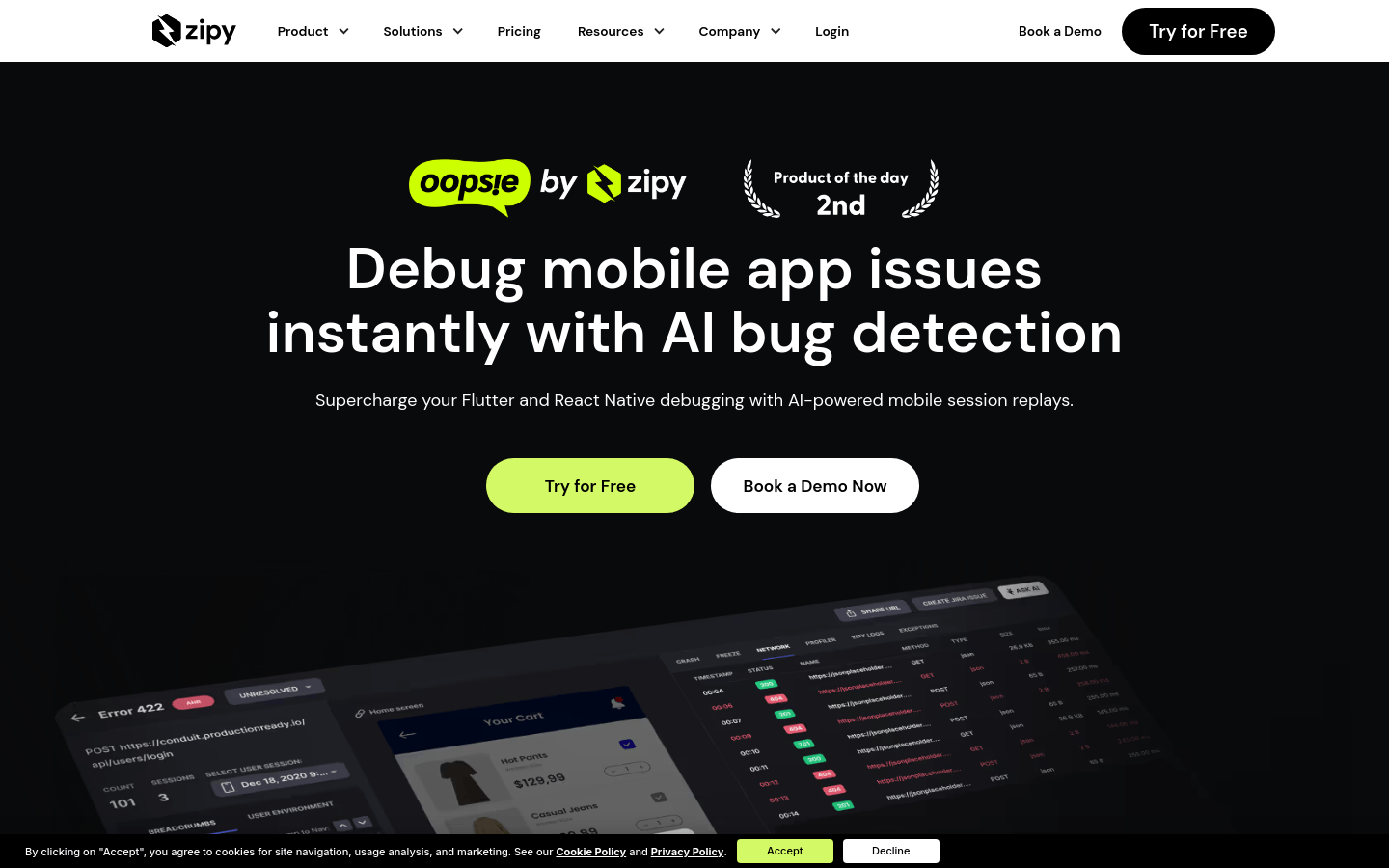
Screenshot archived from the listing page, for preview only.











